How to point your domain to another Webfactory product
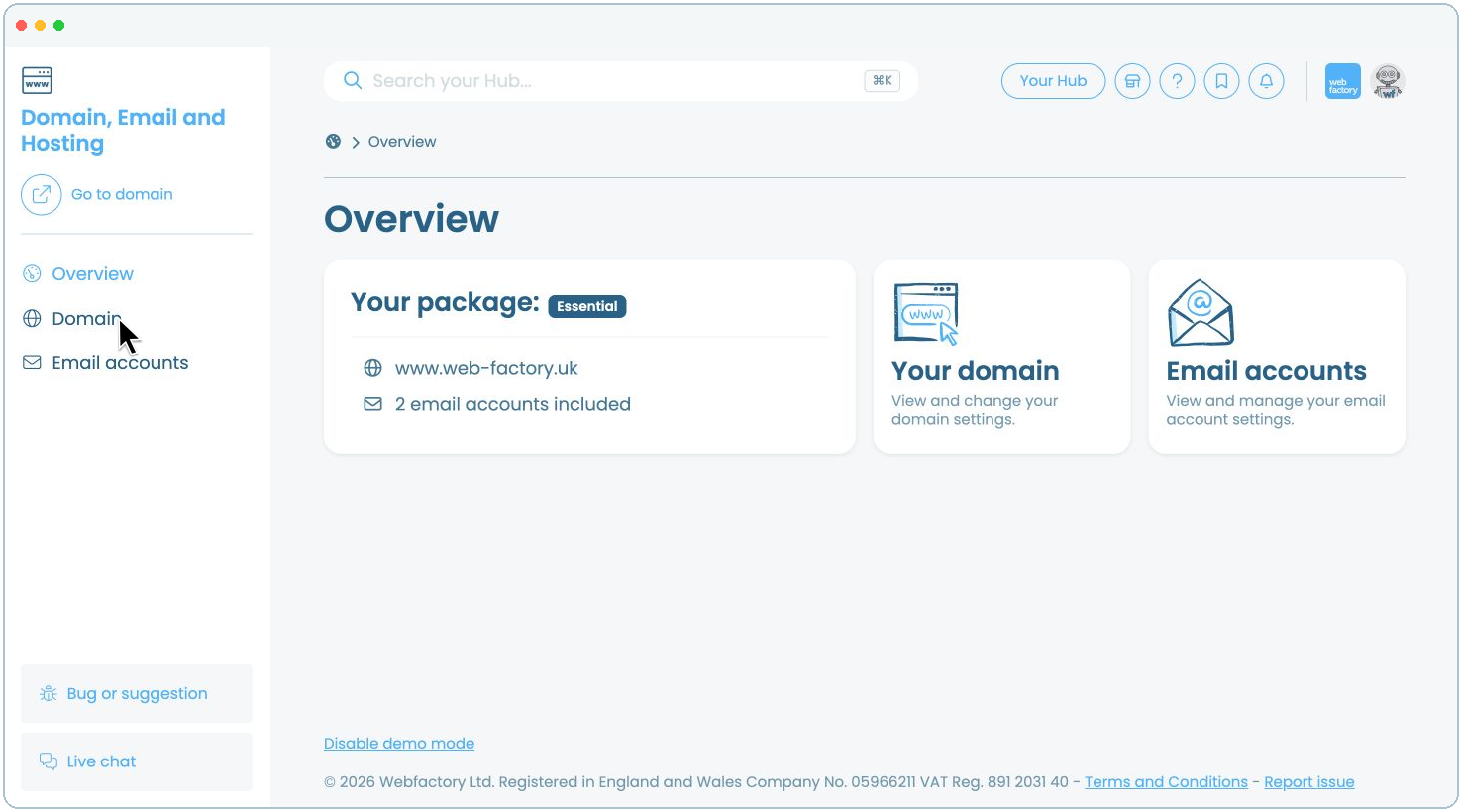
In this article, we'll guide you through pointing your Webfactory-hosted domain to another Webfactory product in your account.
Step 3
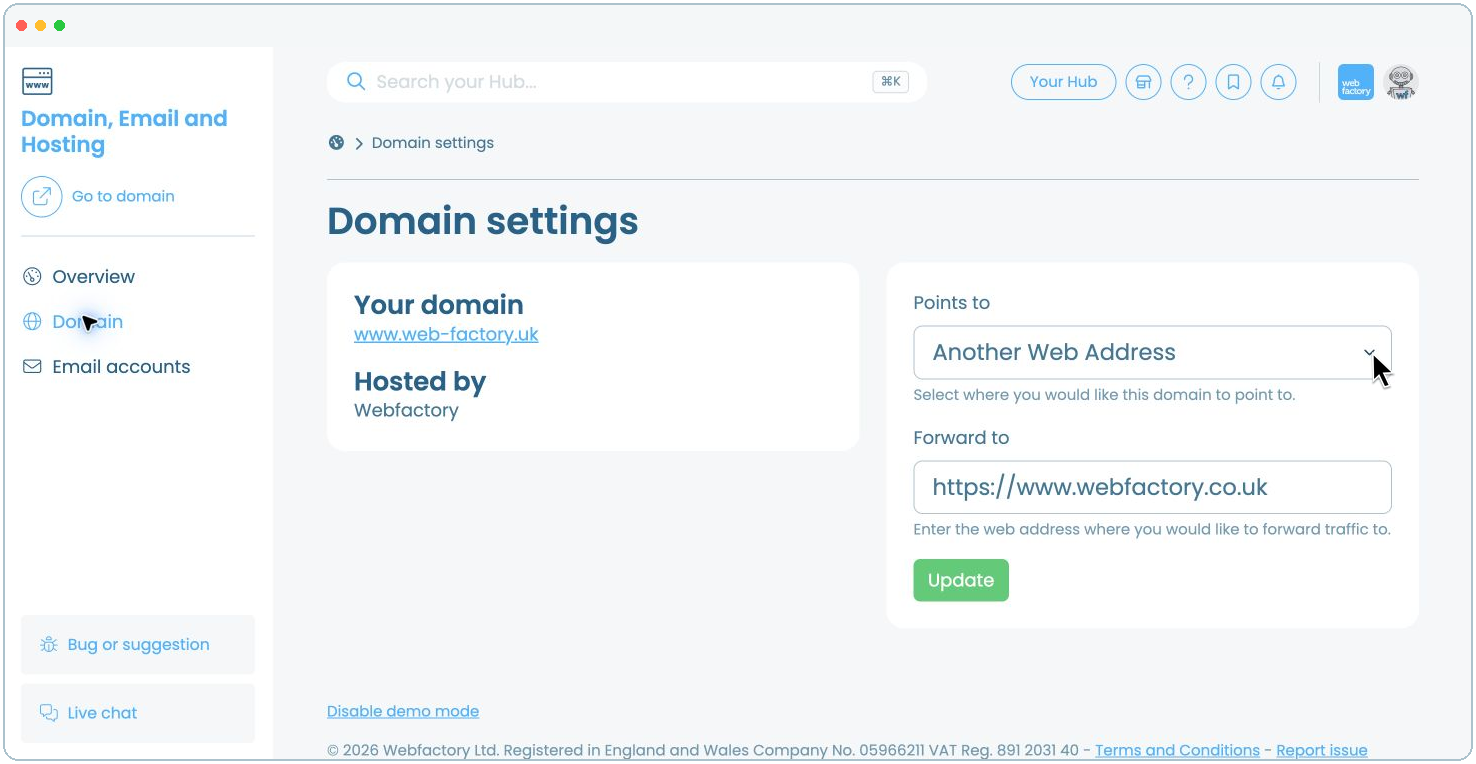
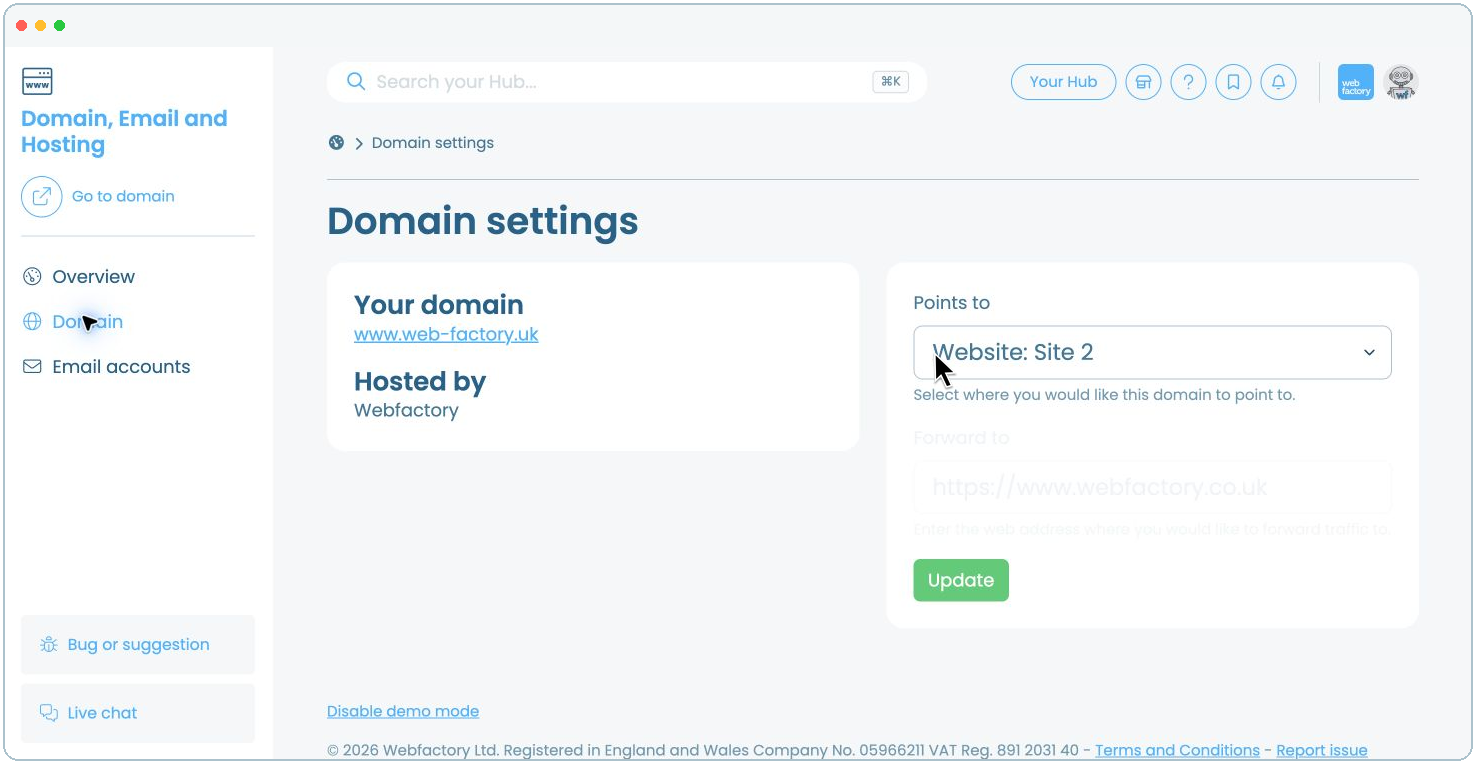
Select the Webfactory product you want the domain to point to. Products in your account are labelled by type, such as Website, Domain or Knowledge Base.
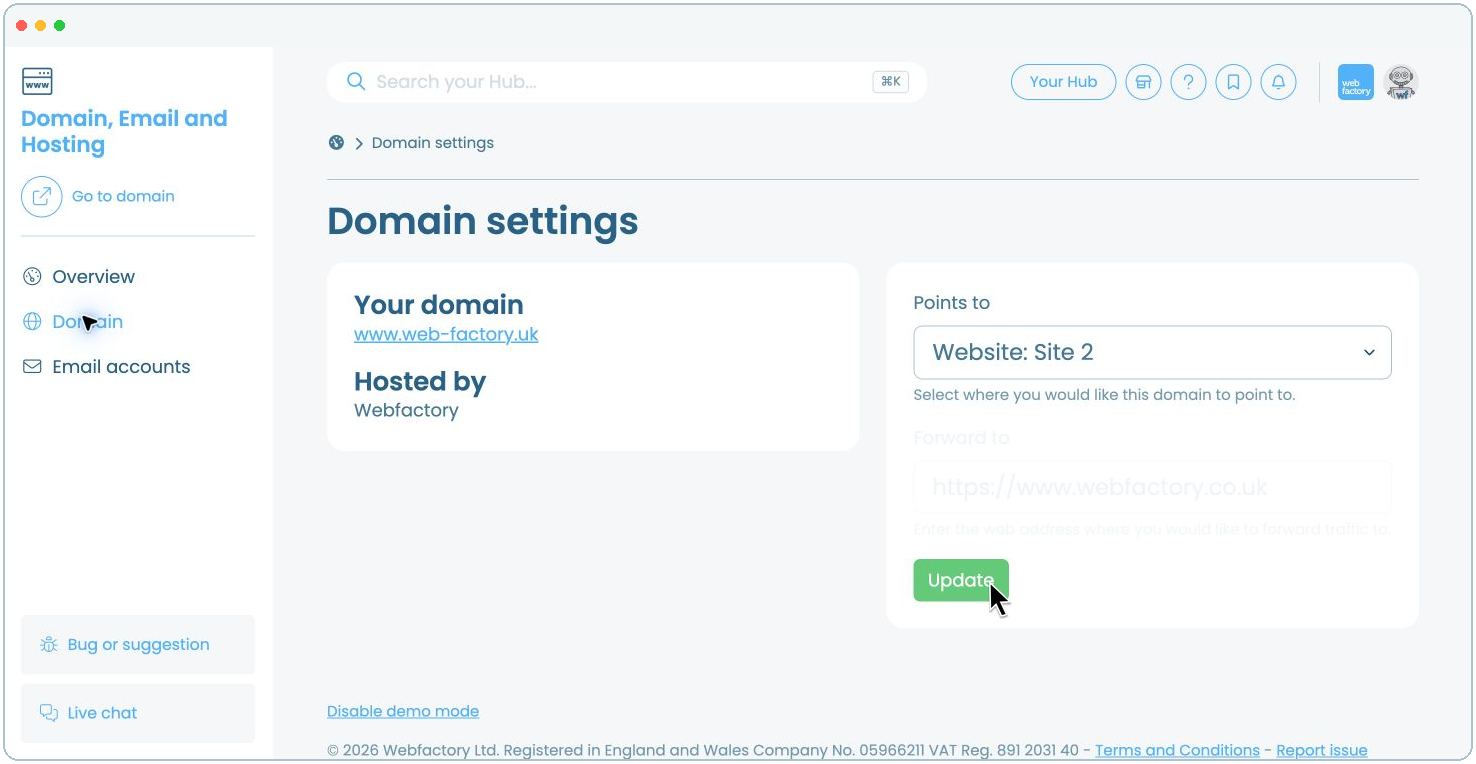
In this example, we want to connect it to our second website, so we select Website: Site 2.
Related articles
- How to add additional domains to your website
- How to add or update CAA records to your domain name
- How to choose where your domain points
- How to configure your externally hosted domain
- How to transfer a .com, .net or .org domain to us
- How to transfer a .uk domain to us
- How to transfer your domain from Webfactory to a different domain host
- Introduction to your Domain, Email and Hosting product