How to choose where your domain points
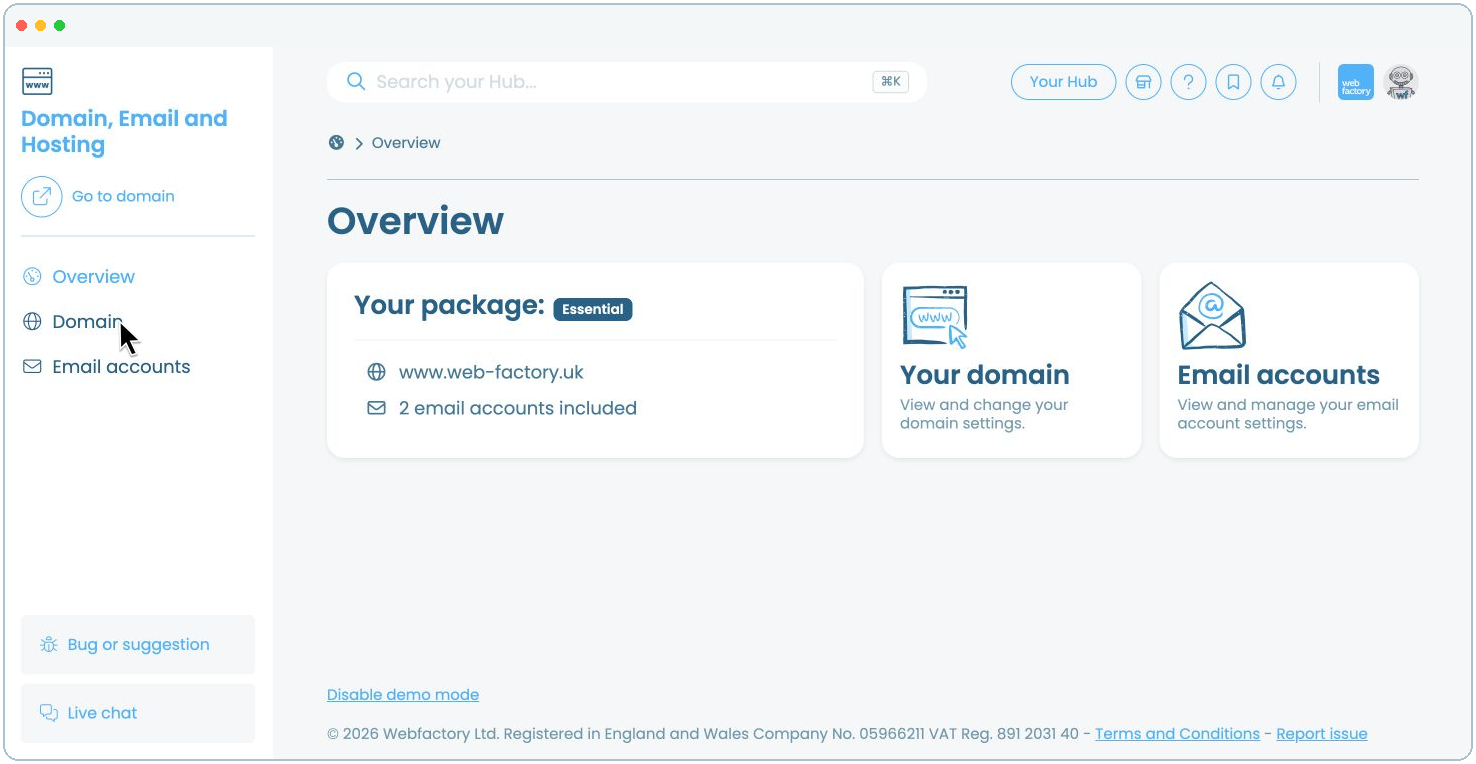
In this article, we'll guide you through choosing where your Webfactory-hosted domain points.
Step 2
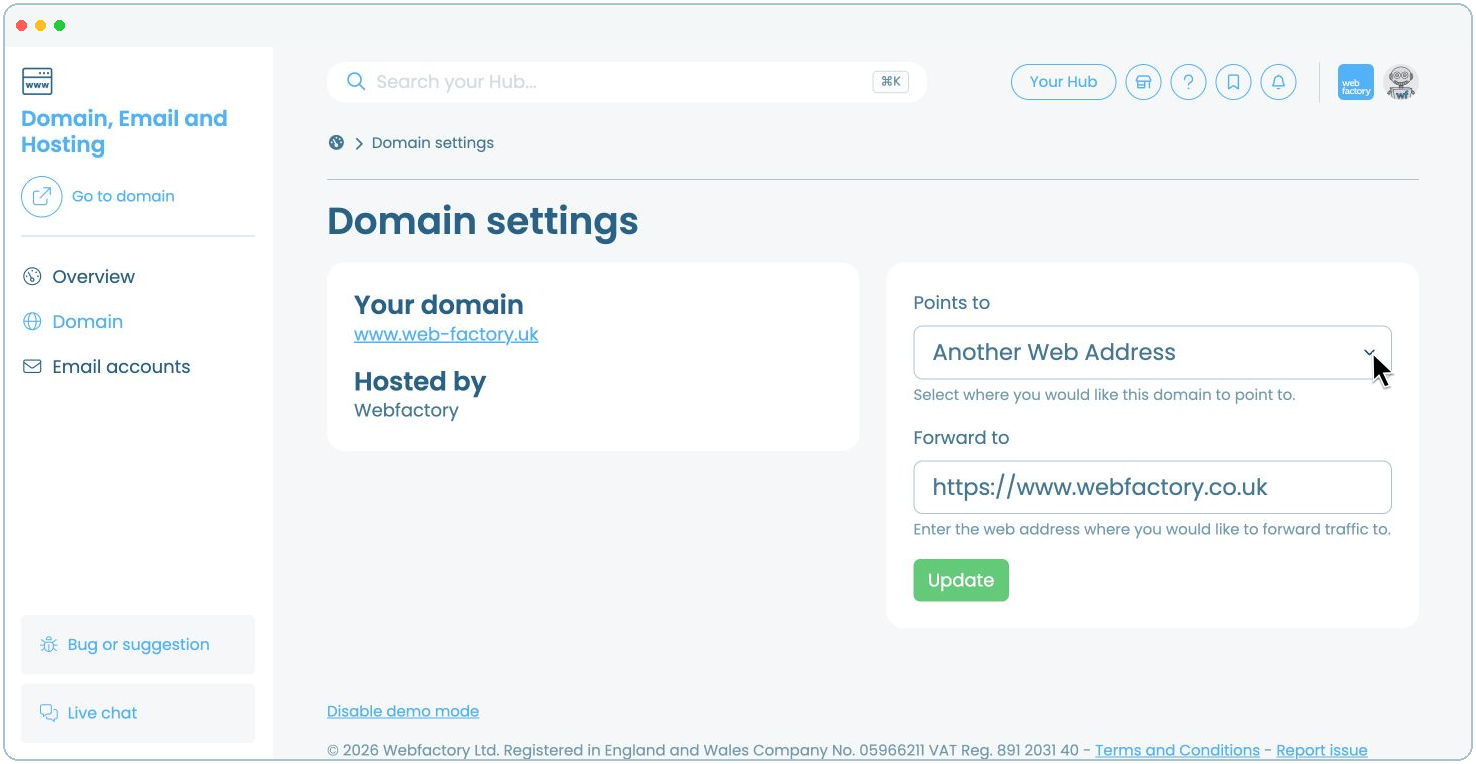
Open Points to and select the destination. Choose Holding Page, Another Web Address, or one of the websites, domains or knowledge bases listed in your account.
Step 3
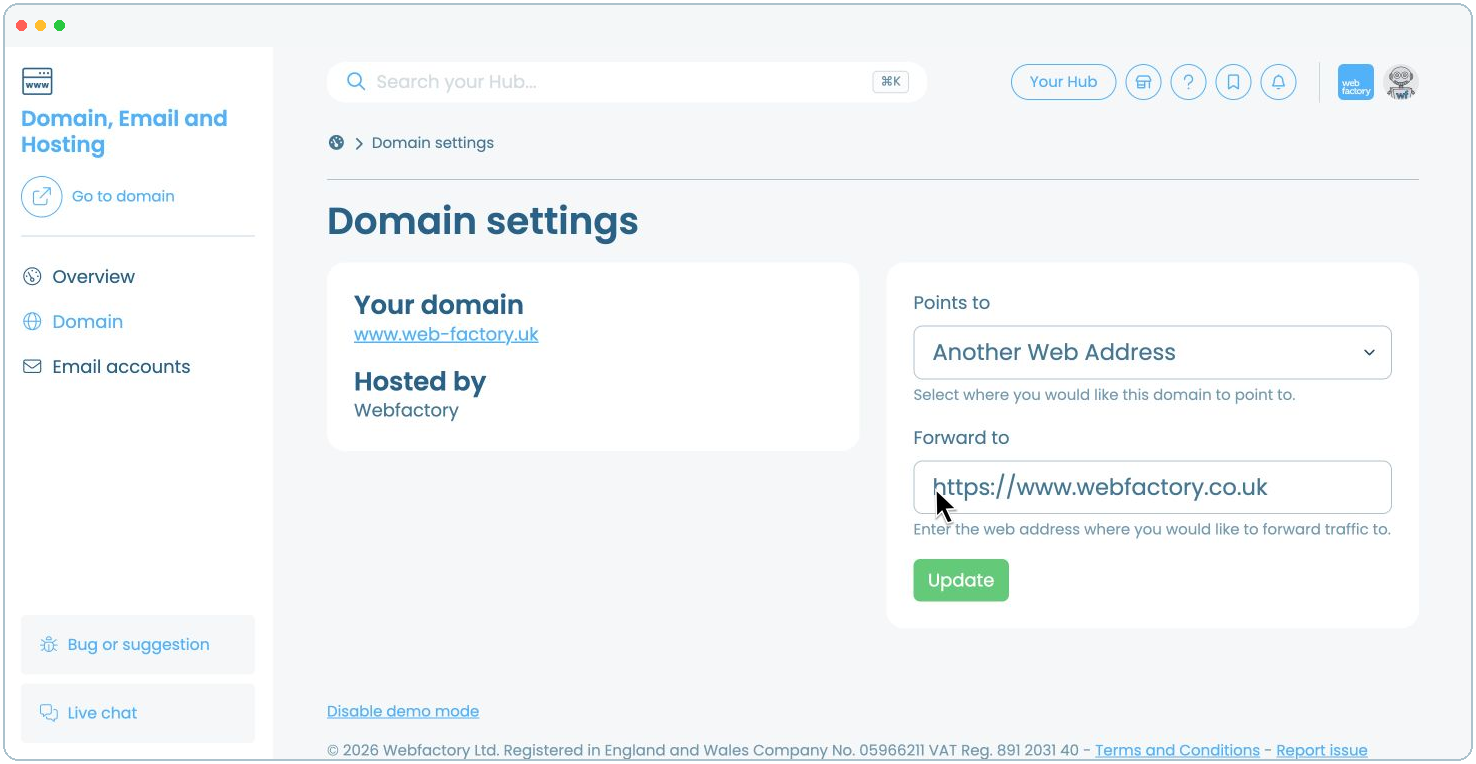
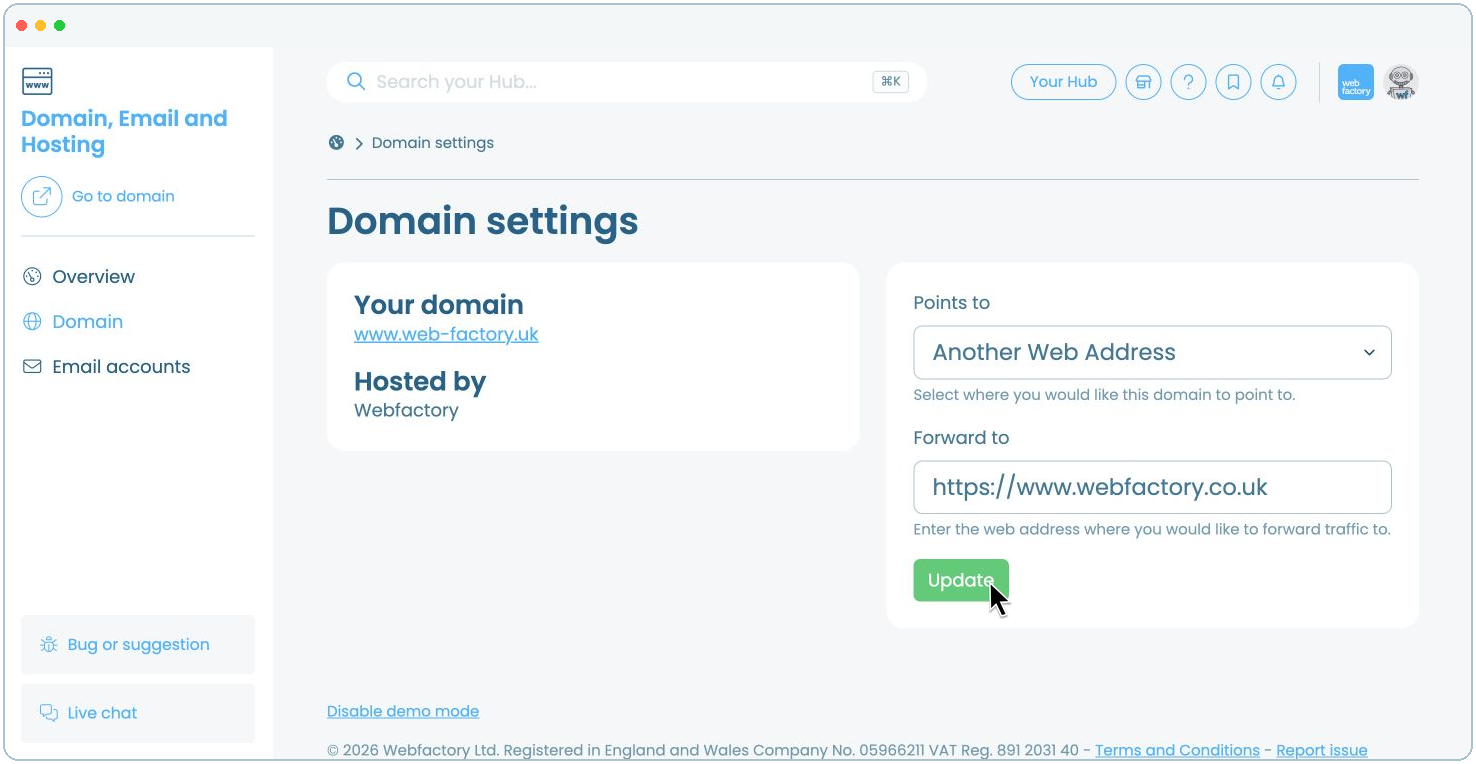
If you select Another Web Address, enter the full destination URL in Forward to, including *https://*.