What is a custom favicon upgrade?
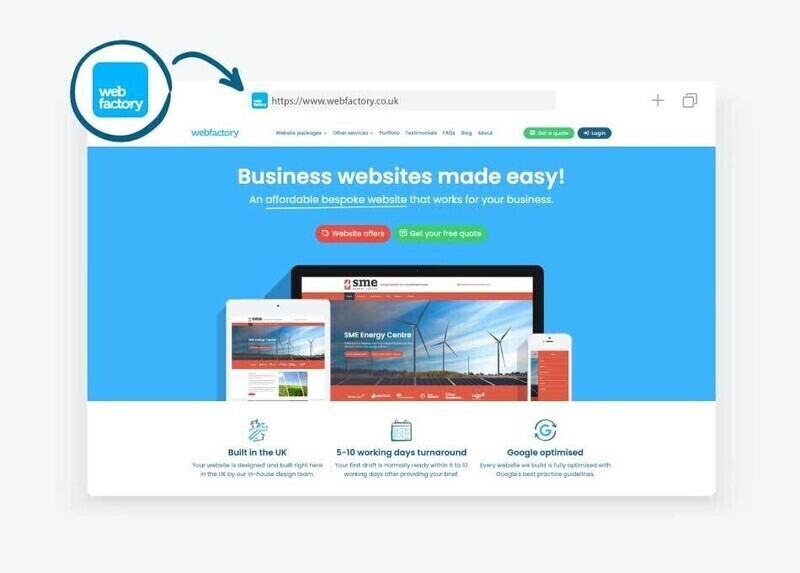
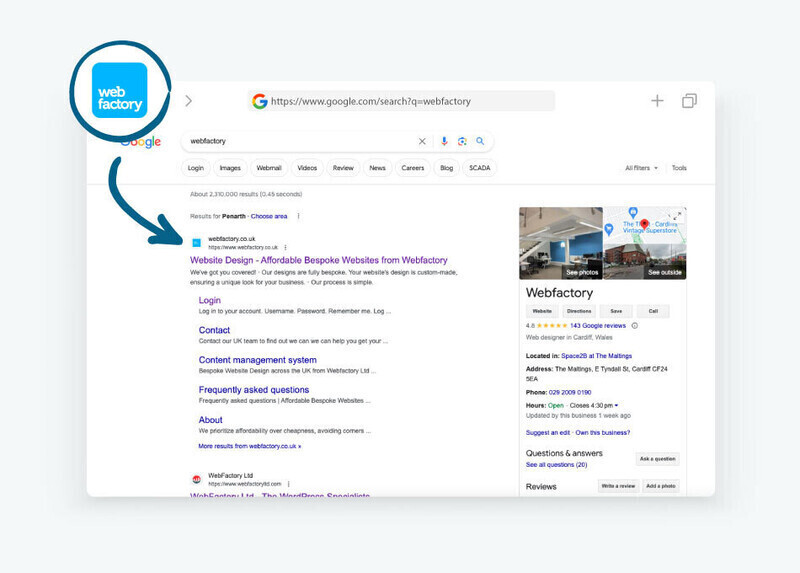
A favicon, short for favourite icon, is the small image shown in browser tabs, bookmarks and some search results. It normally uses a simplified version of a logo or another recognisable part of a brand.
The Custom favicon design upgrade gives you a professionally prepared favicon that remains clear at very small sizes.
Why choose a custom designed Favicon?
While you can upload your own favicon if you already have one, not every image or logo will work well when scaled down to such a small size.
Choosing our Favicon design upgrade gives you the benefit of having a graphic designer:
- create a favicon specifically tailored to your brand,
- ensure it looks good across all browsers and devices,
- adapt your logo (if necessary) to make sure it works well at all sizes.
How to request a Favicon design (Upgrade)
In the website editor, go to the 'Upgrades' section.
Find and select 'Favicon design'.
Read the description and terms before proceeding.
Click 'Add now' to confirm the upgrade.
You’ll receive a confirmation email outlining the next steps.
Once our designers have created your custom favicon, we’ll take care of uploading and applying it to your website for you. You can also check our support article on How to add a Favicon to do it yourself.