How to download data from your Webshop
In this article, we'll guide you through downloading order, stock, customer contact and product data from your Webshop.
Step 1
In Website Manager, select 'Webshop'.
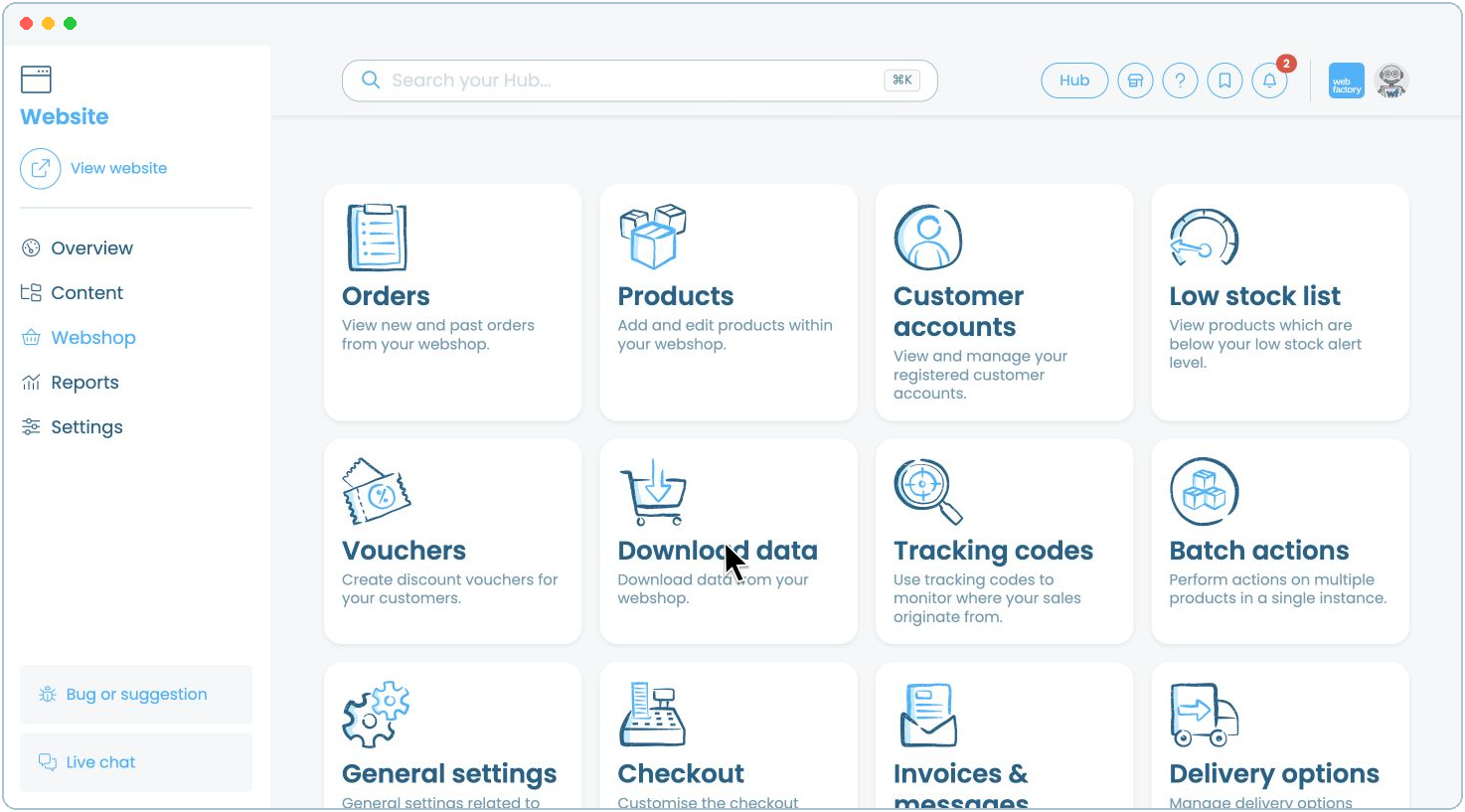
Step 3
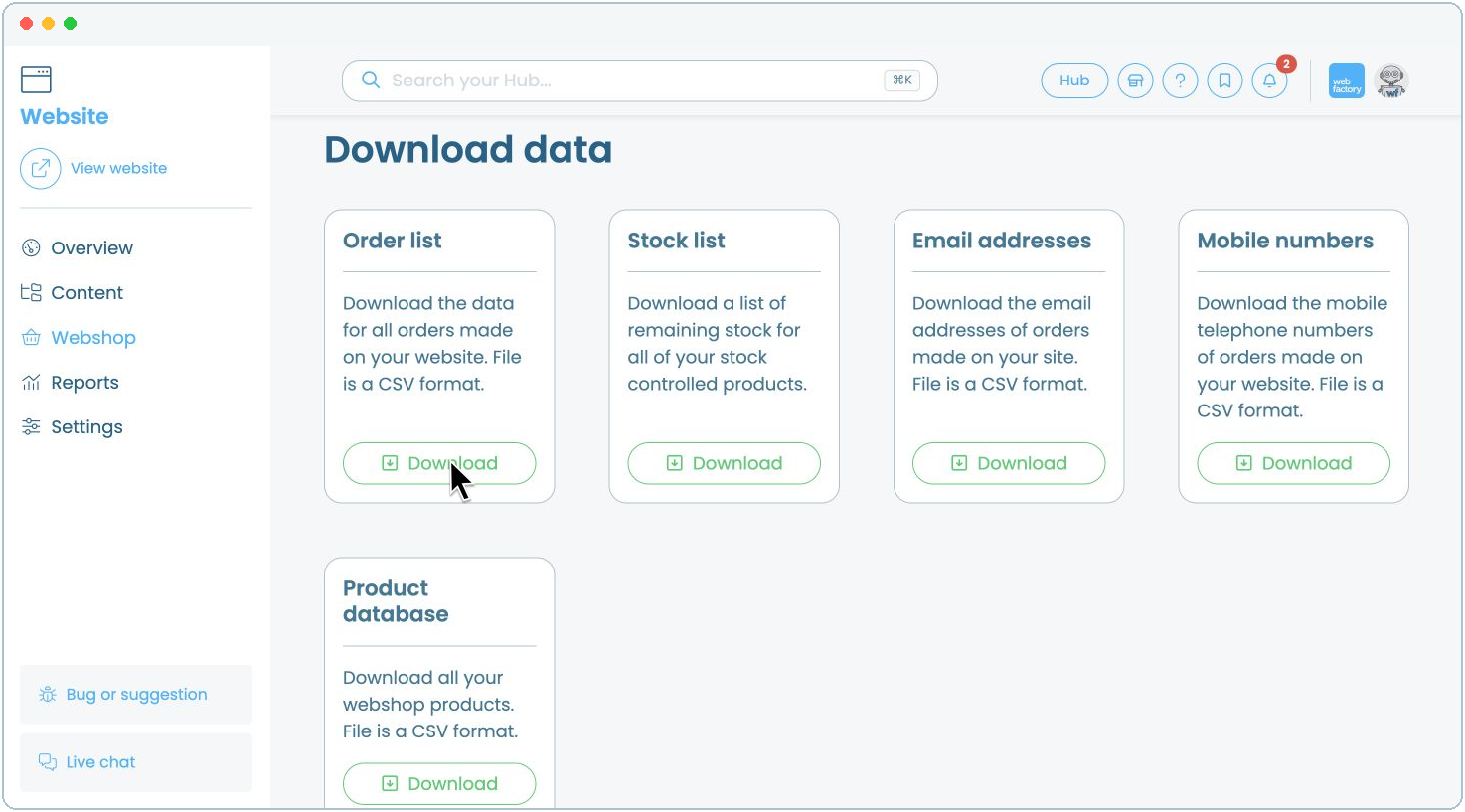
Select 'Download' beneath the data you want to export:
- Order list: all orders made on your website.
- Stock list: remaining stock for your stock-controlled products.
- Email addresses: email addresses from Webshop orders.
- Mobile numbers: mobile numbers from Webshop orders.
- Product database: all Webshop products.
Order, email address, mobile number and product database exports are supplied as CSV files. For more information about contact exports, see how to export a list of your customers' contact details.
Step 4
The file will download to your device.