Why isn't my vacancy appearing on Google Jobs?
Adding Google Jobs information makes a vacancy eligible to appear, but Google does not guarantee inclusion or control how quickly it is shown. Use the checks below if a vacancy is not appearing.
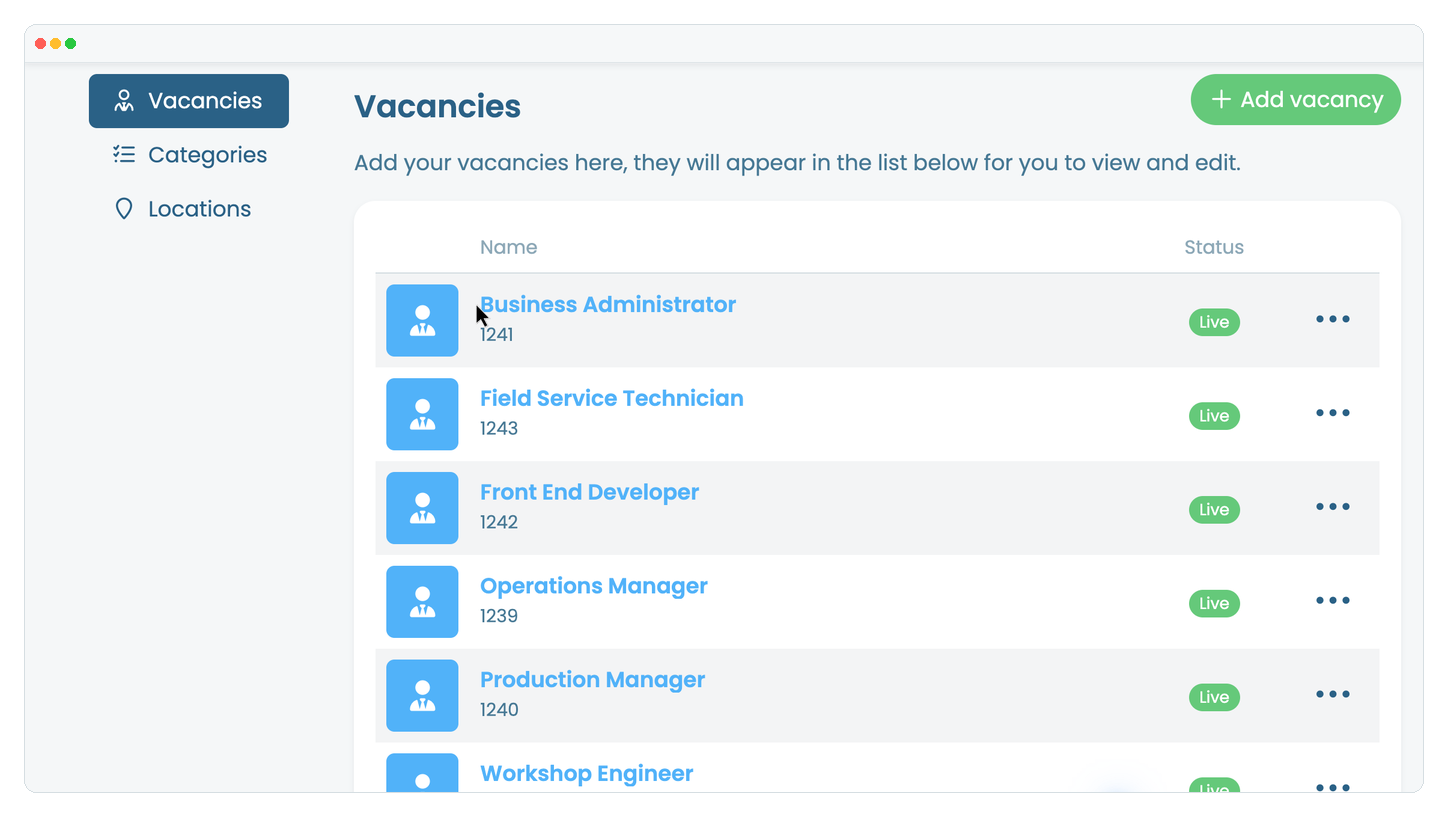
In the website editor, go to 'Content', select 'Pages', open the page that displays your vacancies, then open the affected vacancy.
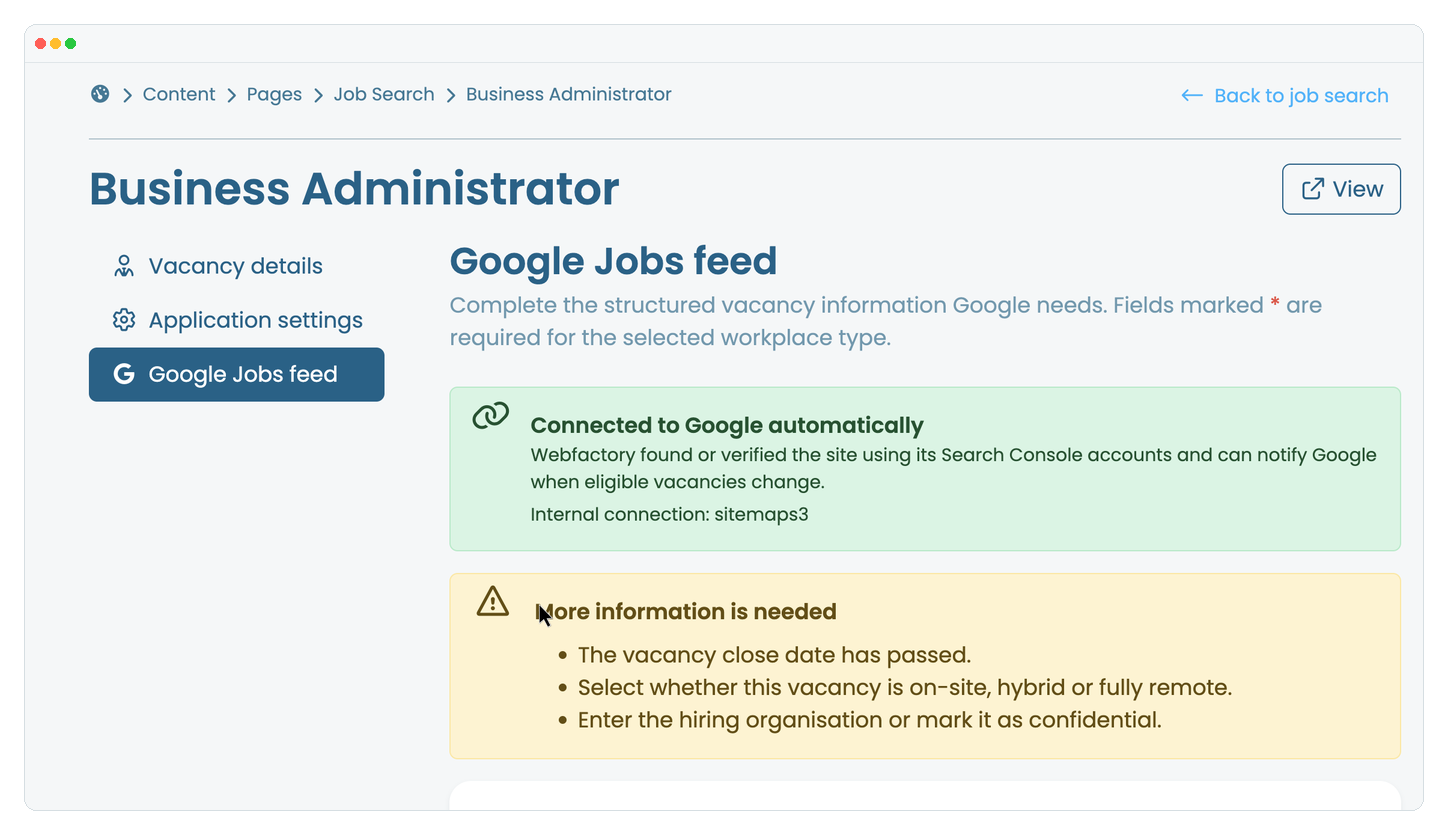
Select the 'Google Jobs feed' tab and confirm the page shows 'Connected to Google automatically'. If it does not, contact Webfactory Support.
Open 'Vacancy details' and confirm the vacancy is live, its closing date has not passed, and its title, full description and date added are complete.
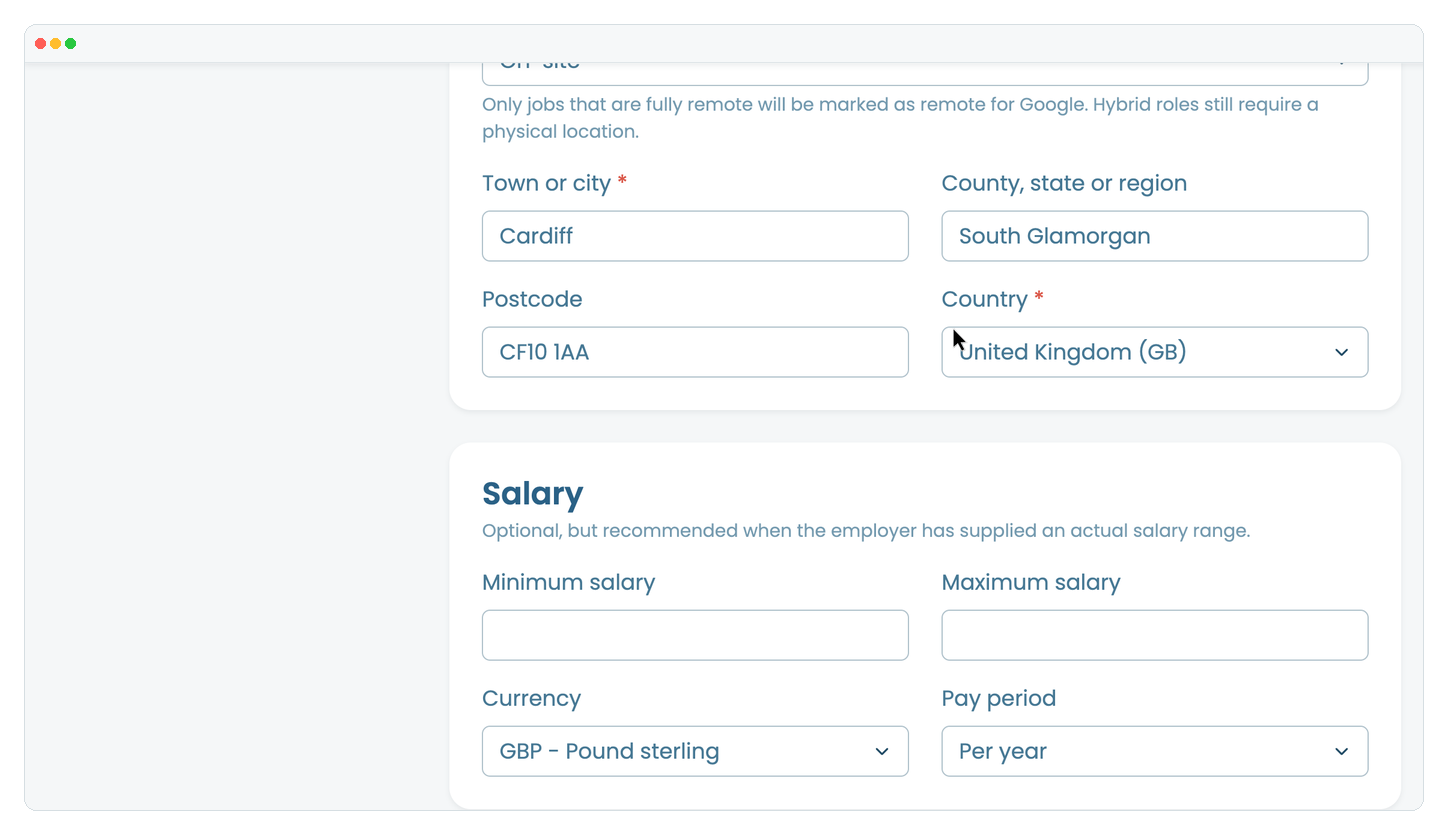
Return to 'Google Jobs feed' and complete the hiring organisation, workplace type and location. Fully remote roles require the country where applicants may be based.
Make sure 'Exclude this vacancy from Google Jobs' is switched off, then click 'Update Google Jobs feed'.
Allow several days for Google to crawl and process the vacancy. If it still does not appear and the page shows no warnings, contact Webfactory Support and include the vacancy URL. Google decides whether and when eligible vacancies appear.