How to exclude a vacancy from Google Jobs
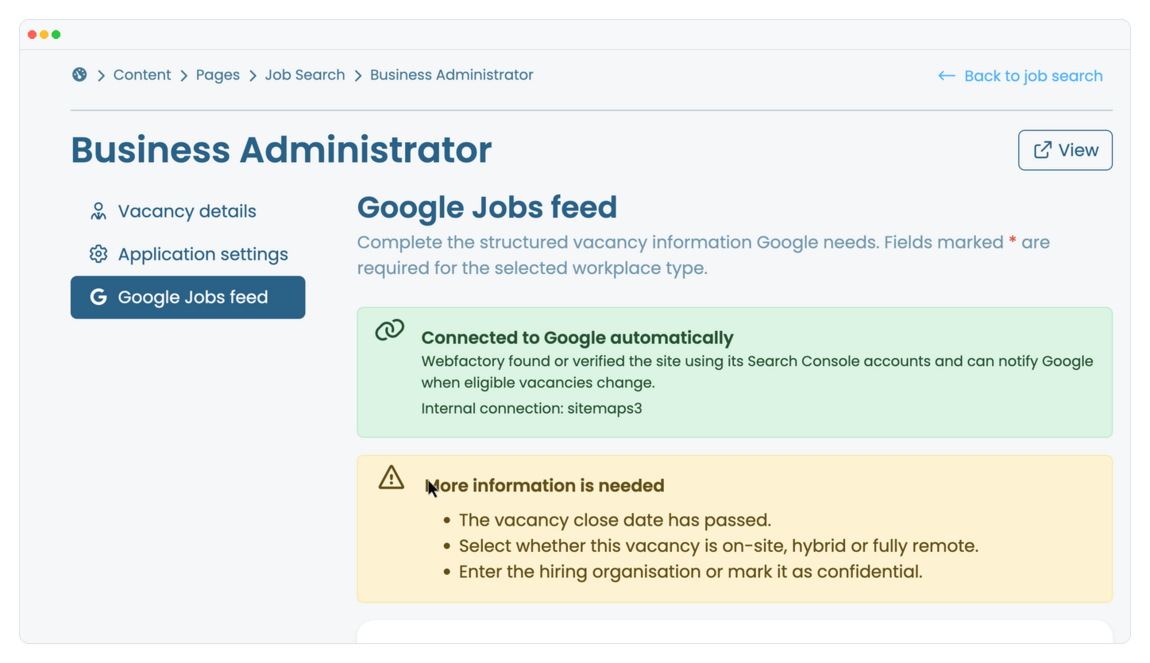
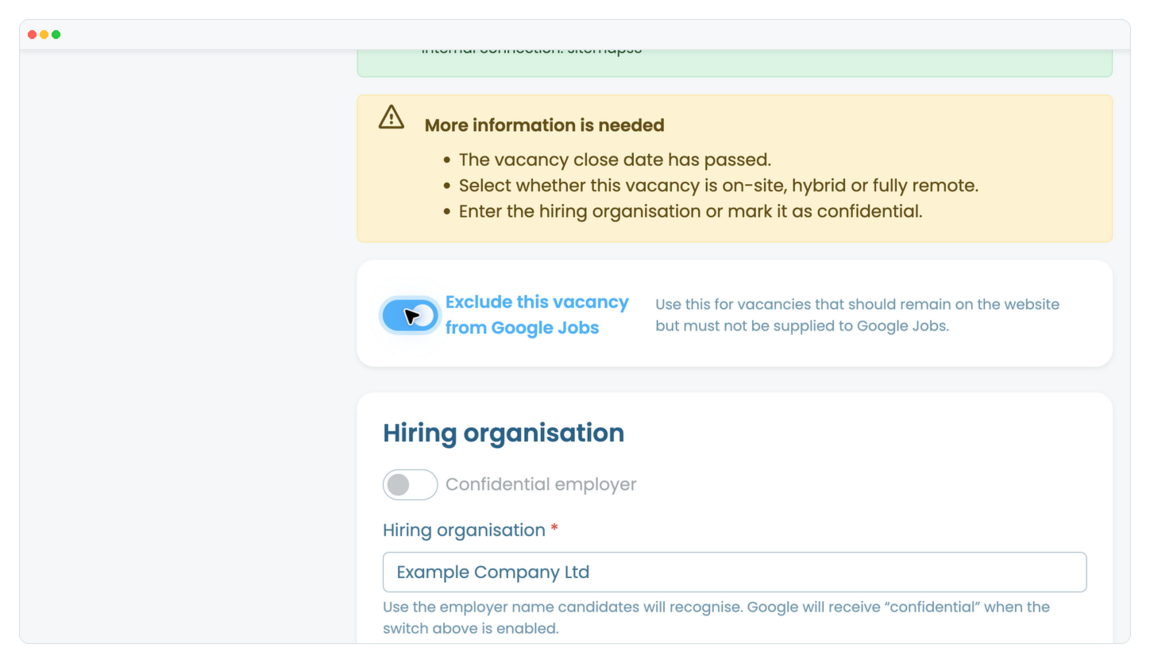
Use this option when a vacancy should remain visible on your website but must not be supplied to Google Jobs. Excluding it does not hide or remove the vacancy from your recruitment website.
Step 1
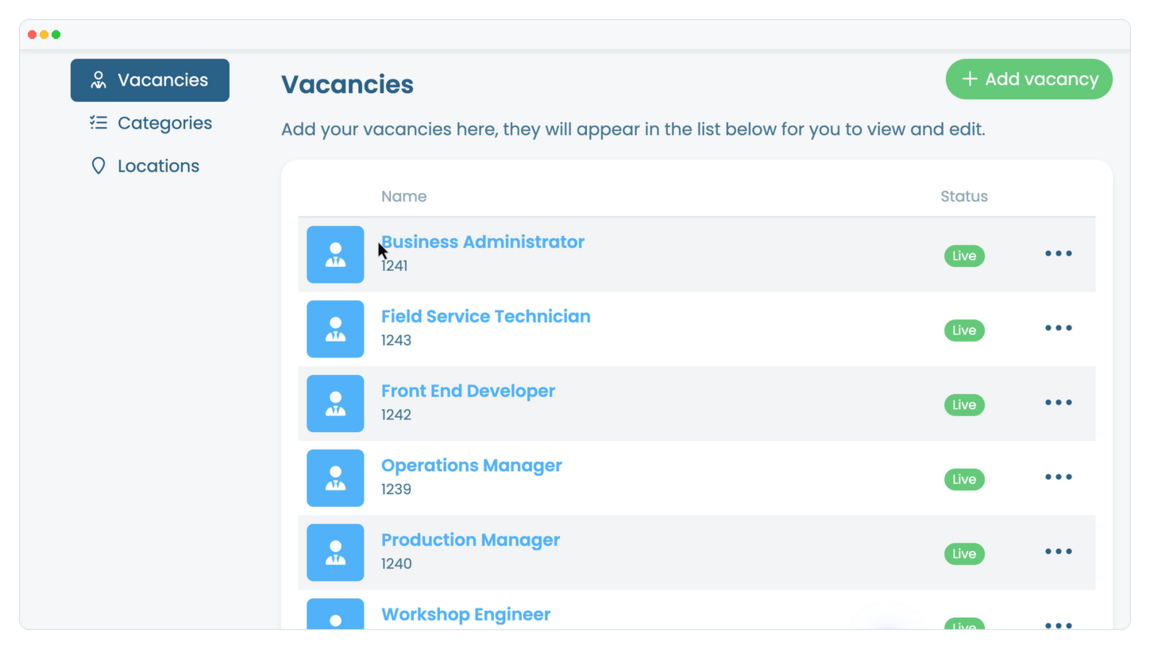
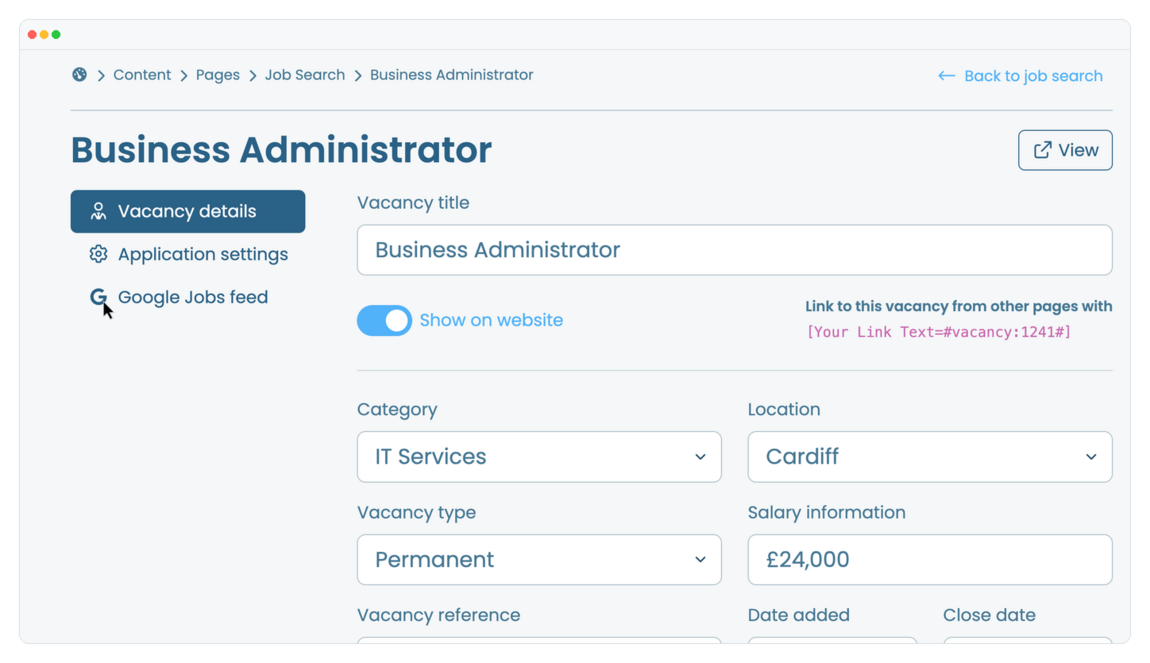
In the website editor, go to Content, select Pages, then open the page that displays your vacancies.
Step 5
Click Update Google Jobs feed. Webfactory will notify Google of the change, but removal from Google may not be immediate.
Step 6
To include the vacancy again later, switch the option off, complete any required Google Jobs information, then click Update Google Jobs feed again.