How to set up Google Jobs for a vacancy
This article explains how to supply a vacancy to Google Jobs using the Google Jobs feed upgrade. Before you begin, make sure the vacancy is live and that its title, full description, date added and closing date are correct in Vacancy details.
The Google Jobs feed is only available if the Google Jobs feed upgrade has been added to your website. If you do not have this upgrade yet, follow how to add upgrades to your website to request it.
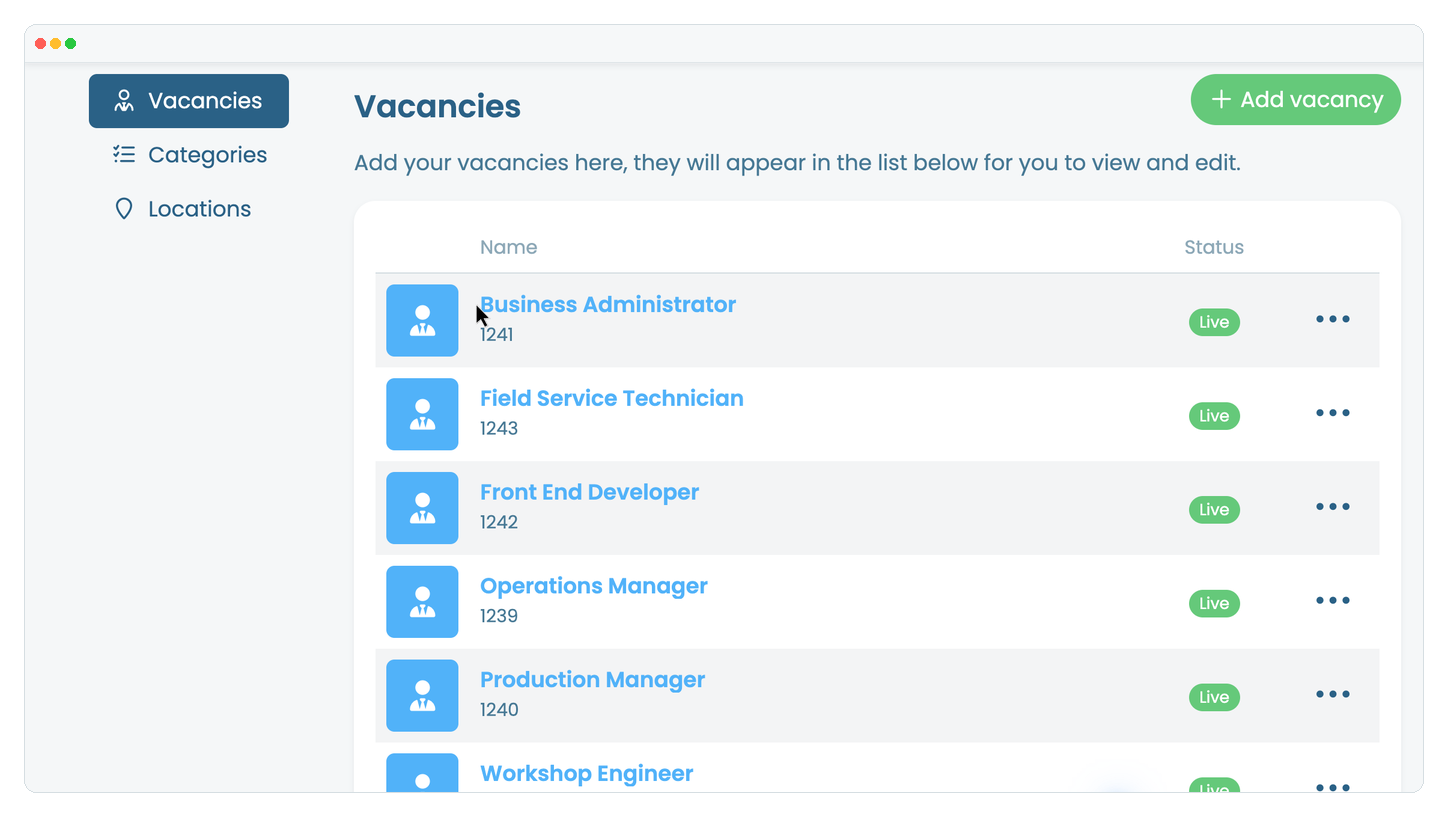
In the website editor, go to Content, select Pages, open the page that displays your vacancies, then select the vacancy you want to supply to Google Jobs.
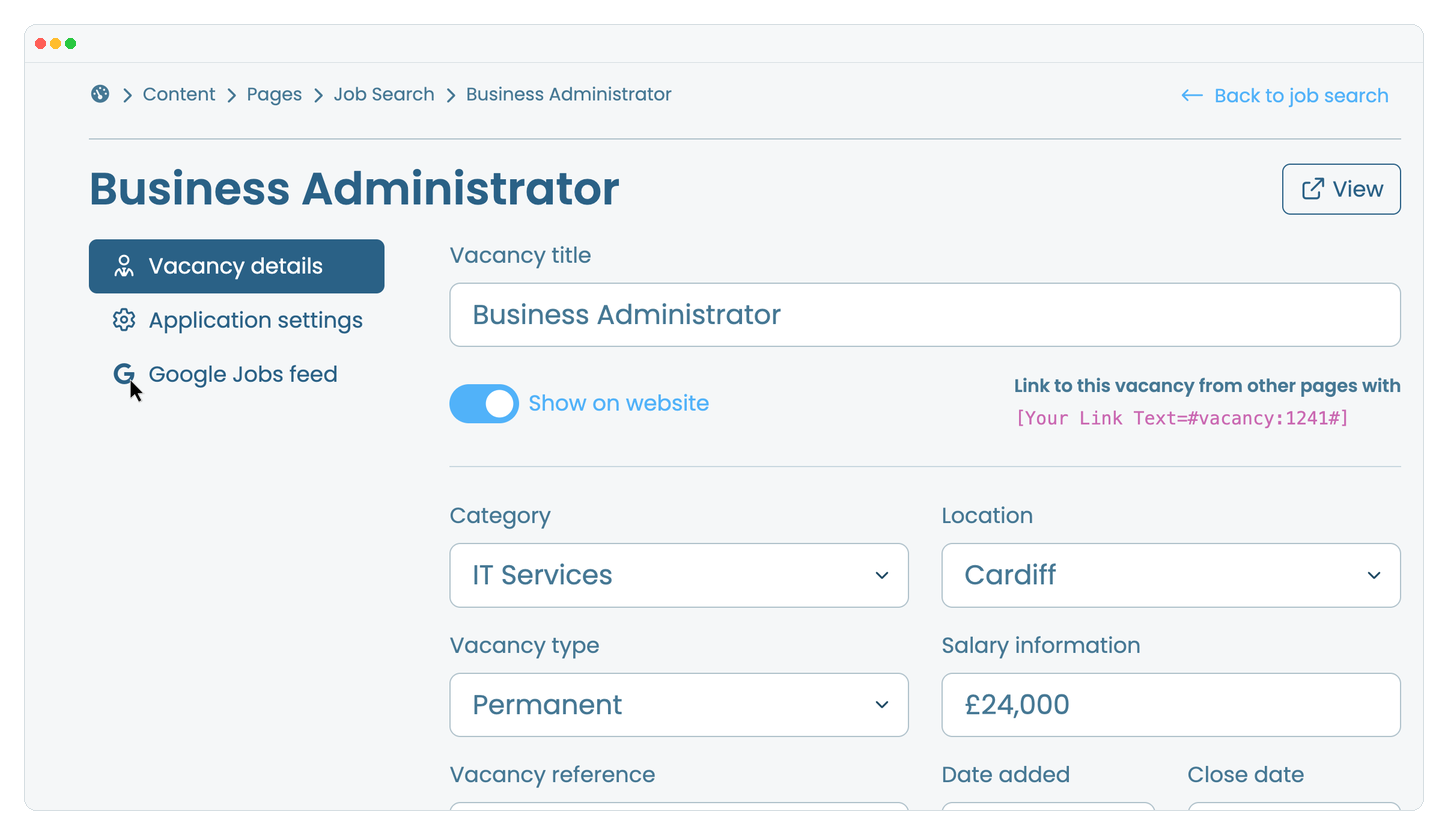
Check the status at the top of the page. If More information is needed appears, correct every item shown before continuing.
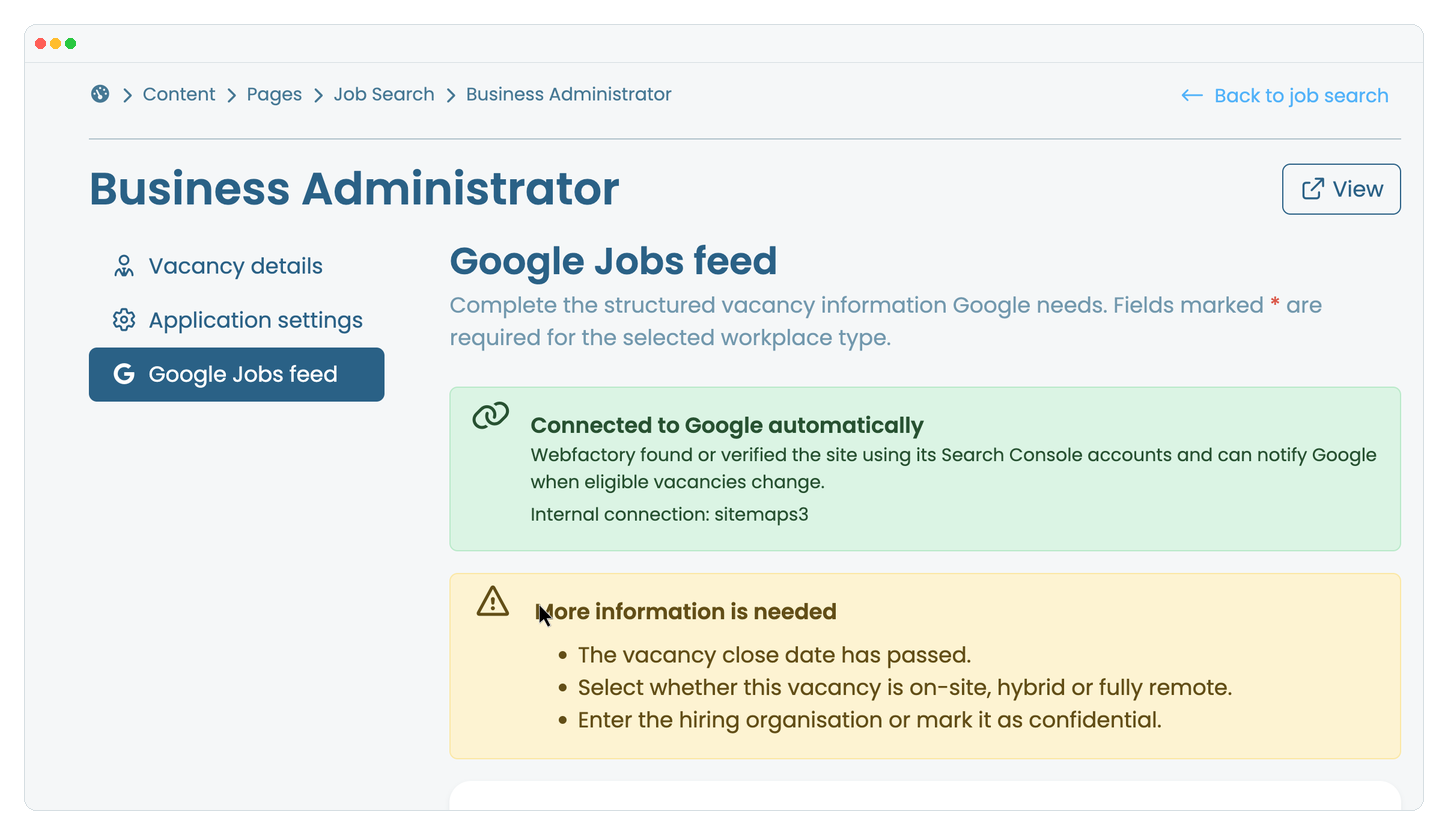
Enter the hiring organisation candidates will recognise. If the employer must remain private, enable Confidential employer instead.
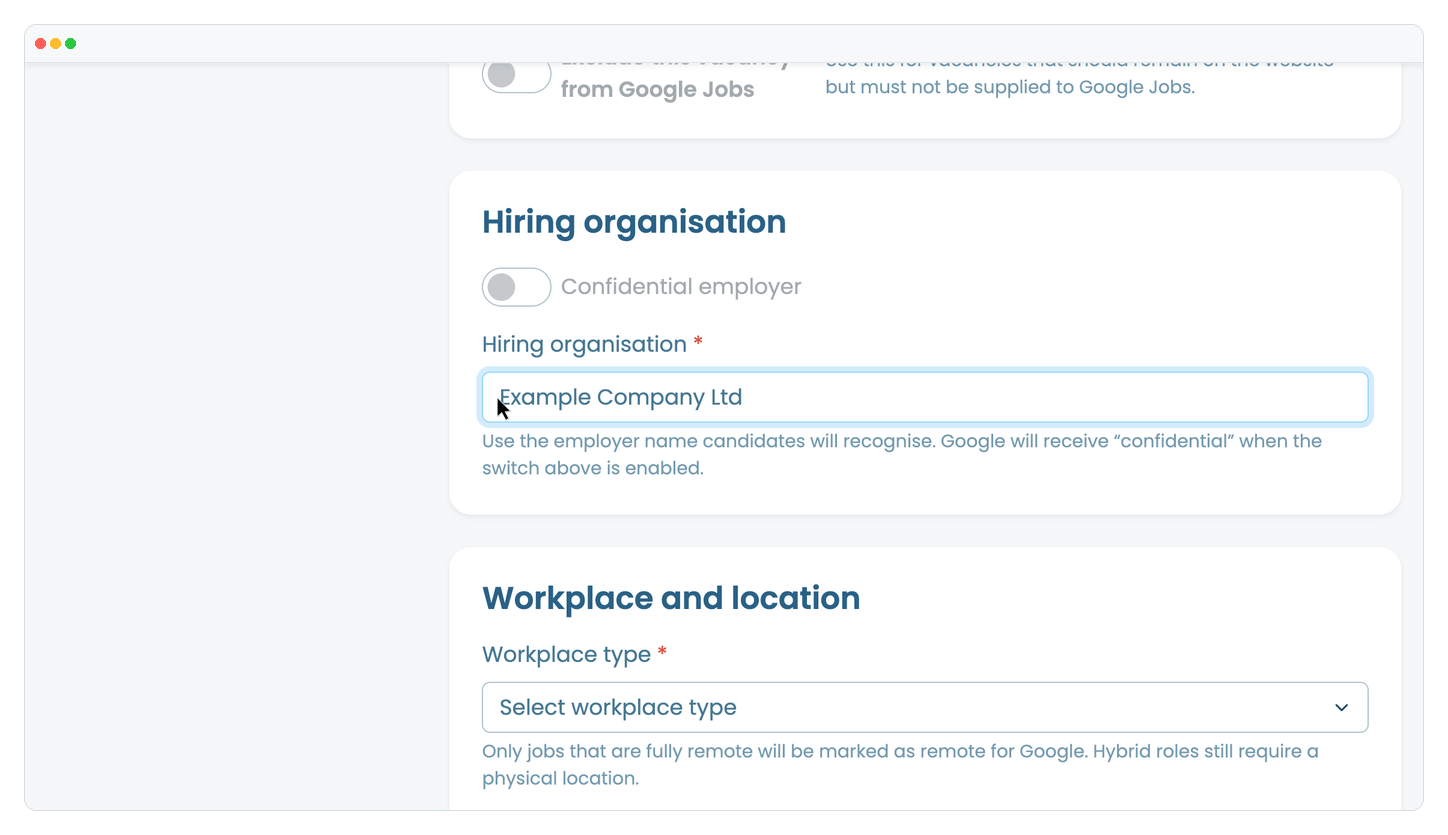
Choose the workplace type. For an on-site or hybrid role, enter the town or city and country. For a fully remote role, select the country where applicants may be based.
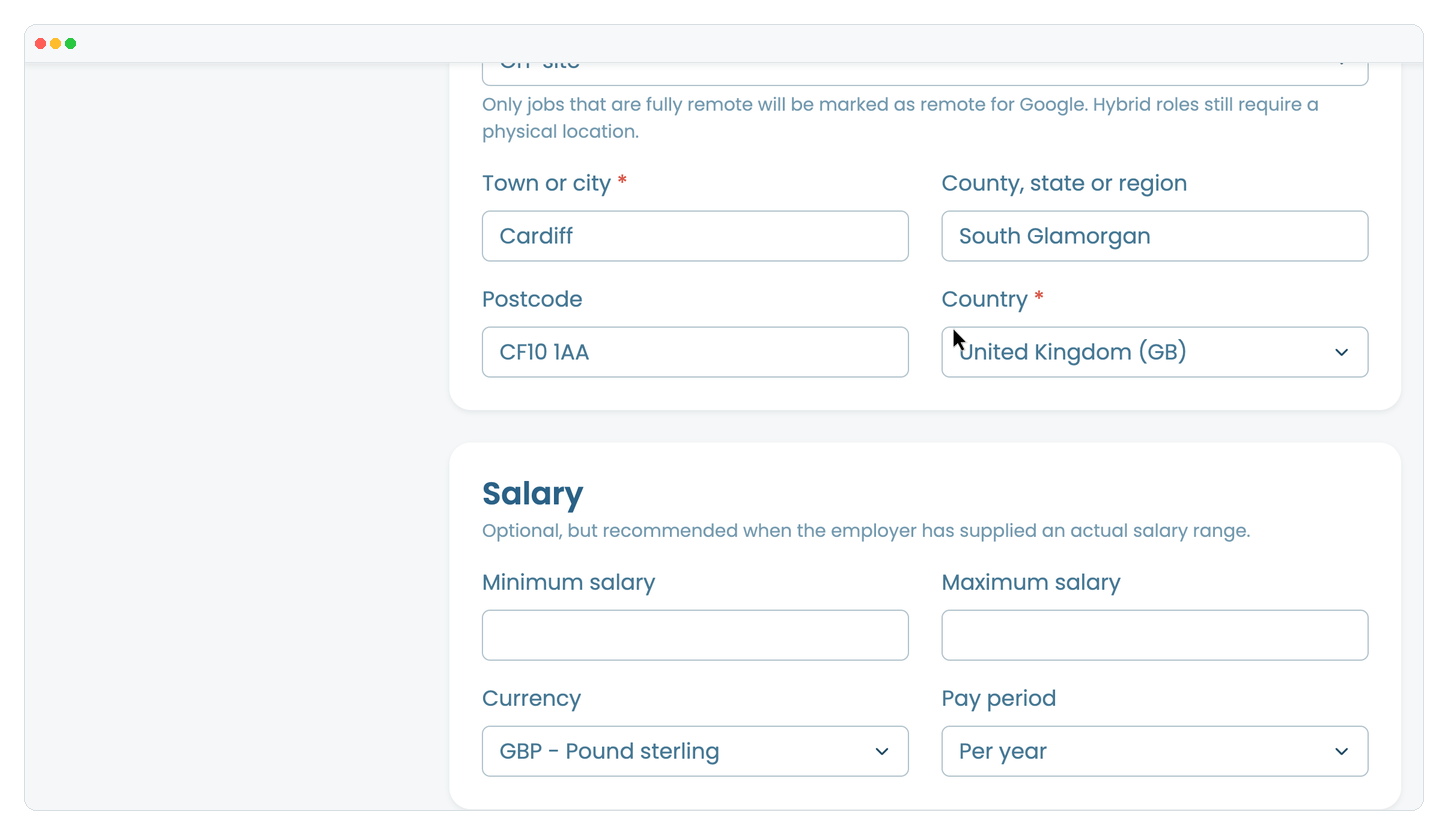
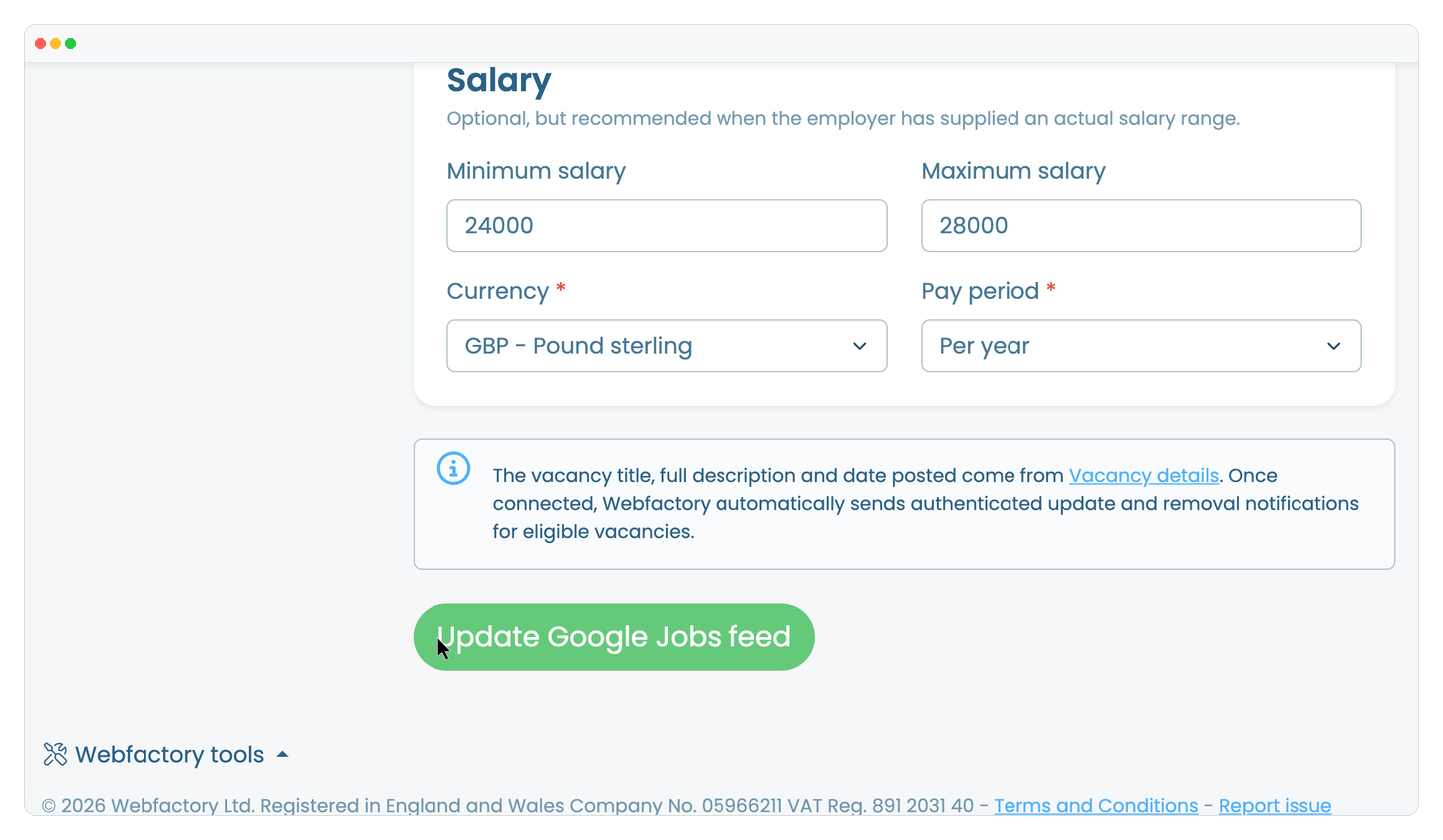
If the employer has supplied an actual salary range, enter the minimum and maximum salary, currency and pay period.
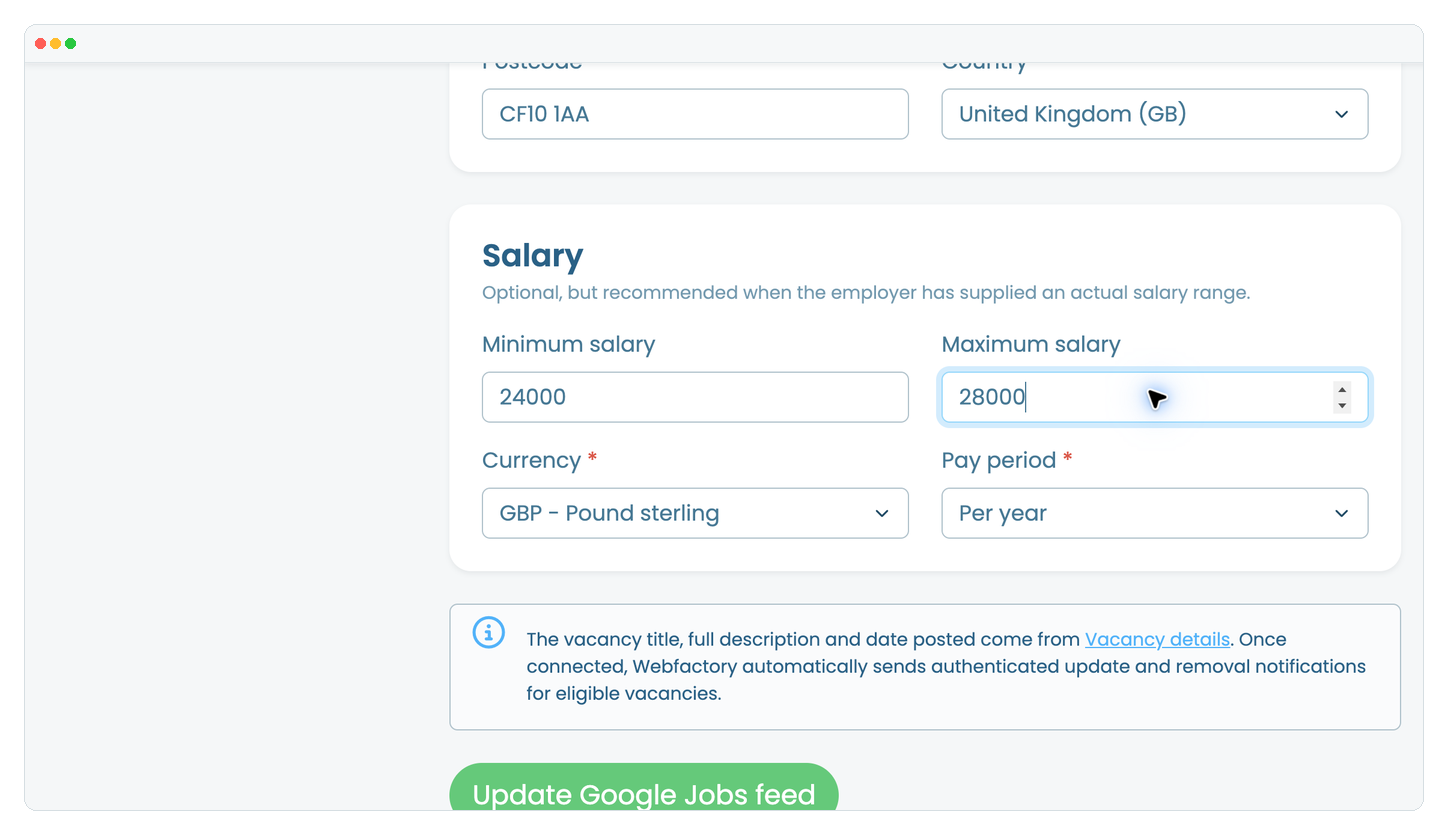
Click Update Google Jobs feed. Webfactory will automatically notify Google when an eligible vacancy is added, updated or removed. Google decides whether and when the vacancy appears, so allow several days for crawling and processing.