How to add a tabbed price list to a website page
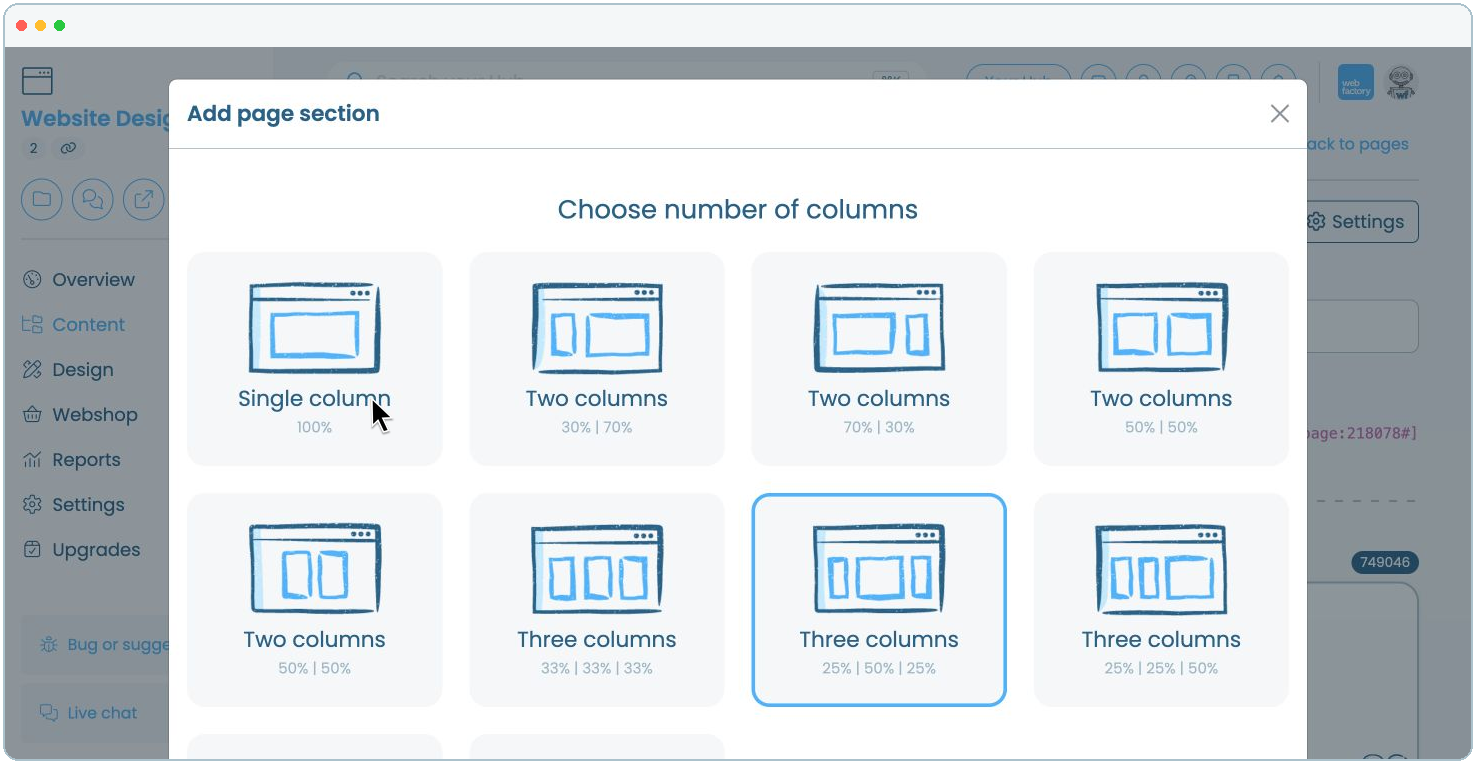
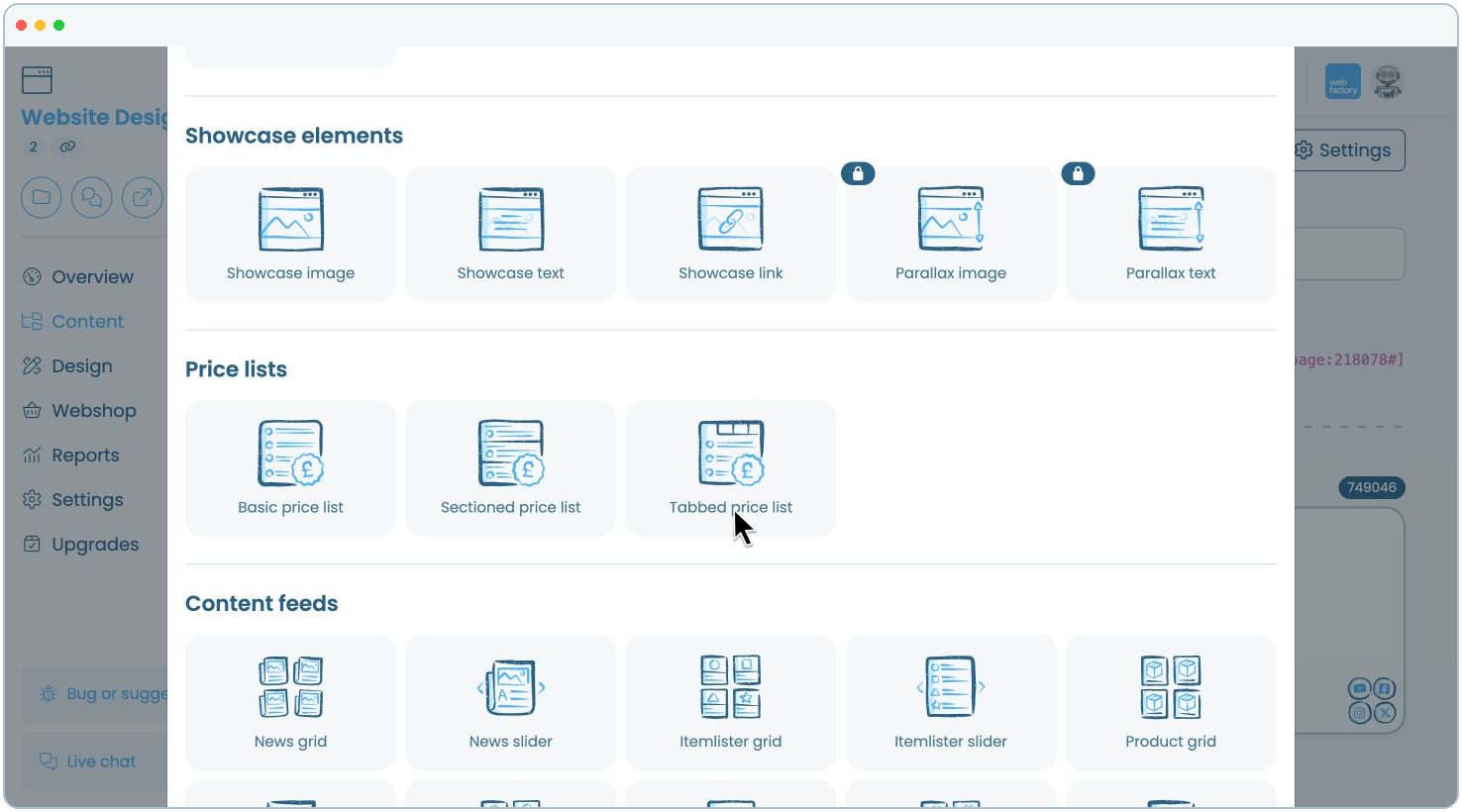
In this article, we'll guide you through adding a tabbed price list to a website page and organising your prices into tabs.
Step 3
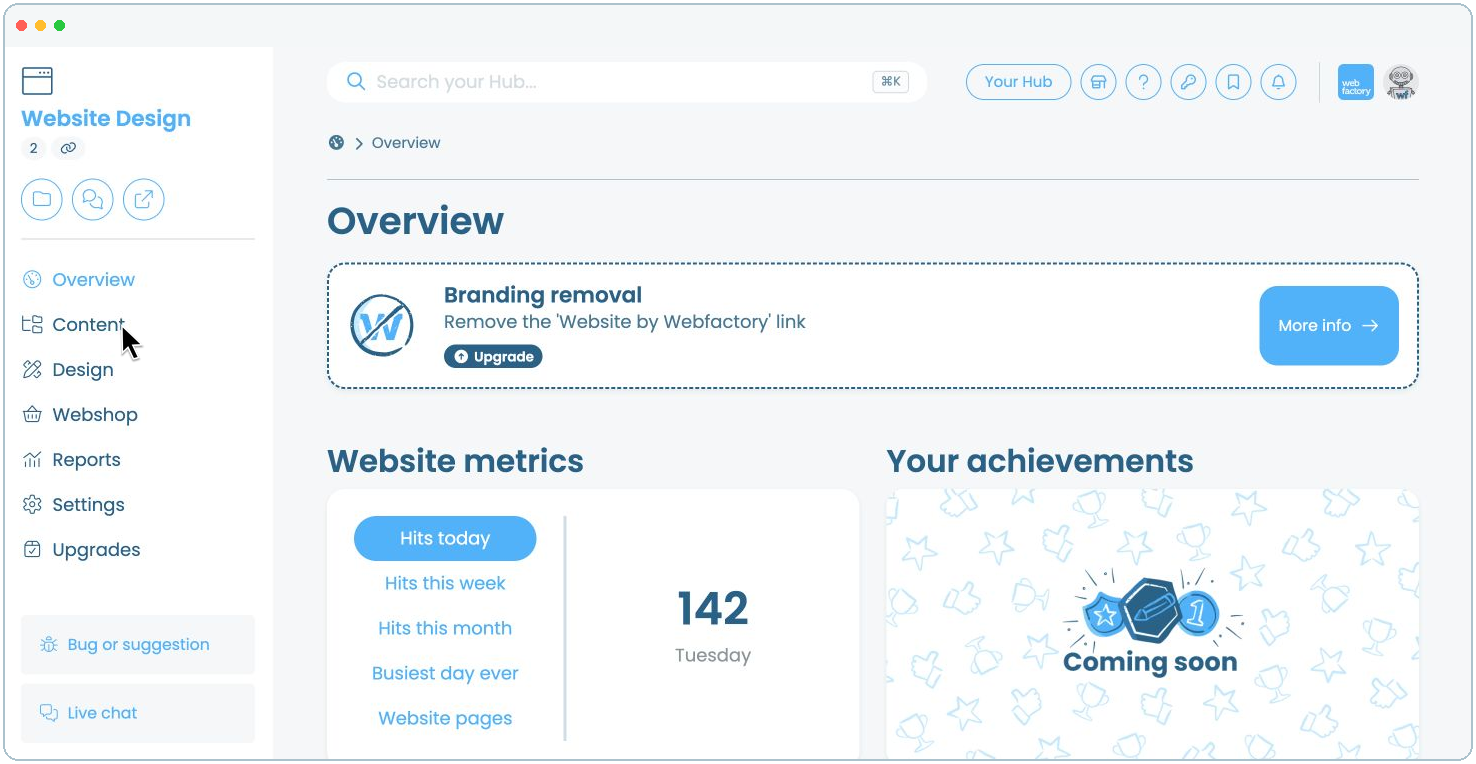
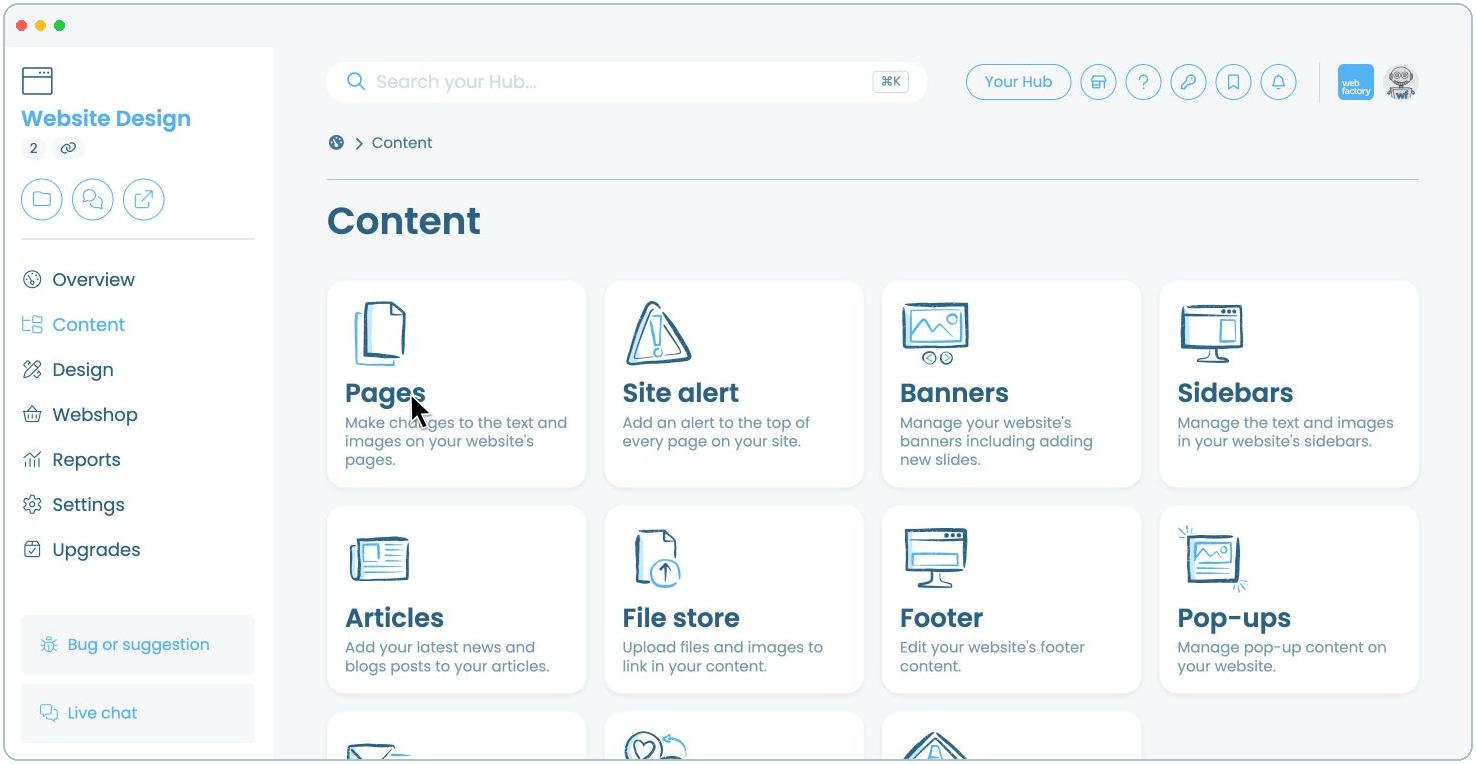
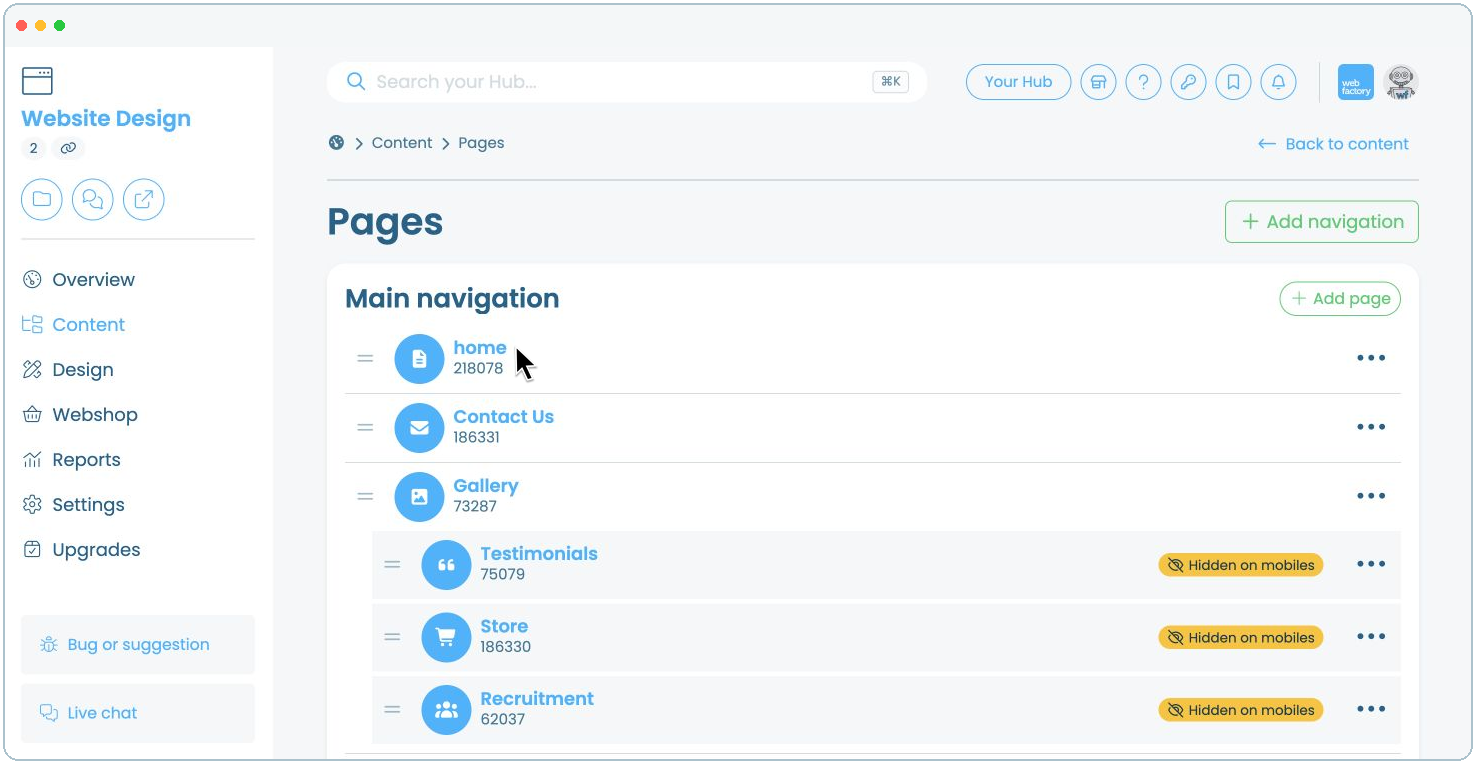
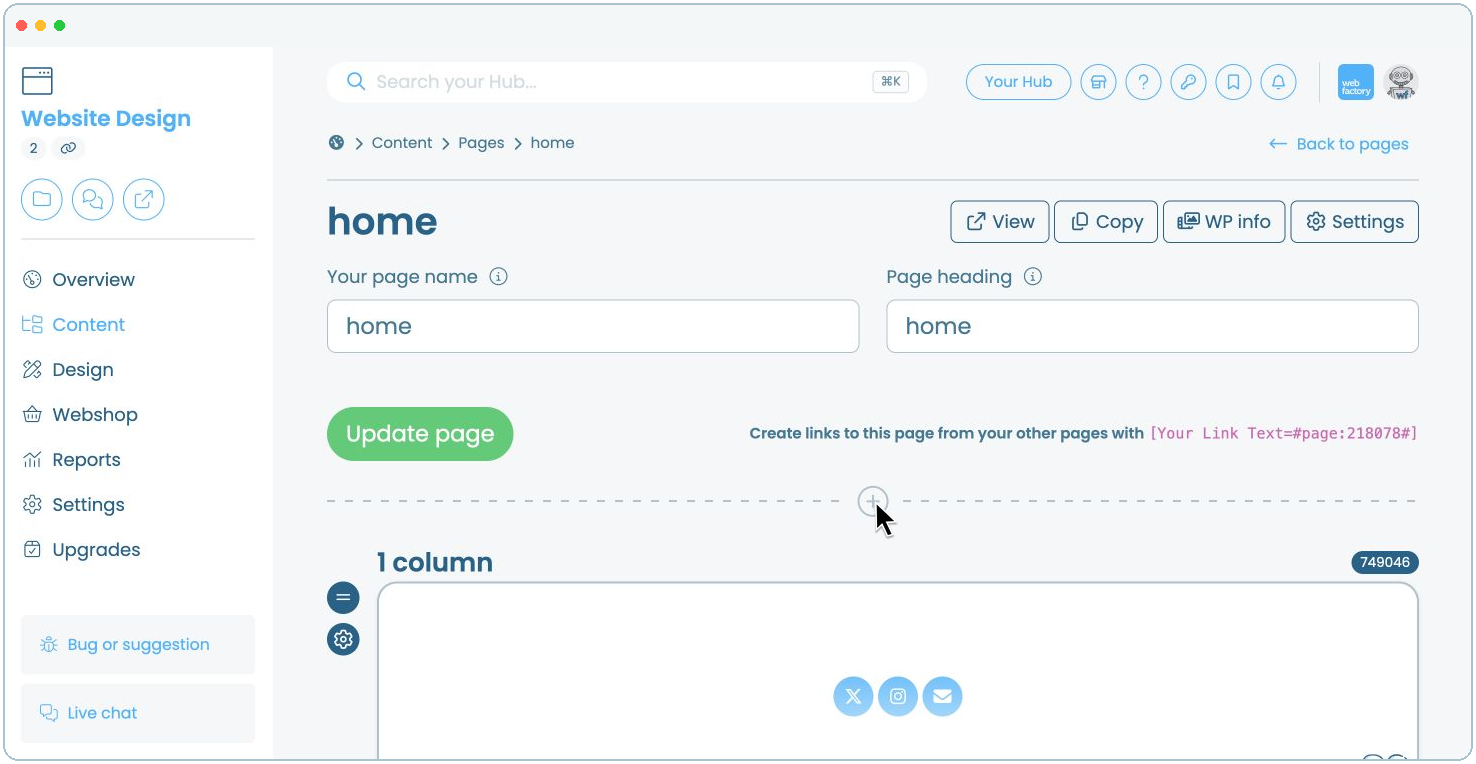
Click the name of the page where you want to add the tabbed price list, for example, 'home'.
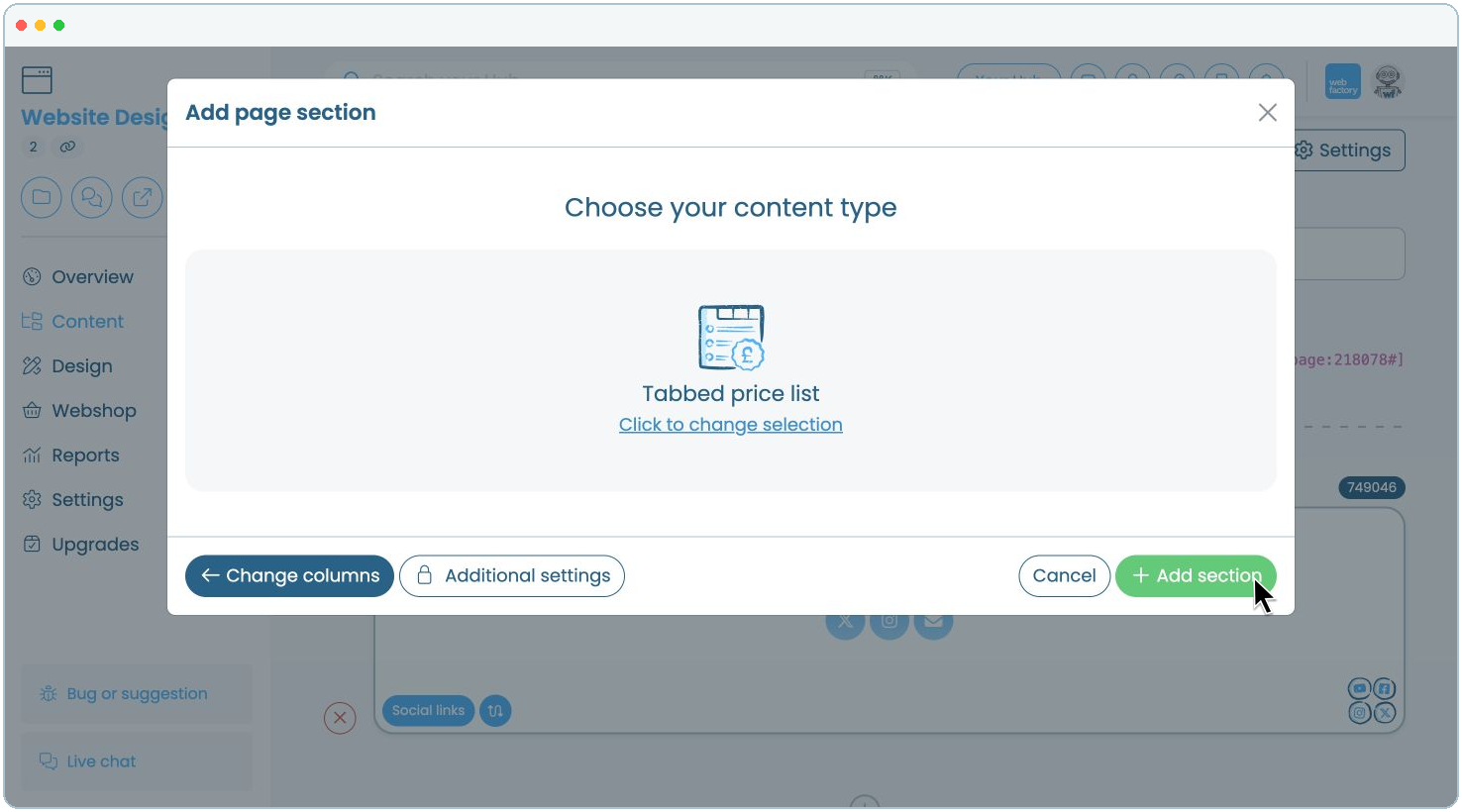
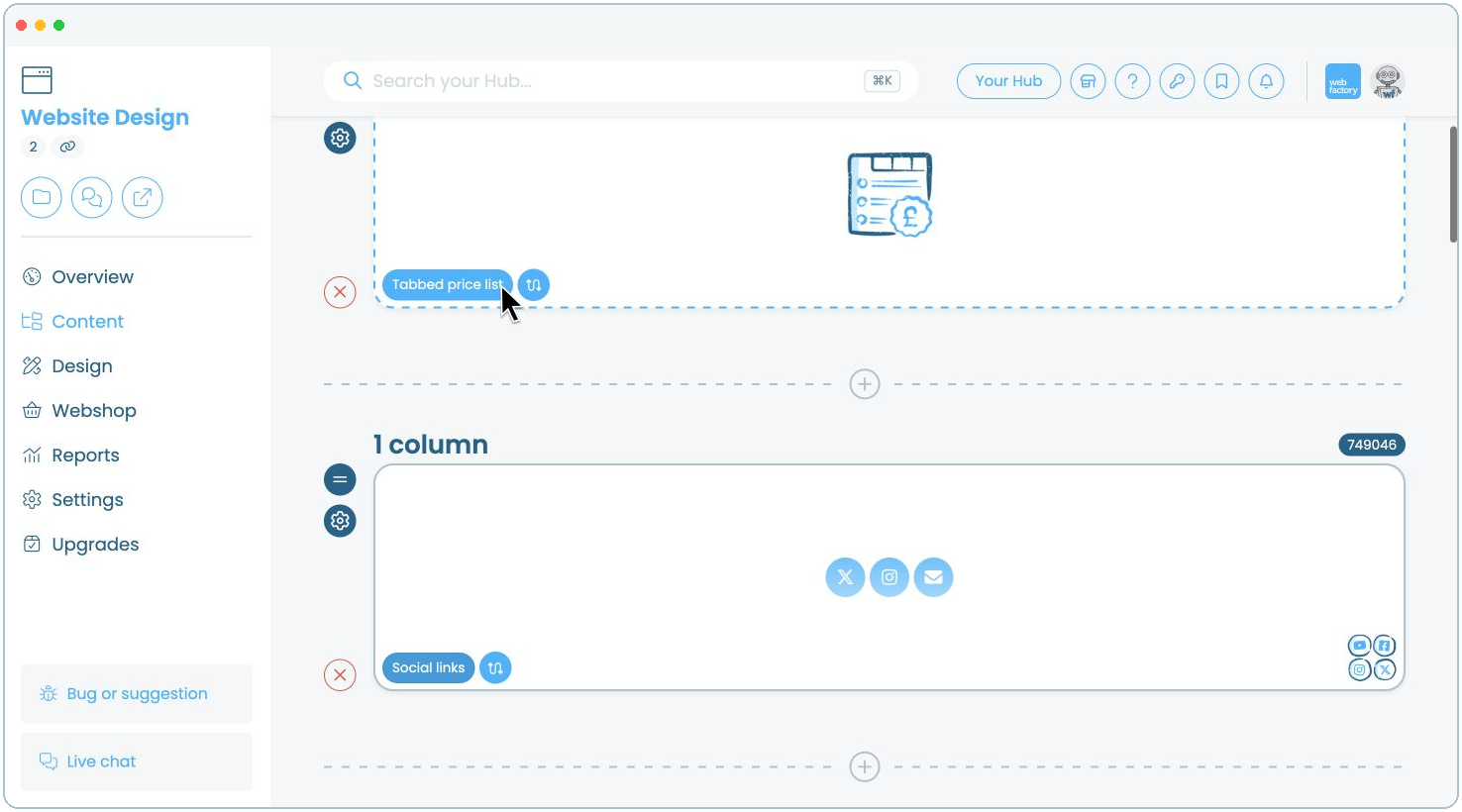
Step 9
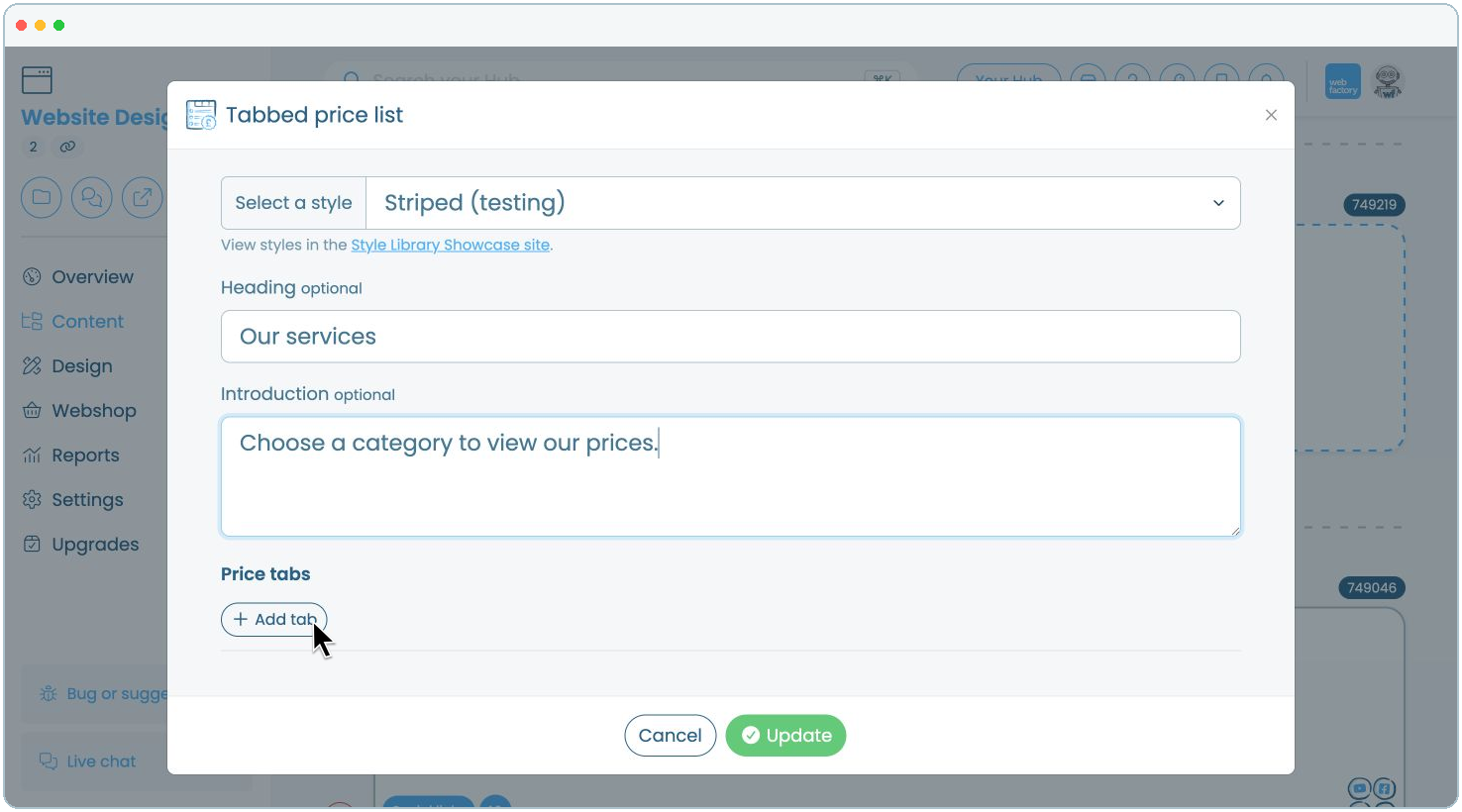
Choose a style, add an optional heading and introduction, then click 'Add tab'.
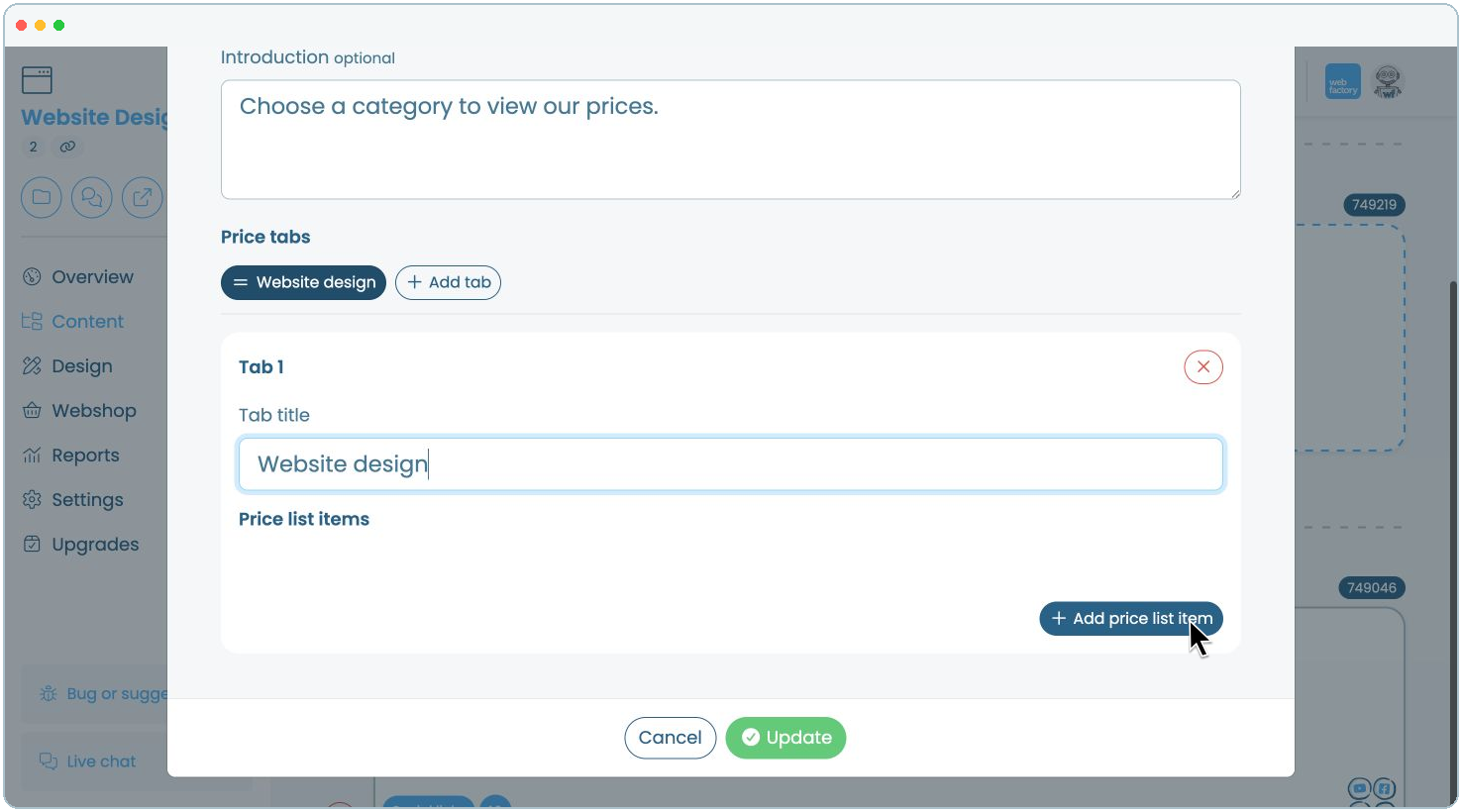
Step 11
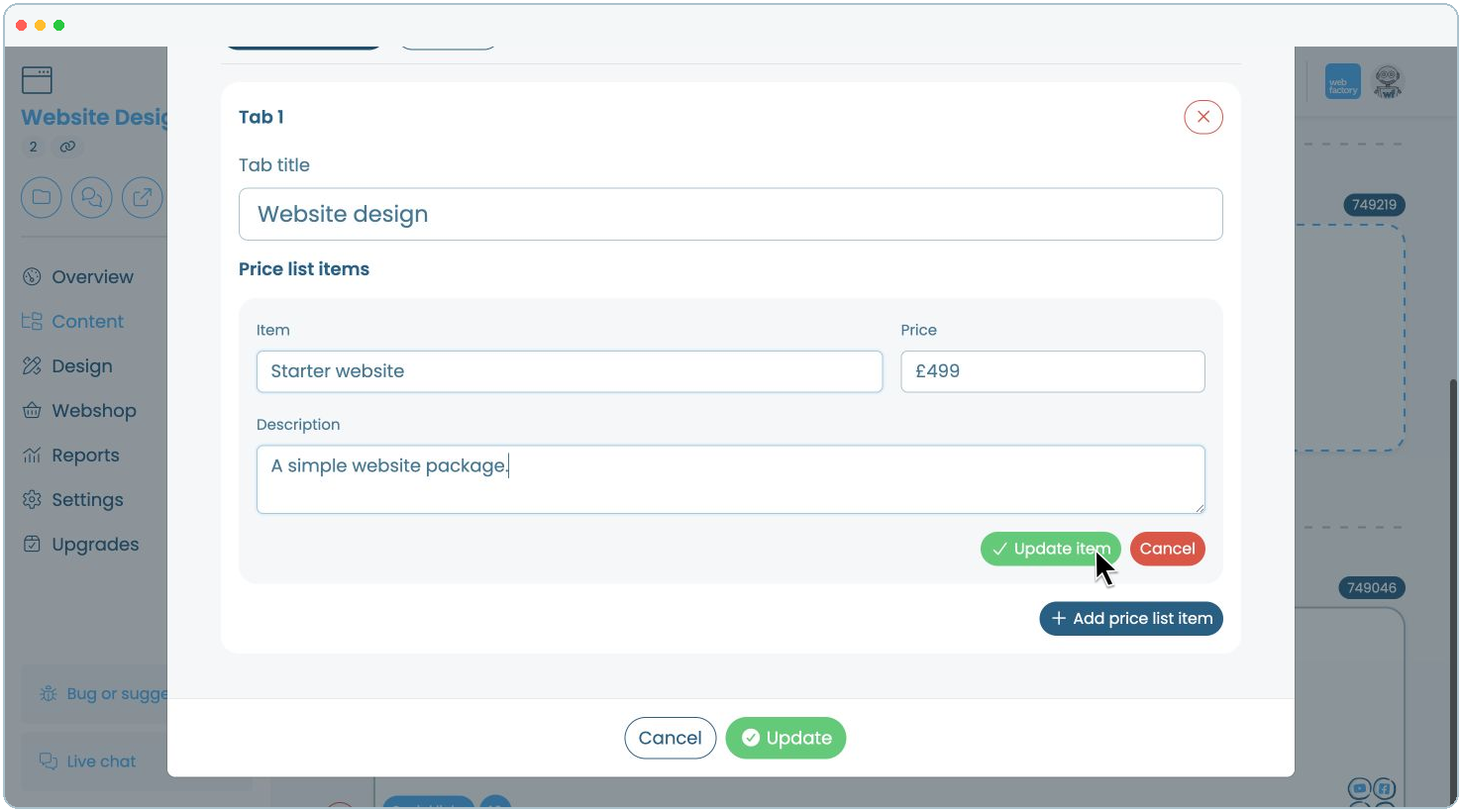
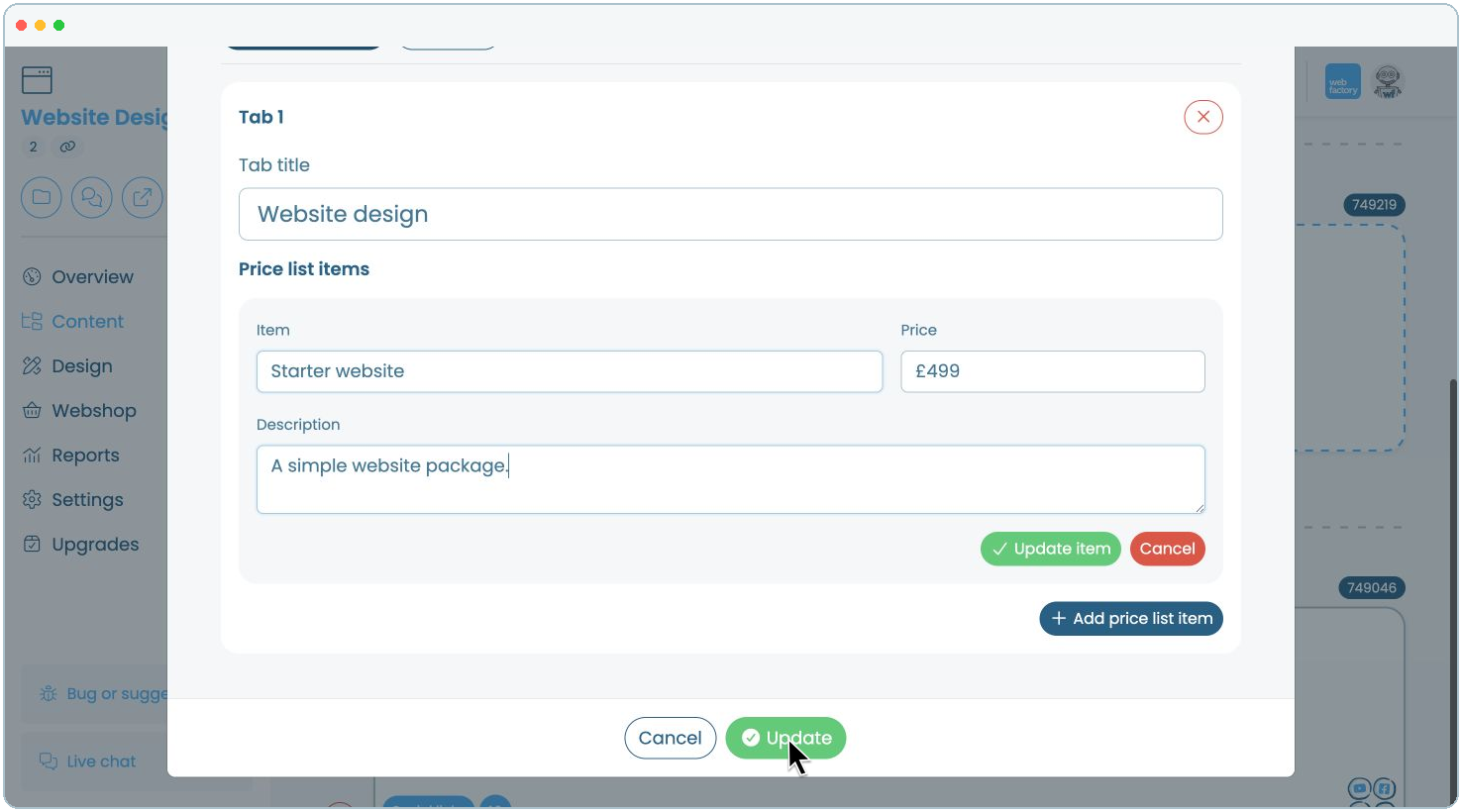
Enter the item name, price and optional description, then click 'Update item'.