How to add Q&As to a website page

In this article, we'll guide you through adding a Q&As section to a website page, choosing a layout and adding your first question and answer.
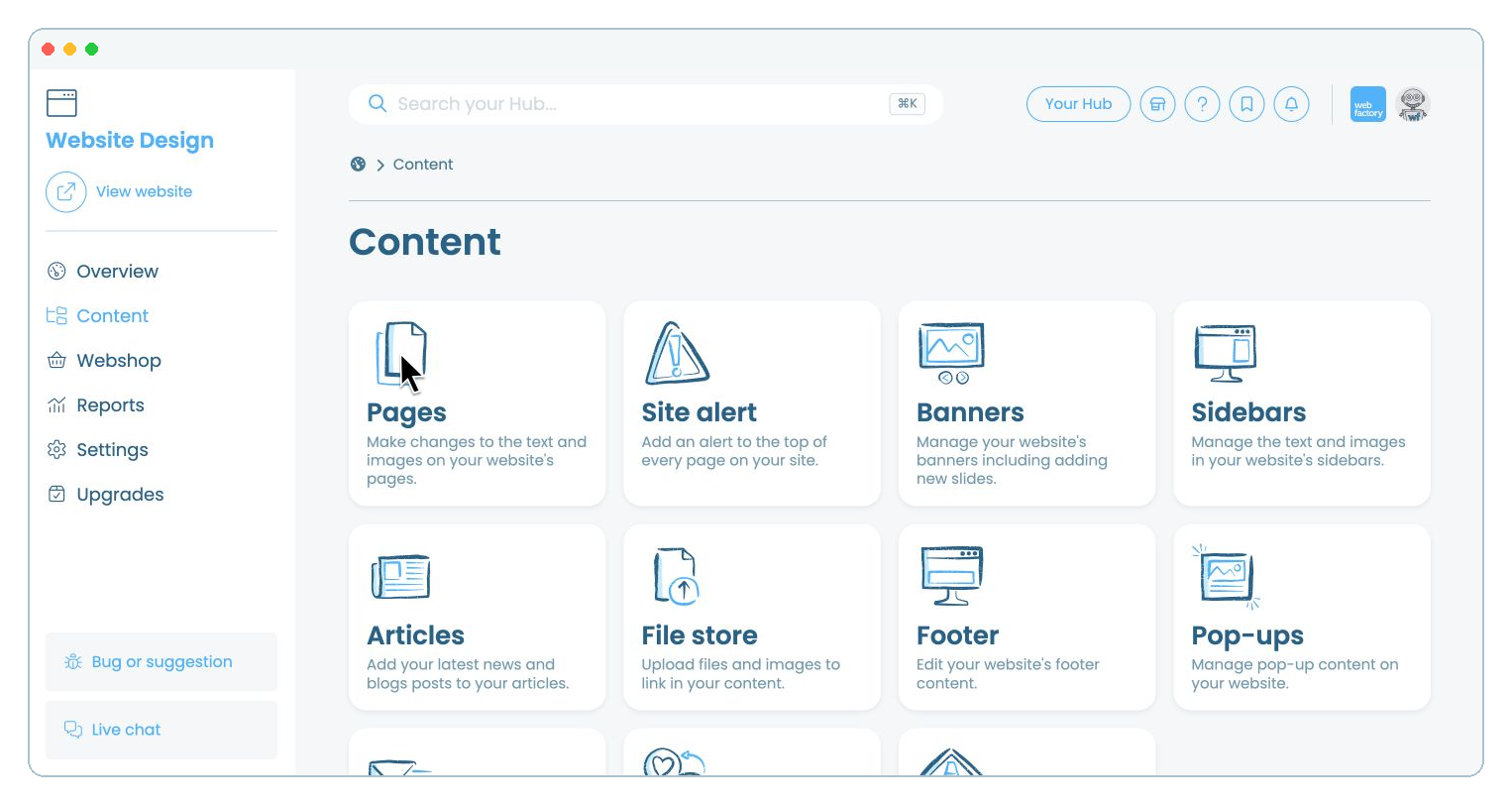
Step 1

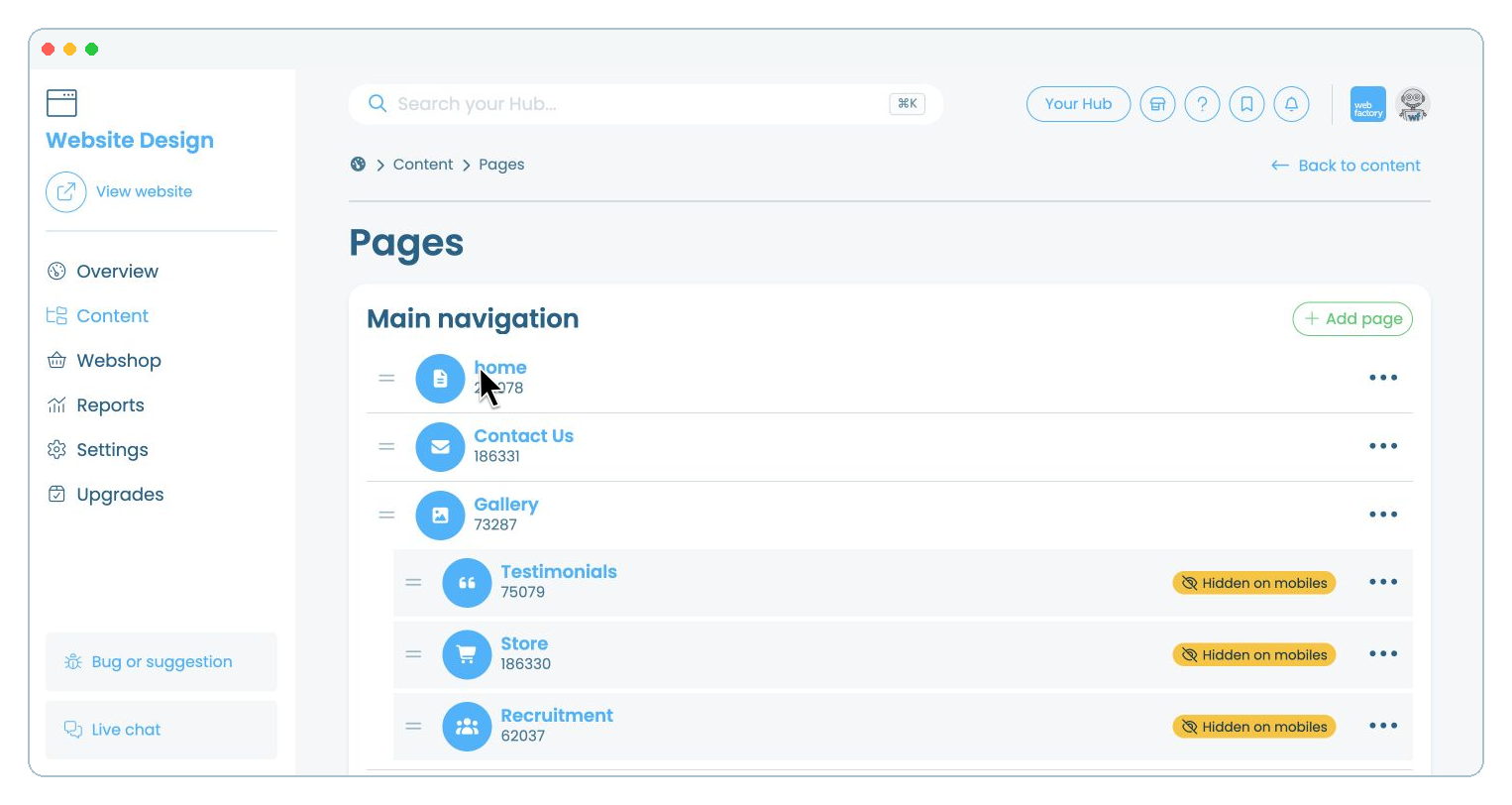
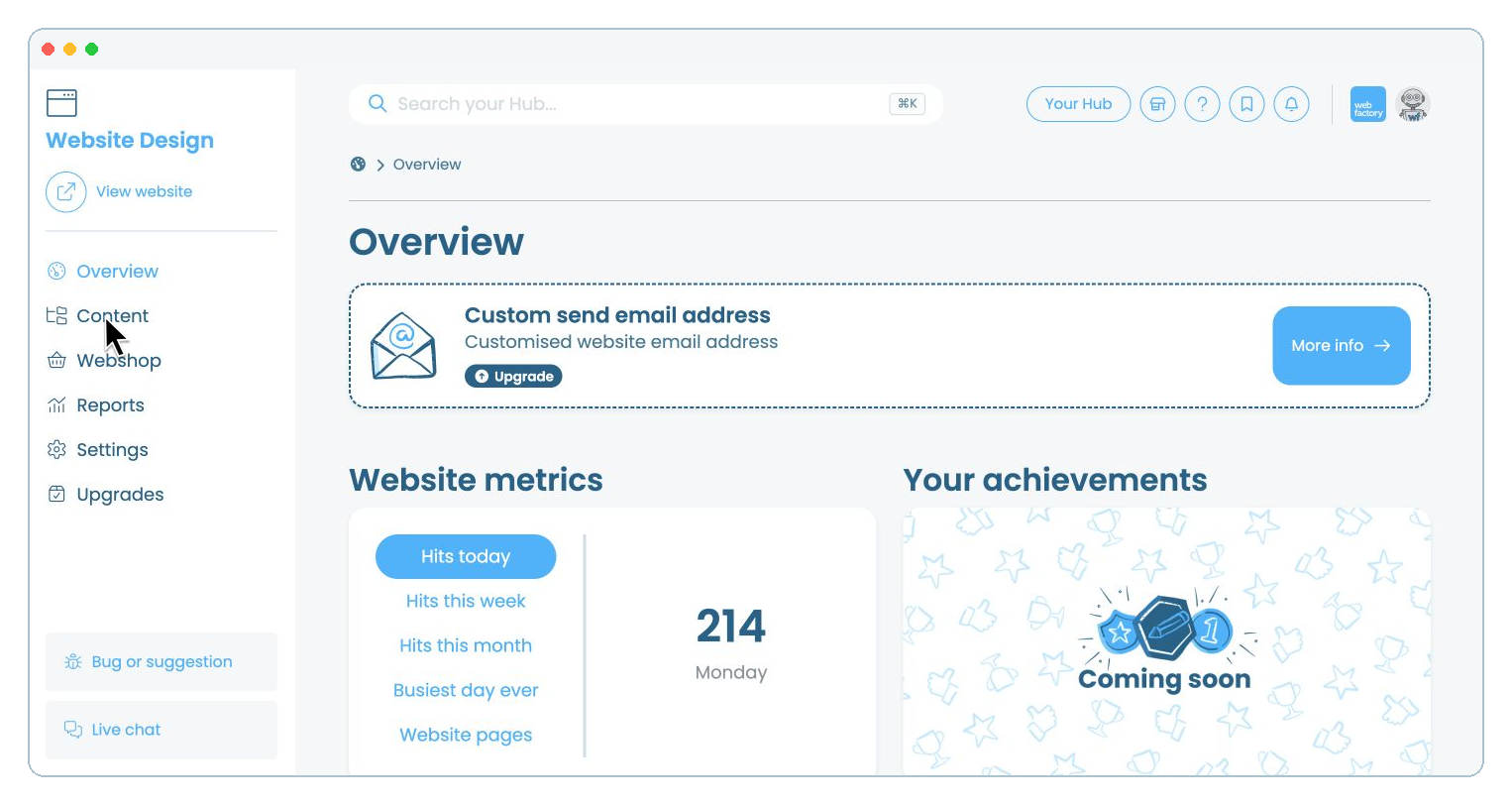
From your website editor, click 'Content'.

Step 2

Select 'Pages'.

Step 3

Click the name of the page where you want to add the Q&As.

Step 4

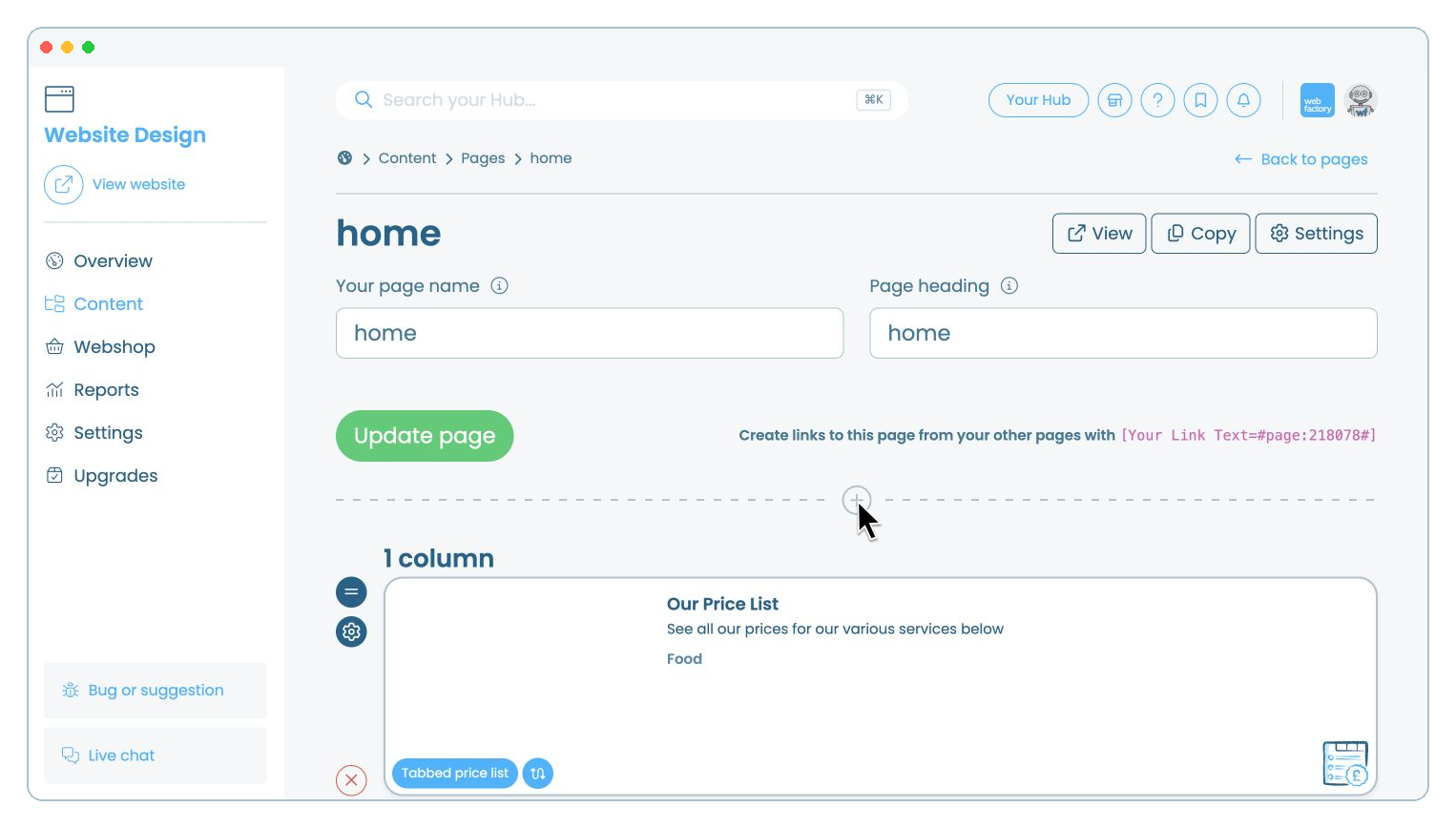
Click the icon where you want to add a new section.

Step 5

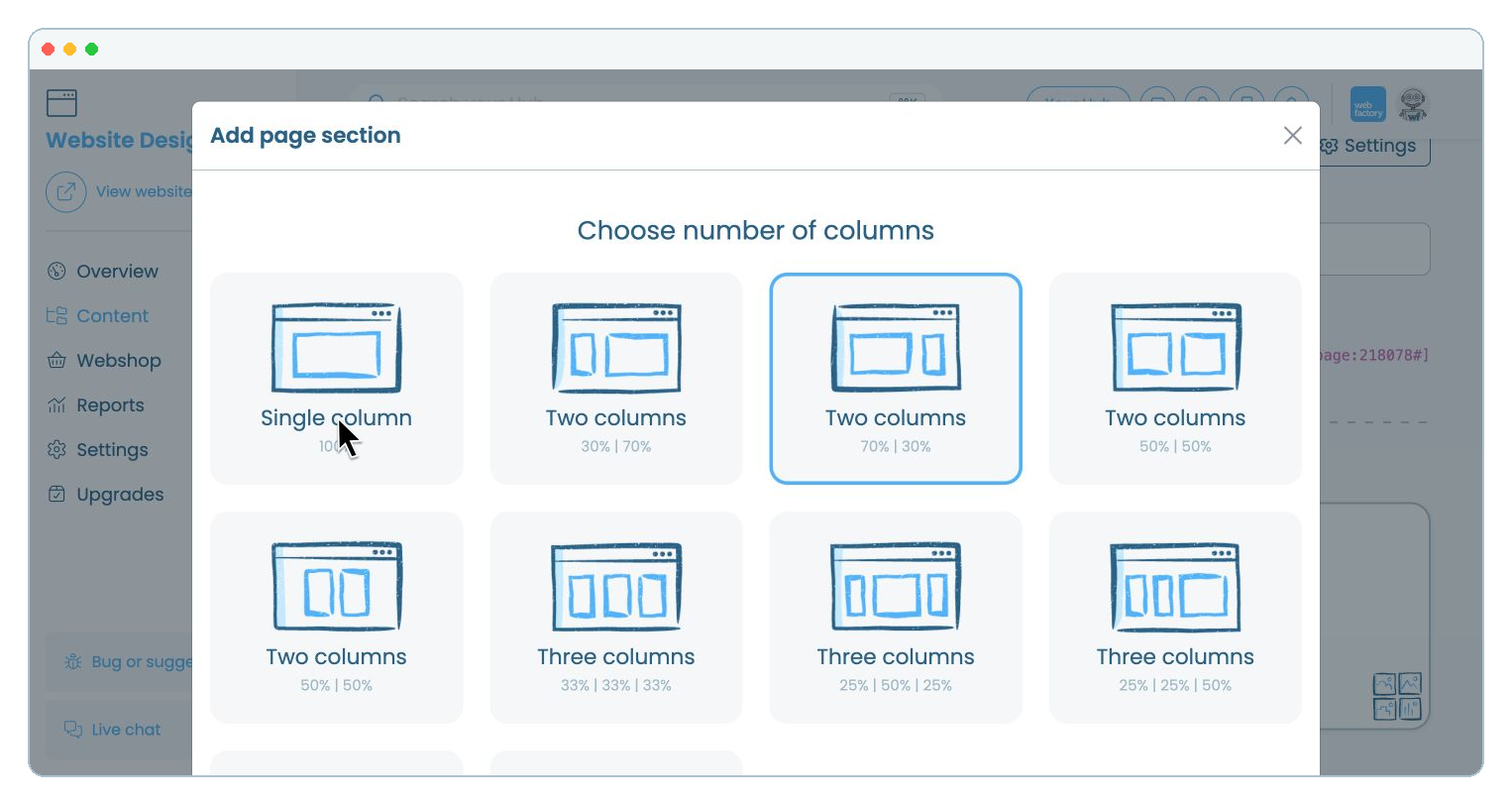
Select 'Single column'.

Step 6

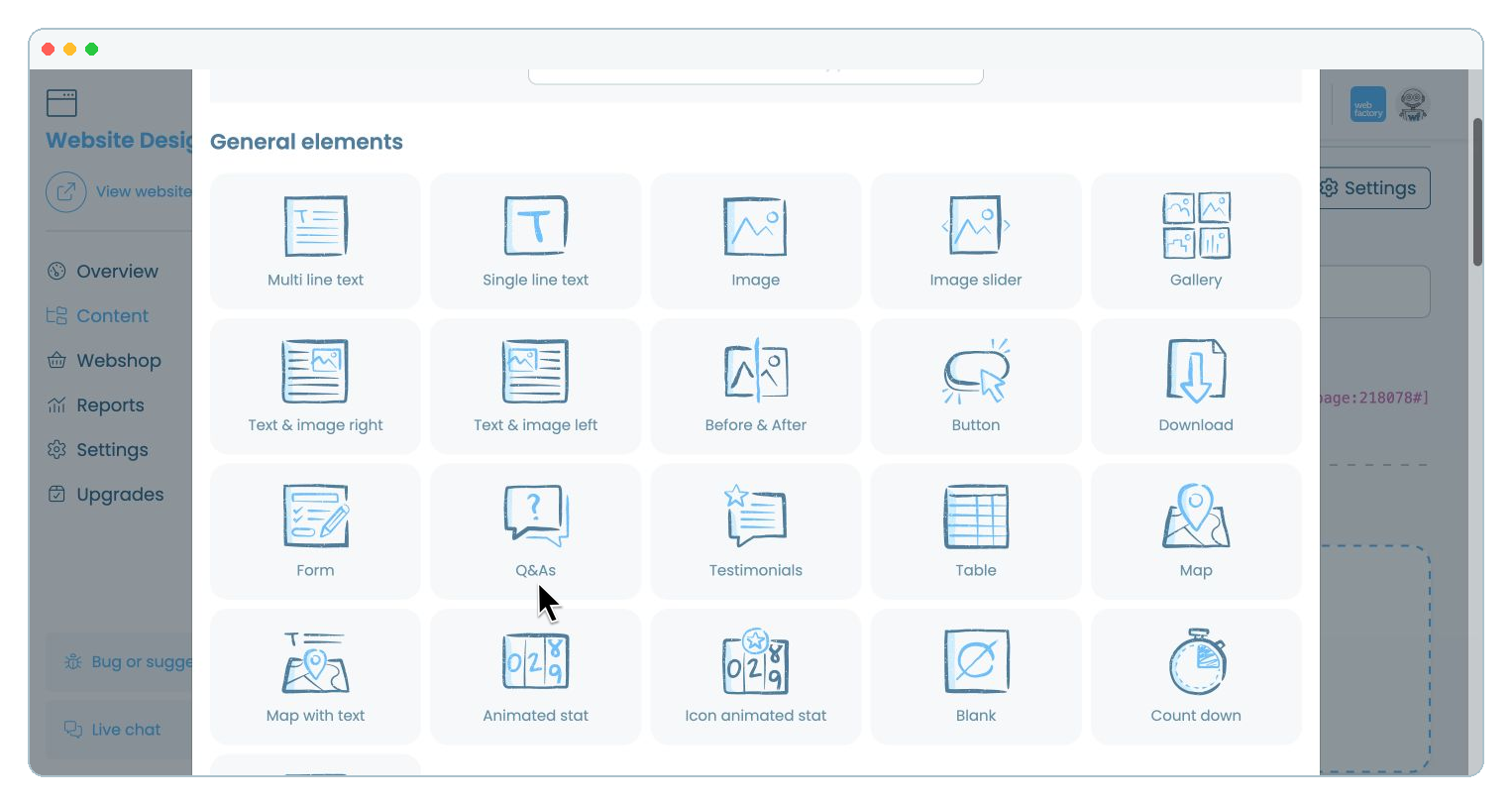
Scroll down if needed, then select 'Q&As' from 'General elements'.

Step 7

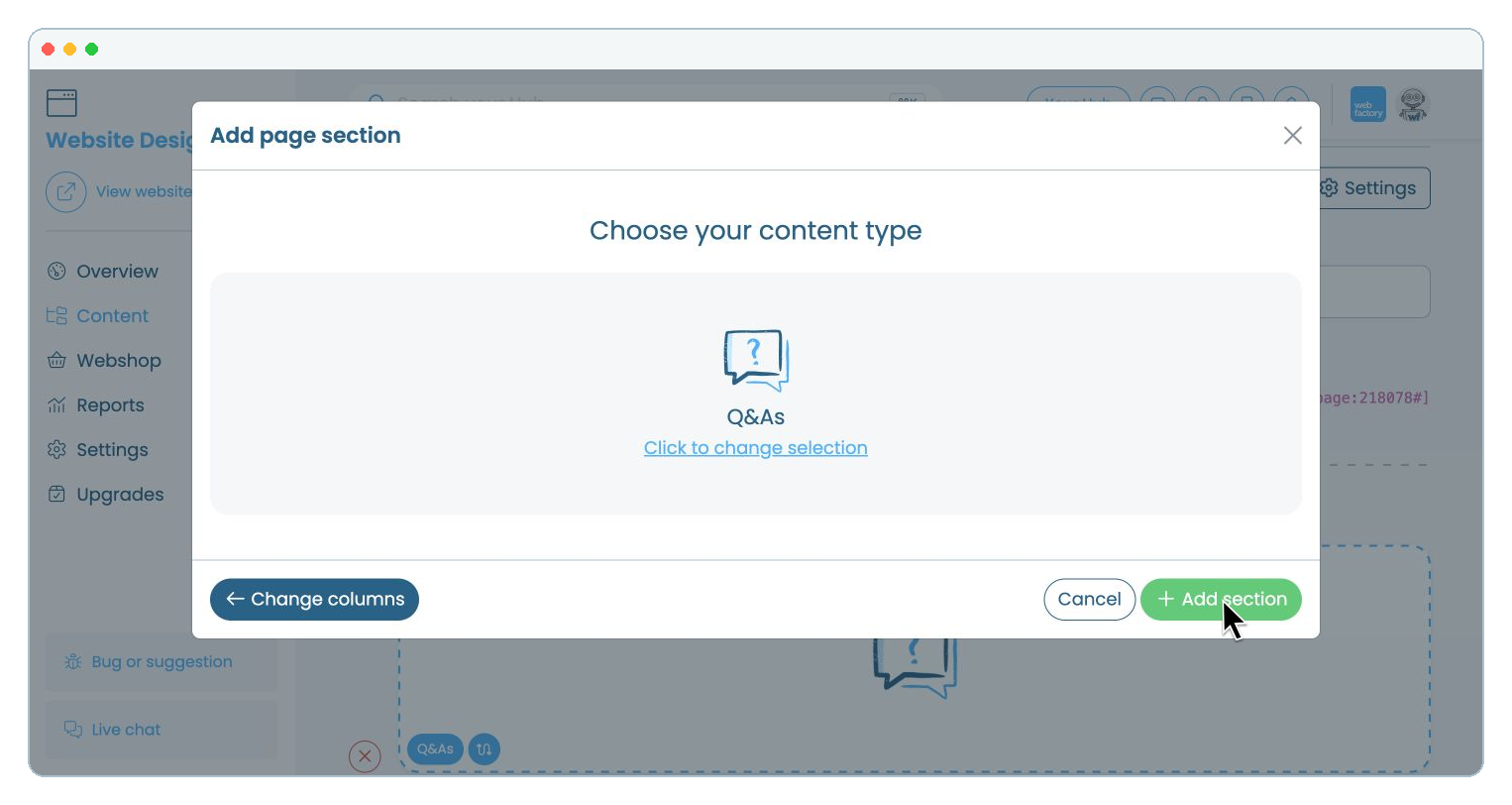
Check that 'Q&As' is selected, then click 'Add section'.

Step 8

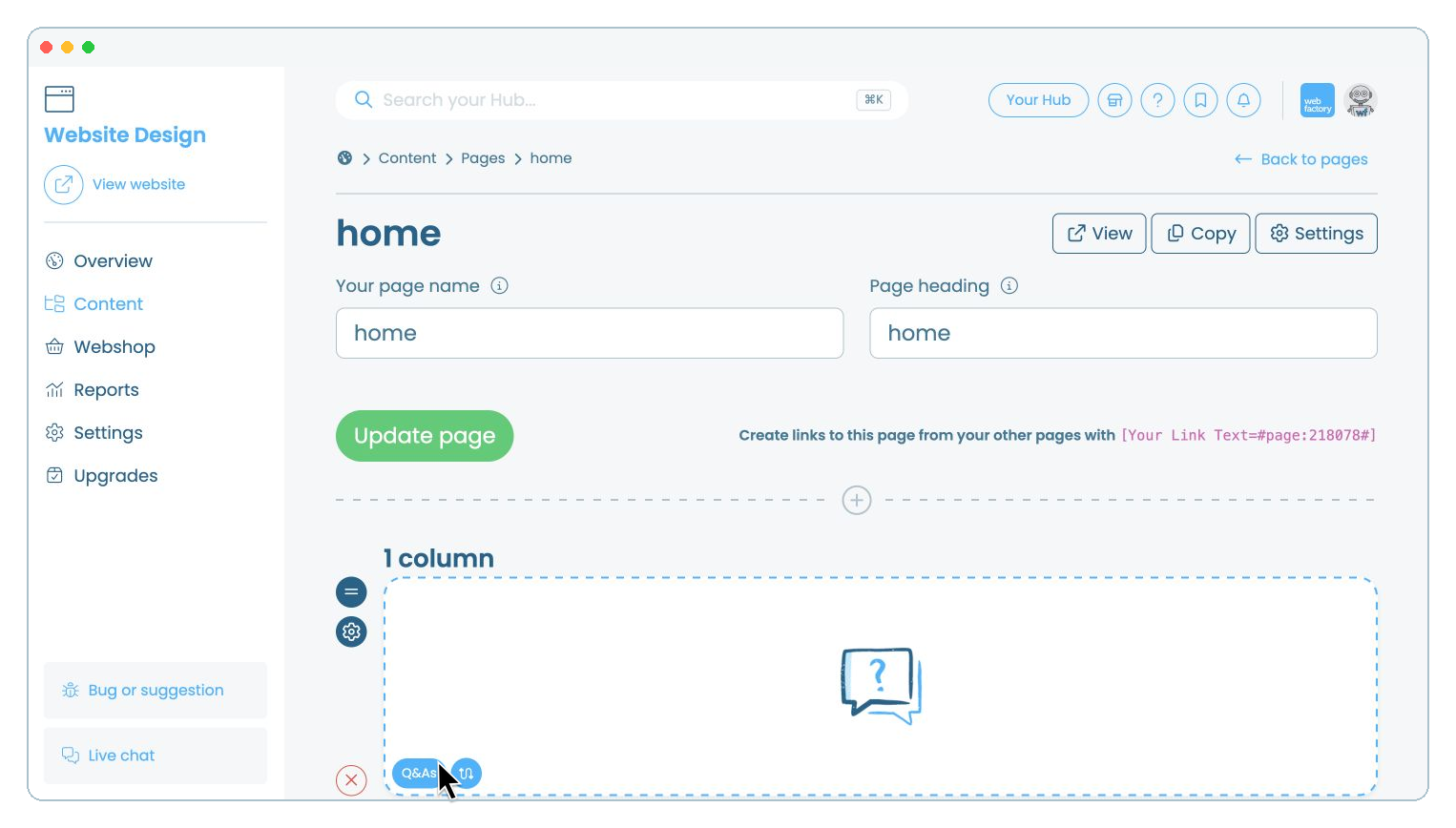
Click the new 'Q&As' element on your page.

Step 9

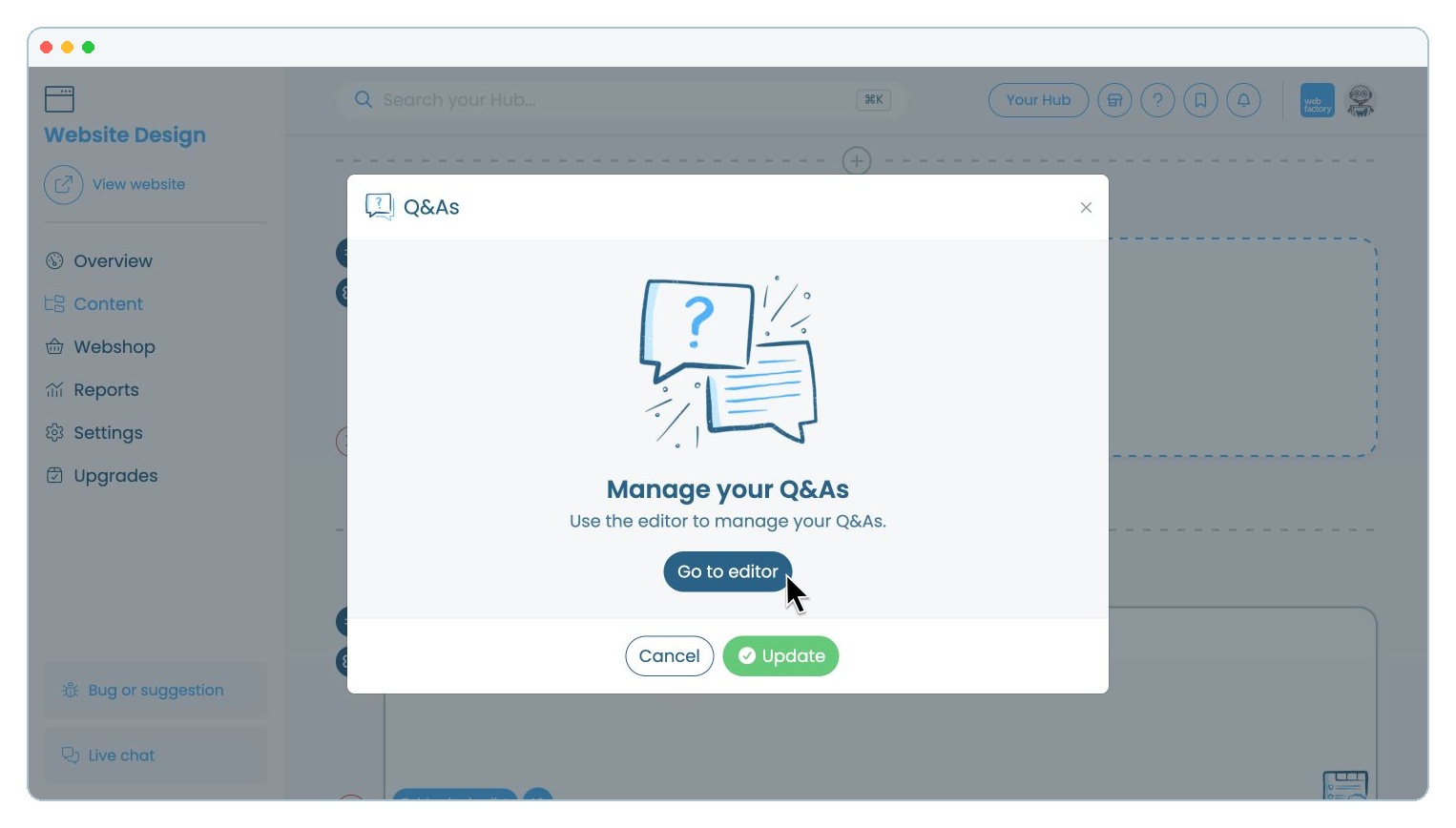
Click 'Go to editor'.

Step 10

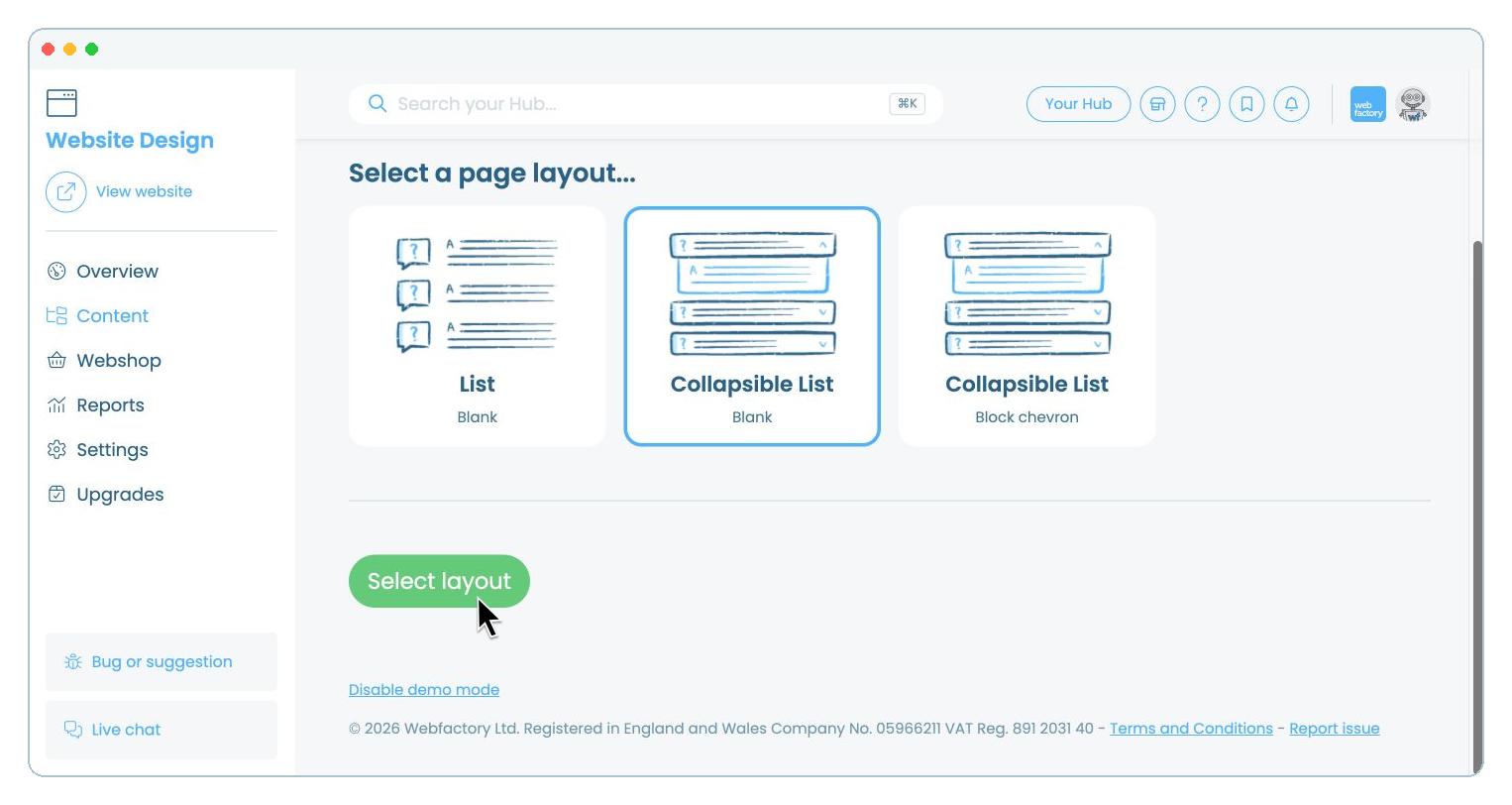
Choose the layout you want to use, then click 'Select layout'.

Step 11

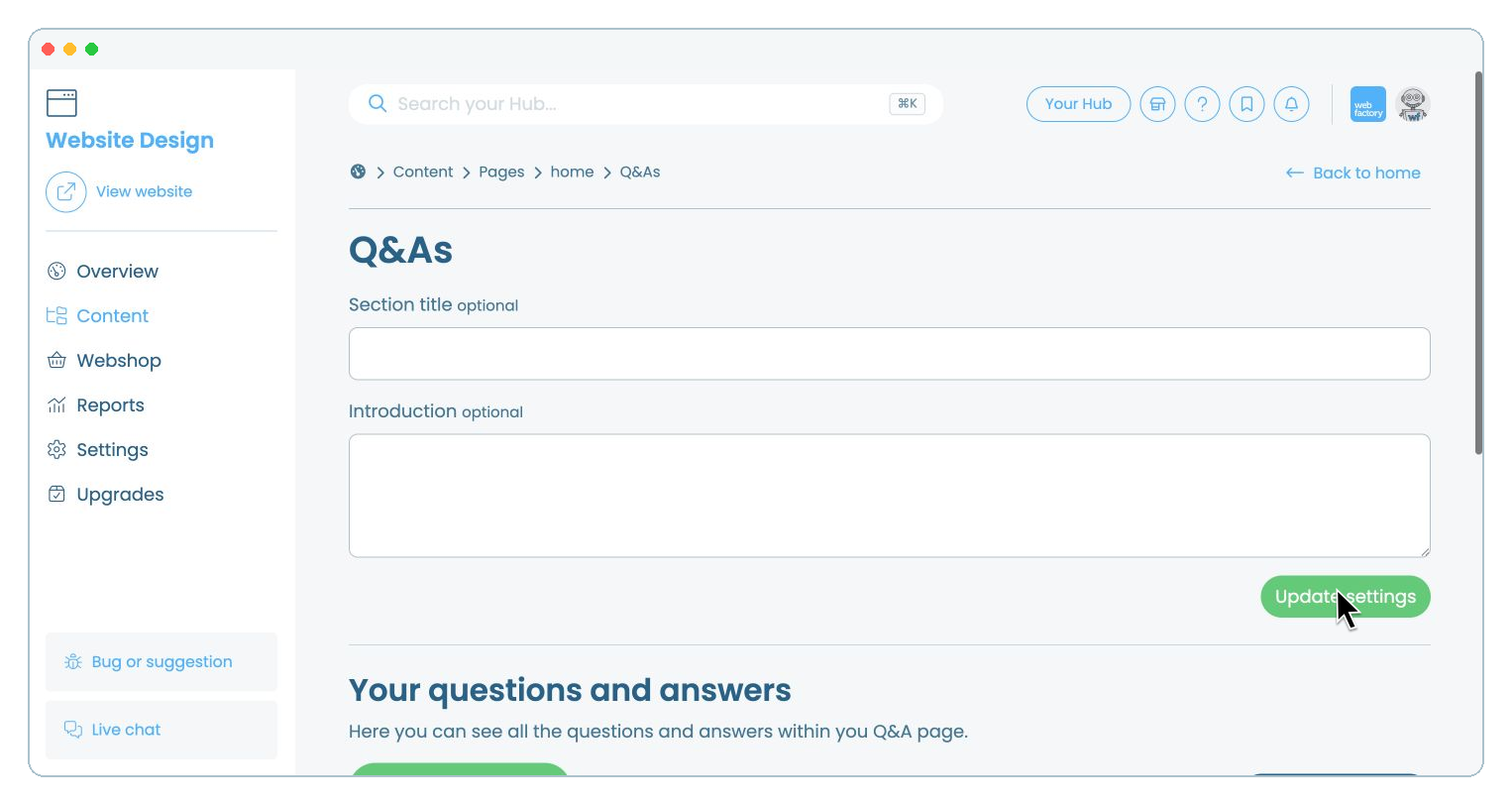
Enter a section title and introduction, then click 'Update settings'.

Step 12

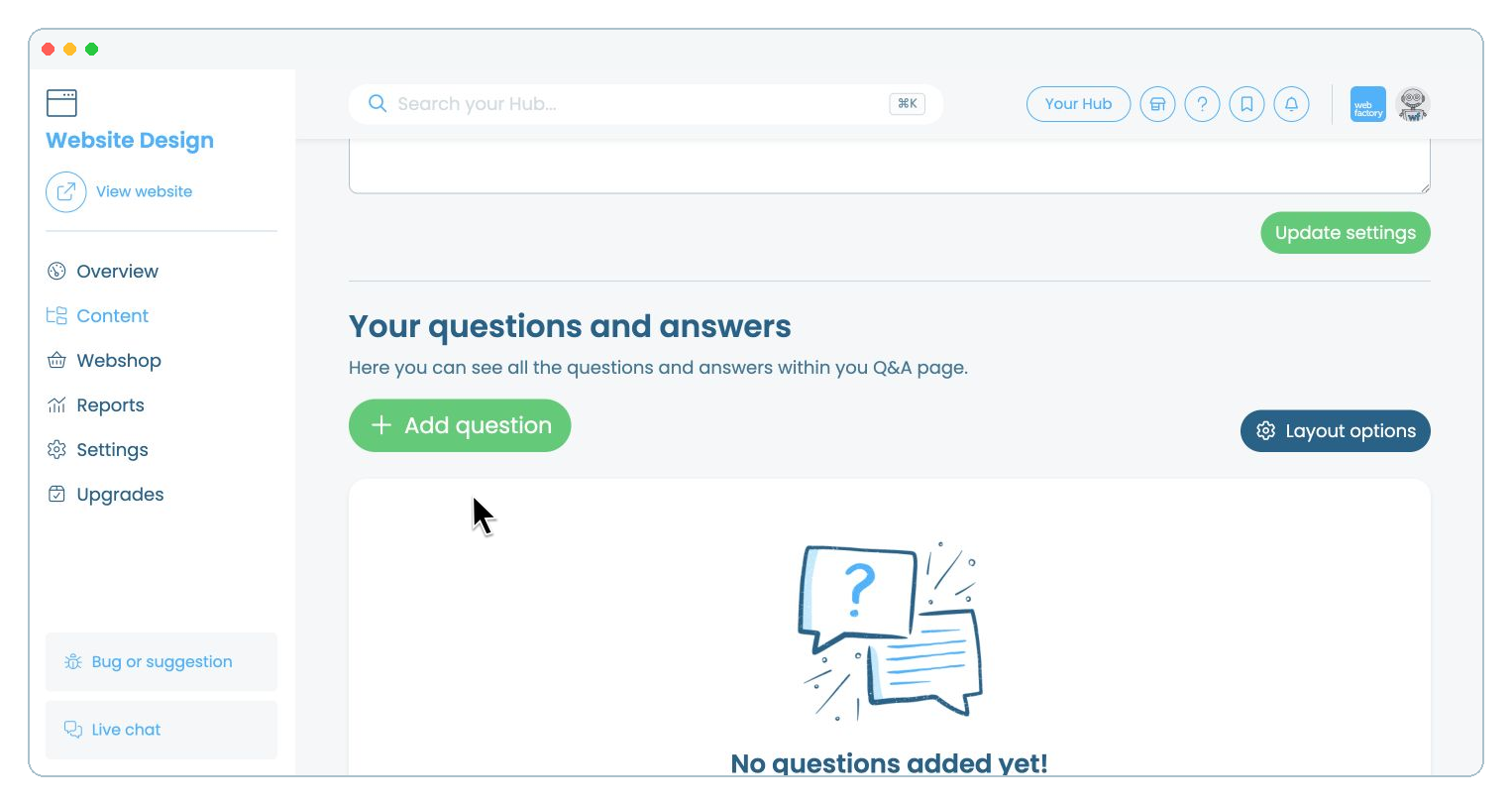
Click 'Add question'.

Step 13

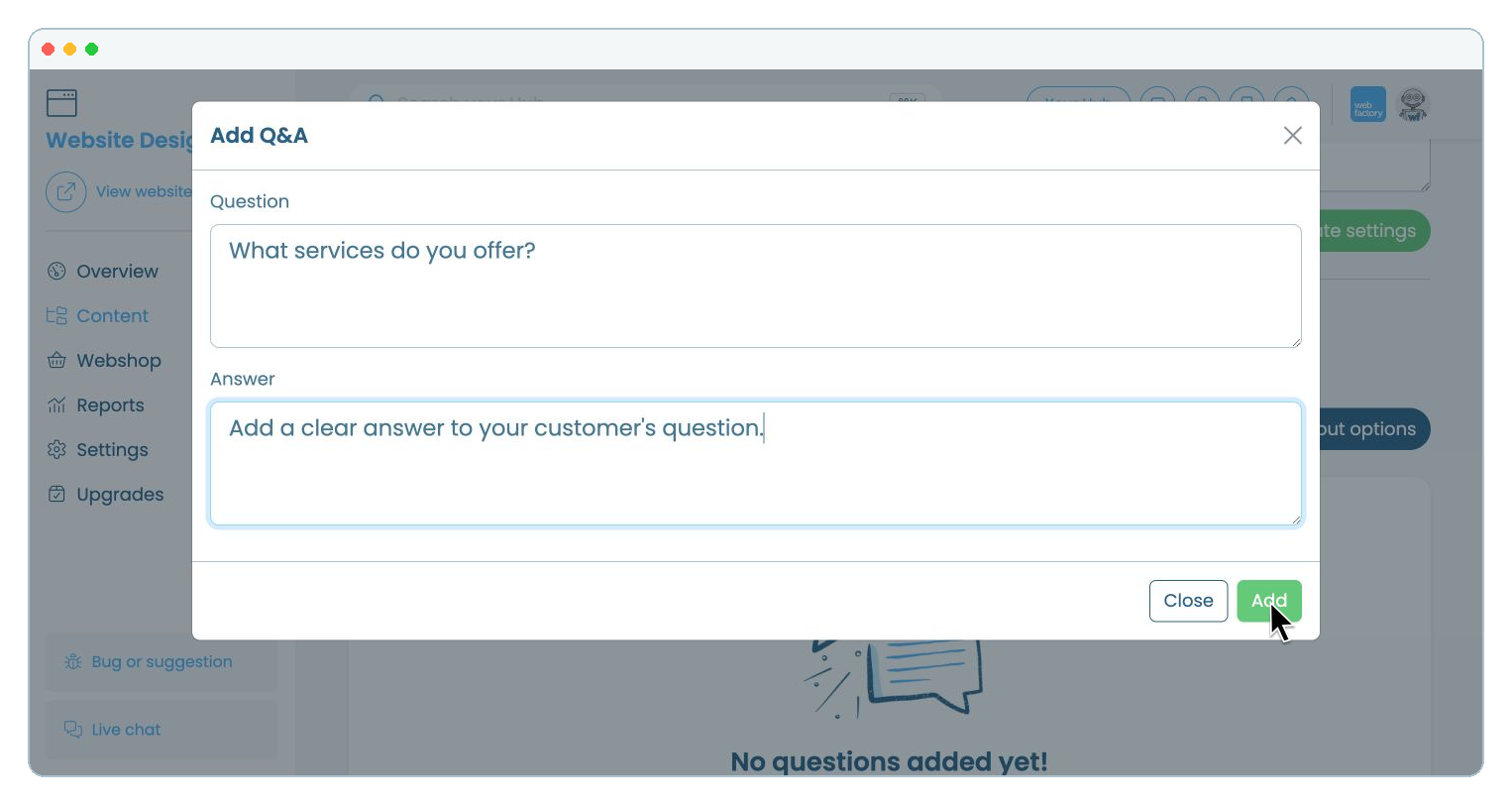
Enter your question and answer, then click 'Add'. Your Q&A will appear in the list, where you can edit it or add more questions.