How to add a map to a website page

In this article, we'll guide you through adding a map to a website page and setting the location shown.

Step 1

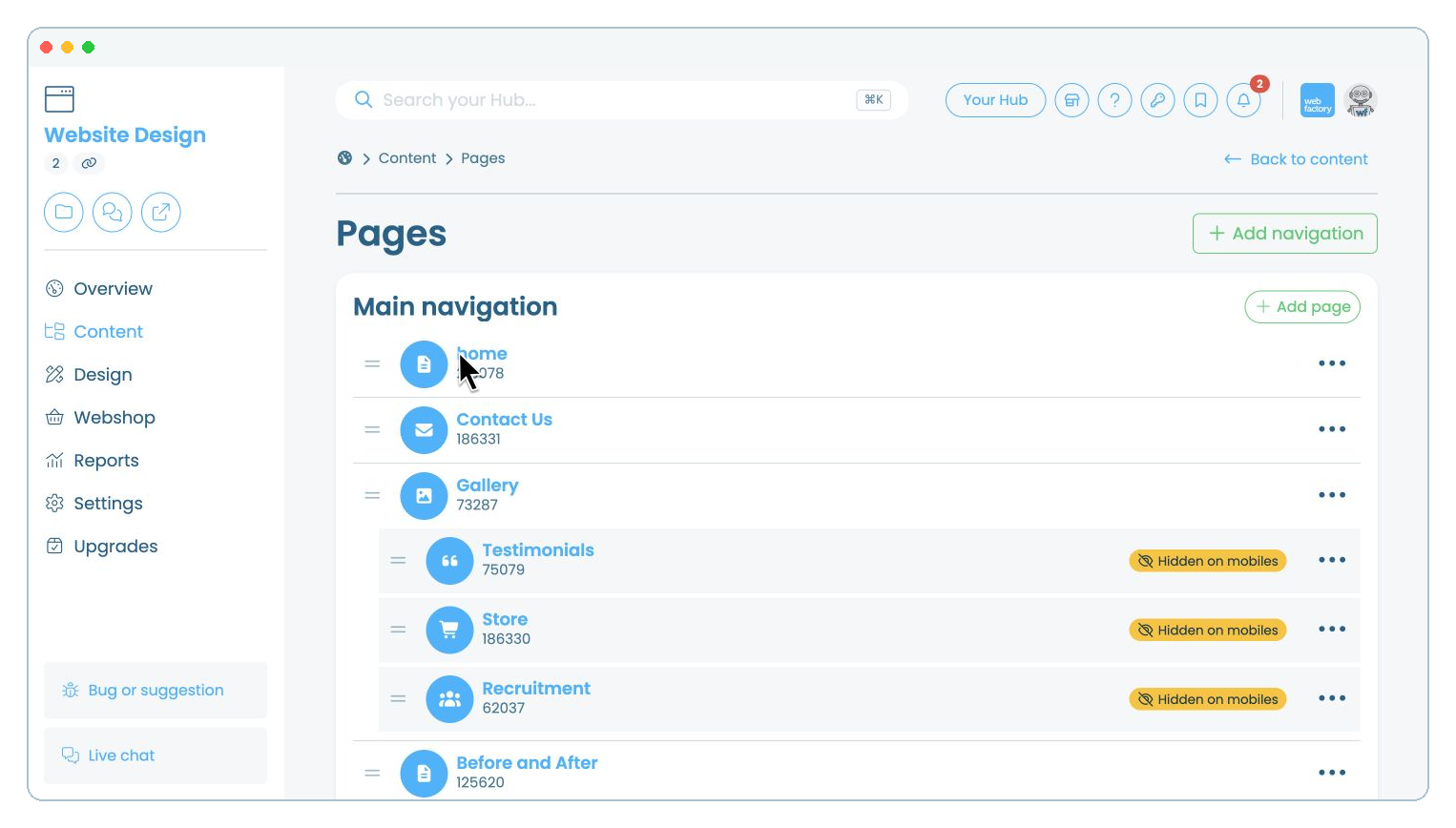
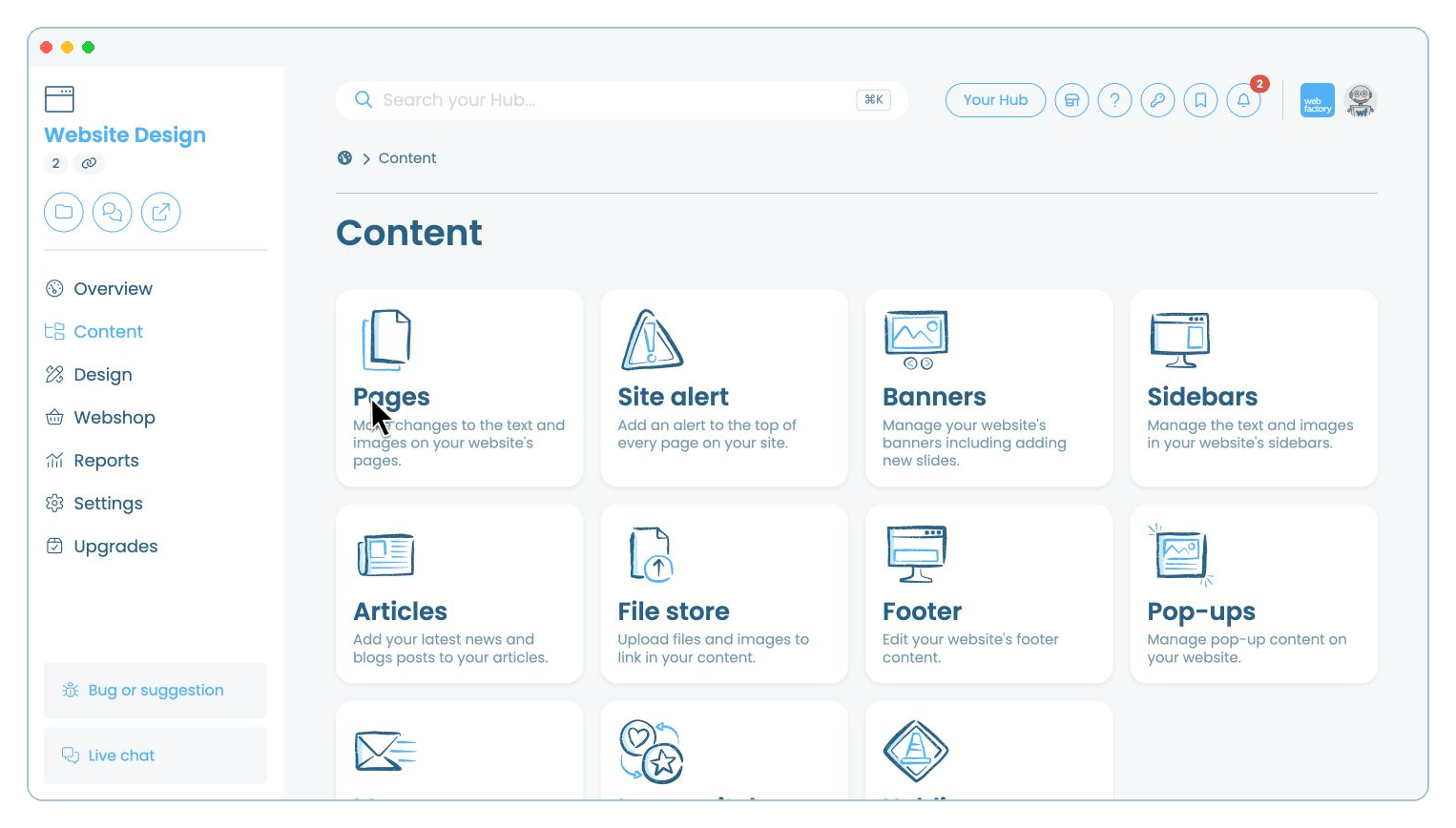
From your website editor, click 'Content'.

Step 2

Select 'Pages'.

Step 3

Click the name of the page where you want to add the map, for example 'home'.

Step 4

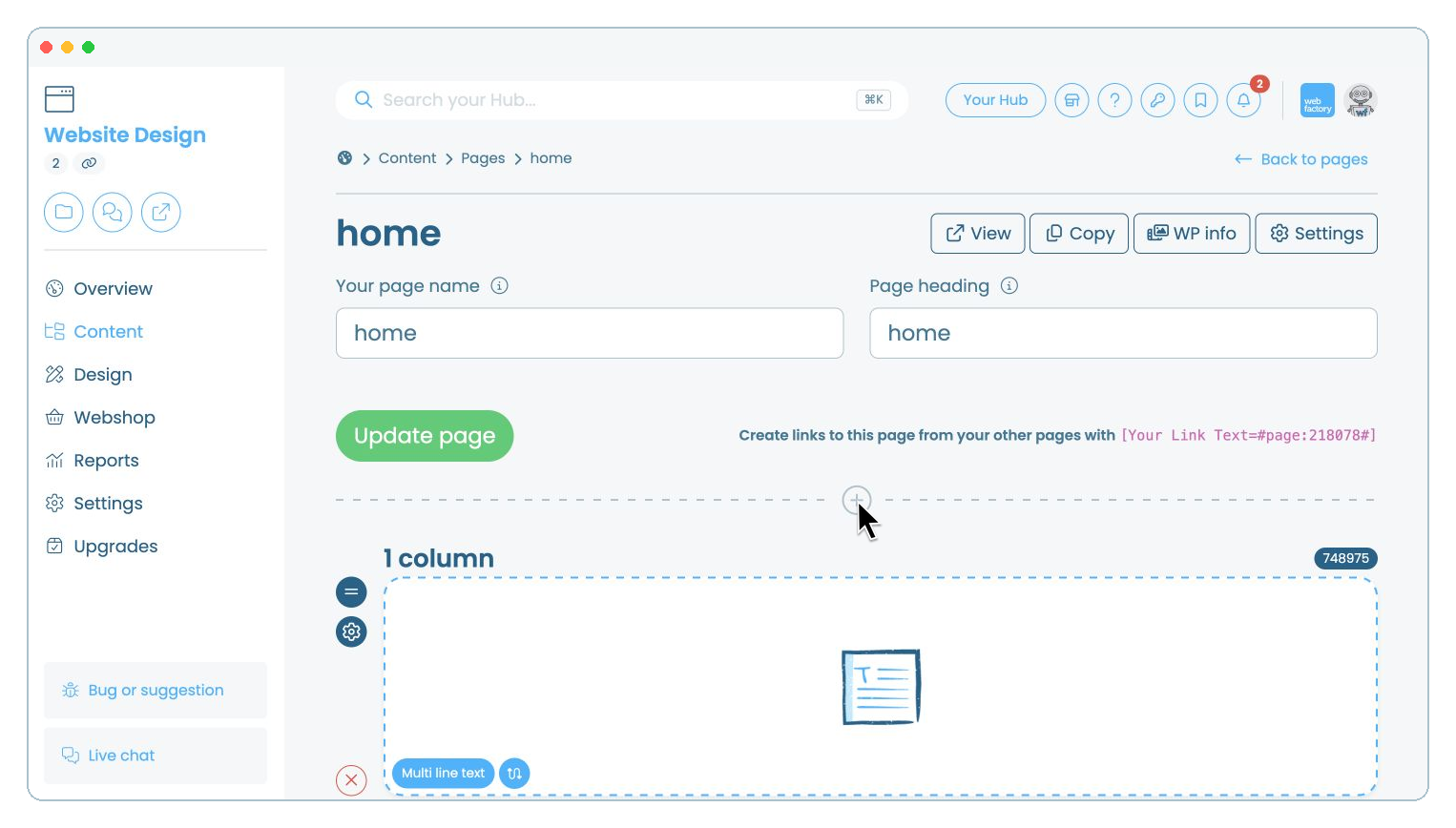
Click the icon where you want to add a new section.

Step 5

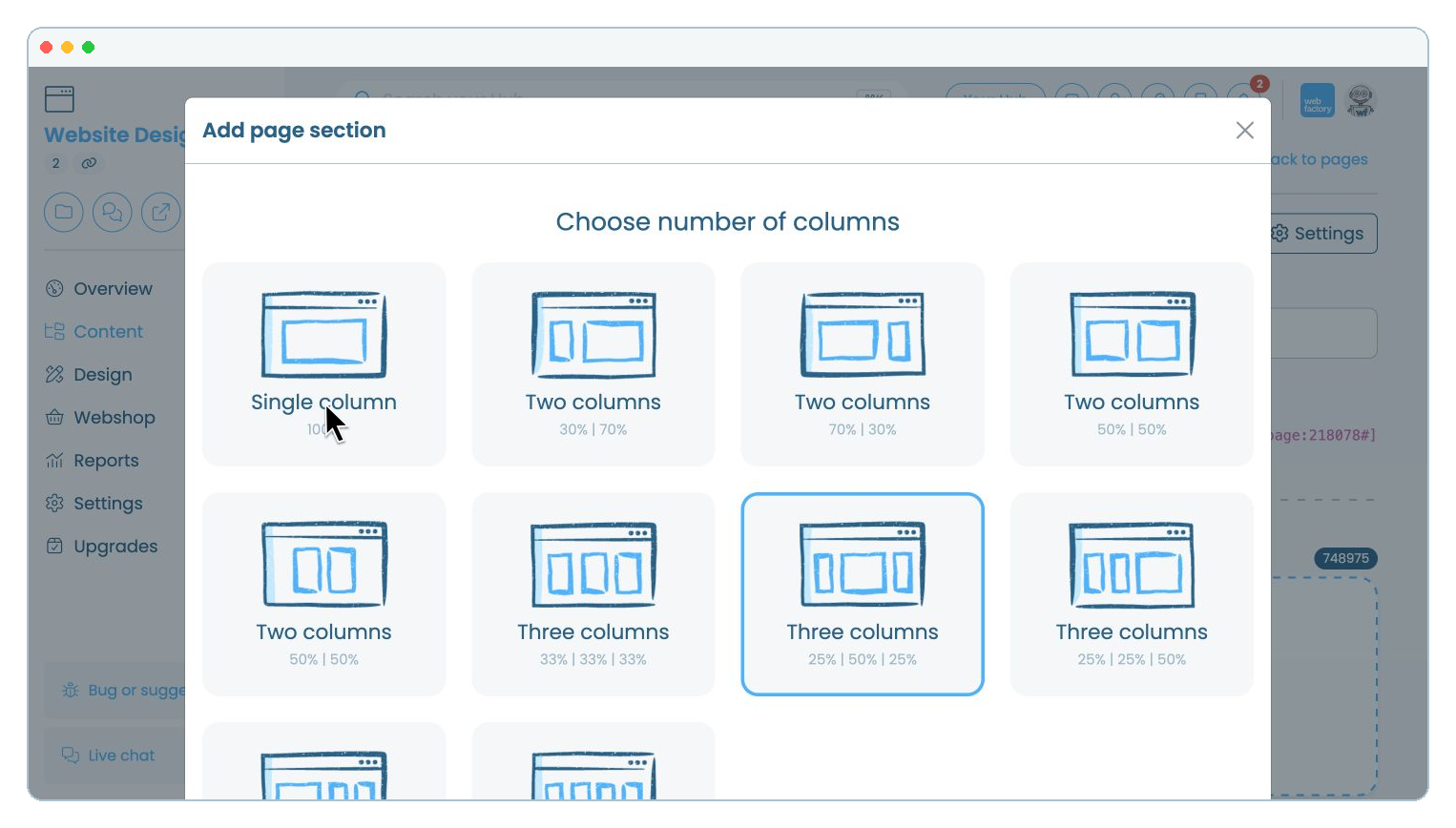
Select 'Single column'.

Step 6

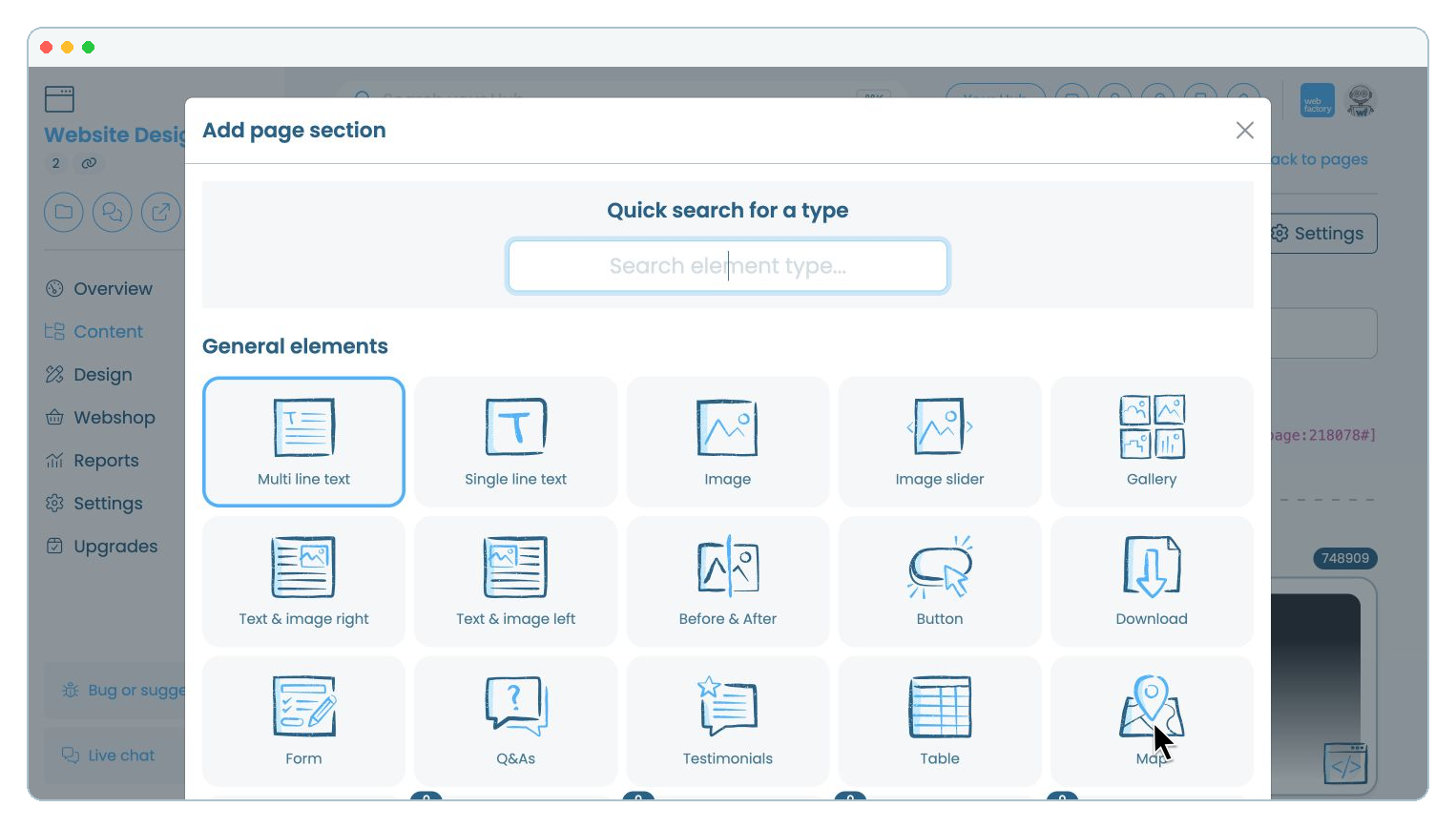
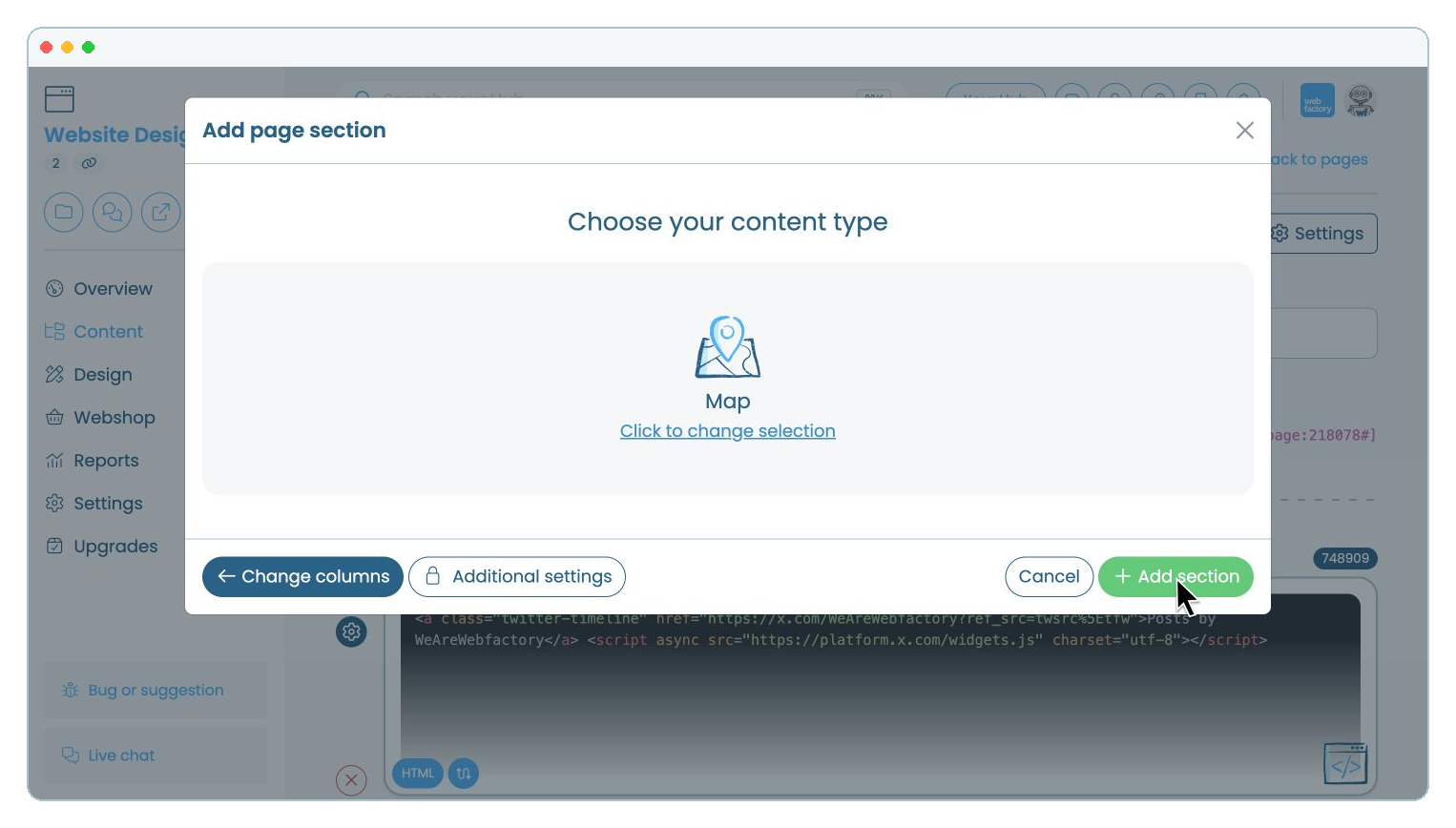
Under 'General elements', select 'Map'.

Step 7

Then click 'Add section'.

Step 8

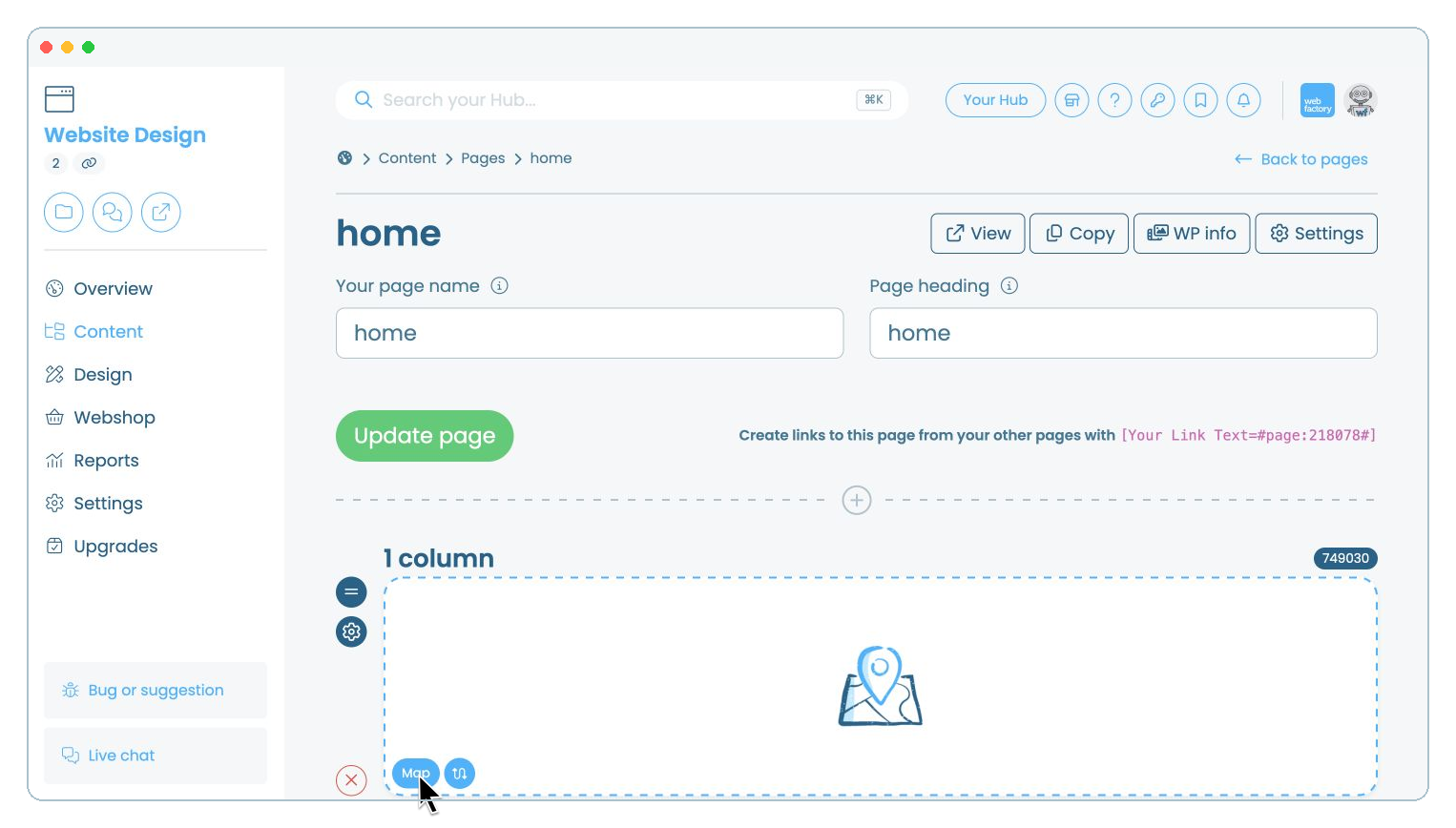
Click the new 'Map' element on your page.

Step 9

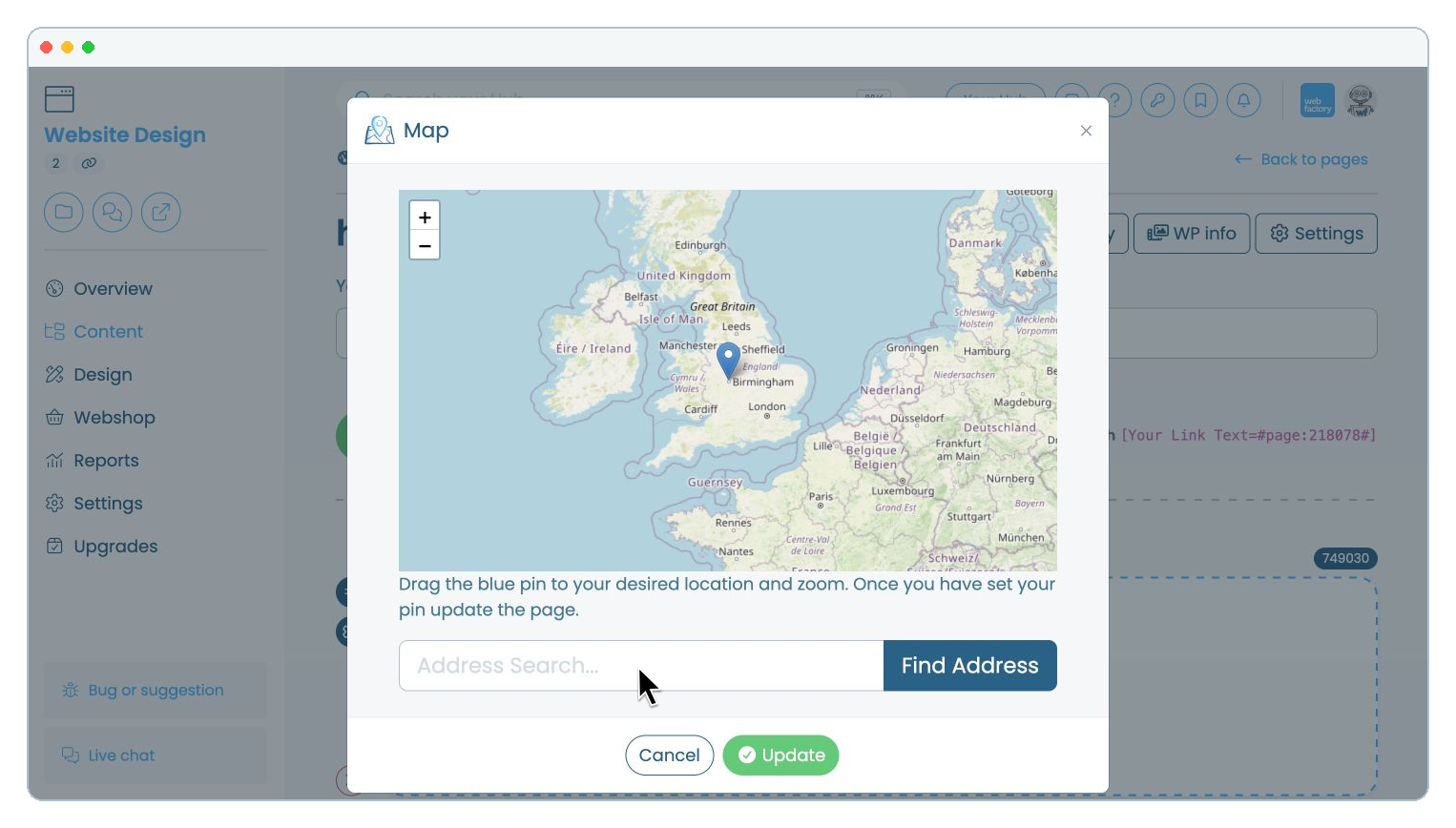
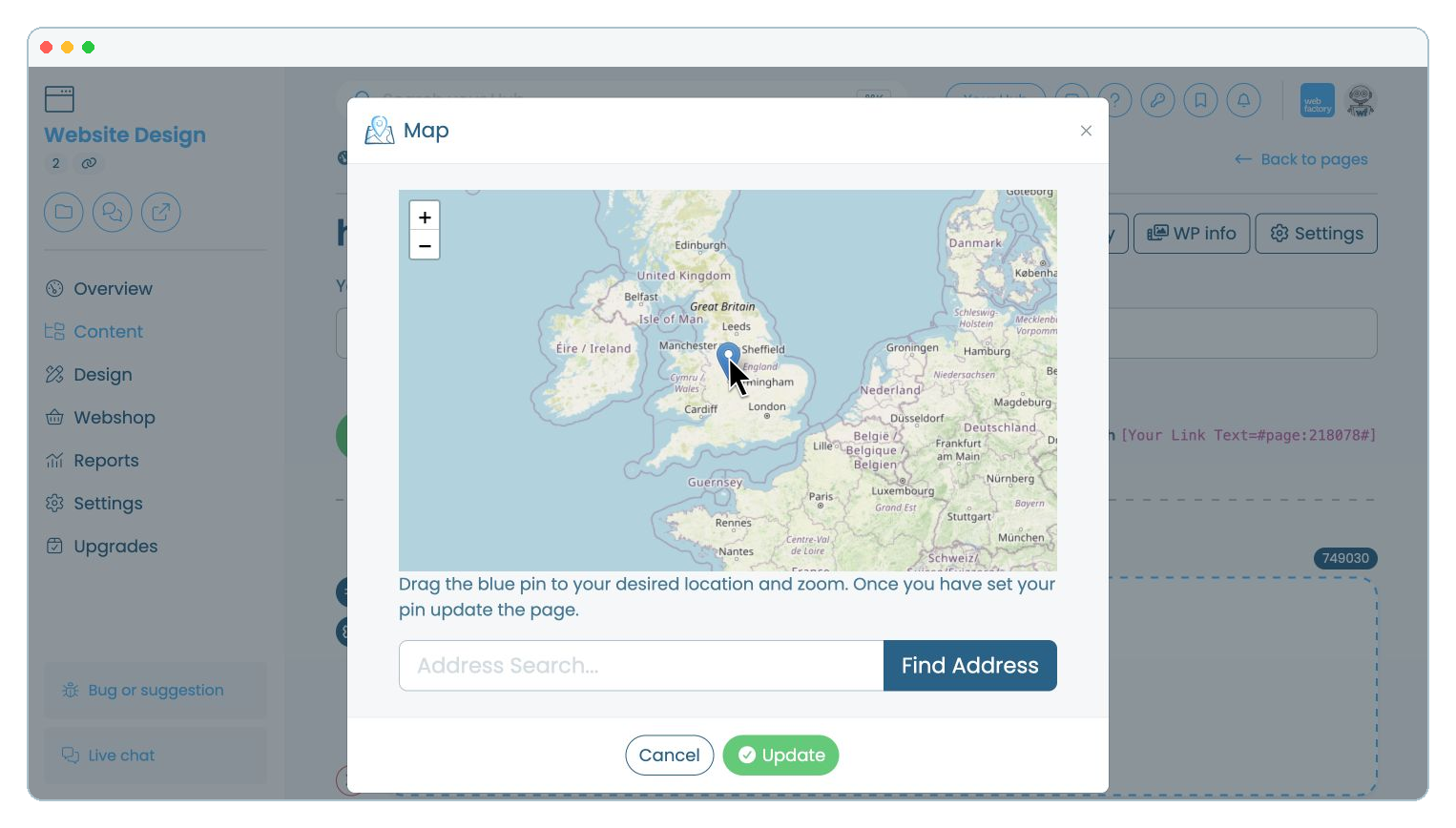
Enter an address in 'Address Search...', then click 'Find Address'.

Step 10

Drag the blue pin to the required location. Use and to adjust the zoom if needed.
Step 11

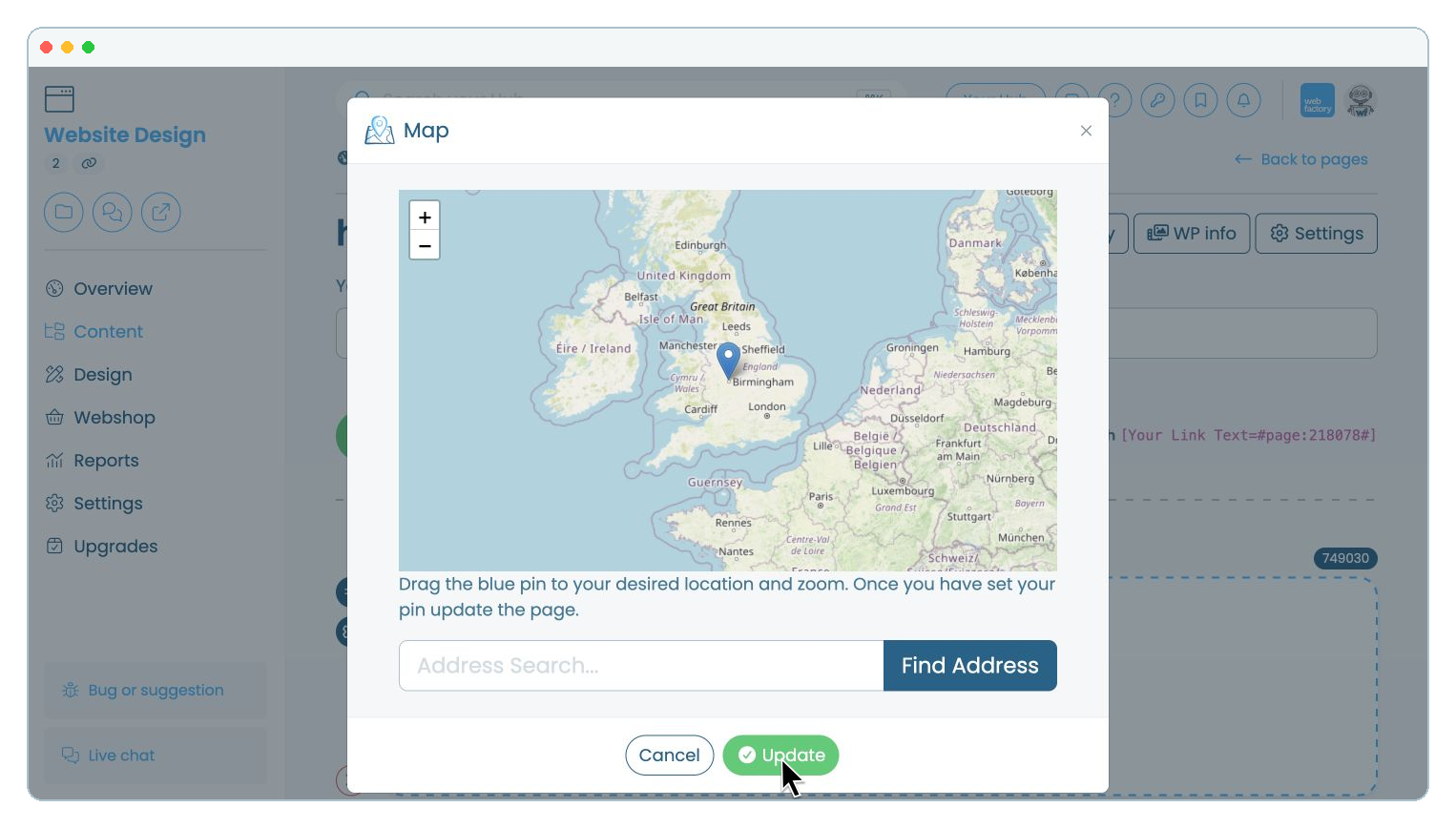
Click 'Update'.