How to add a countdown to a website page
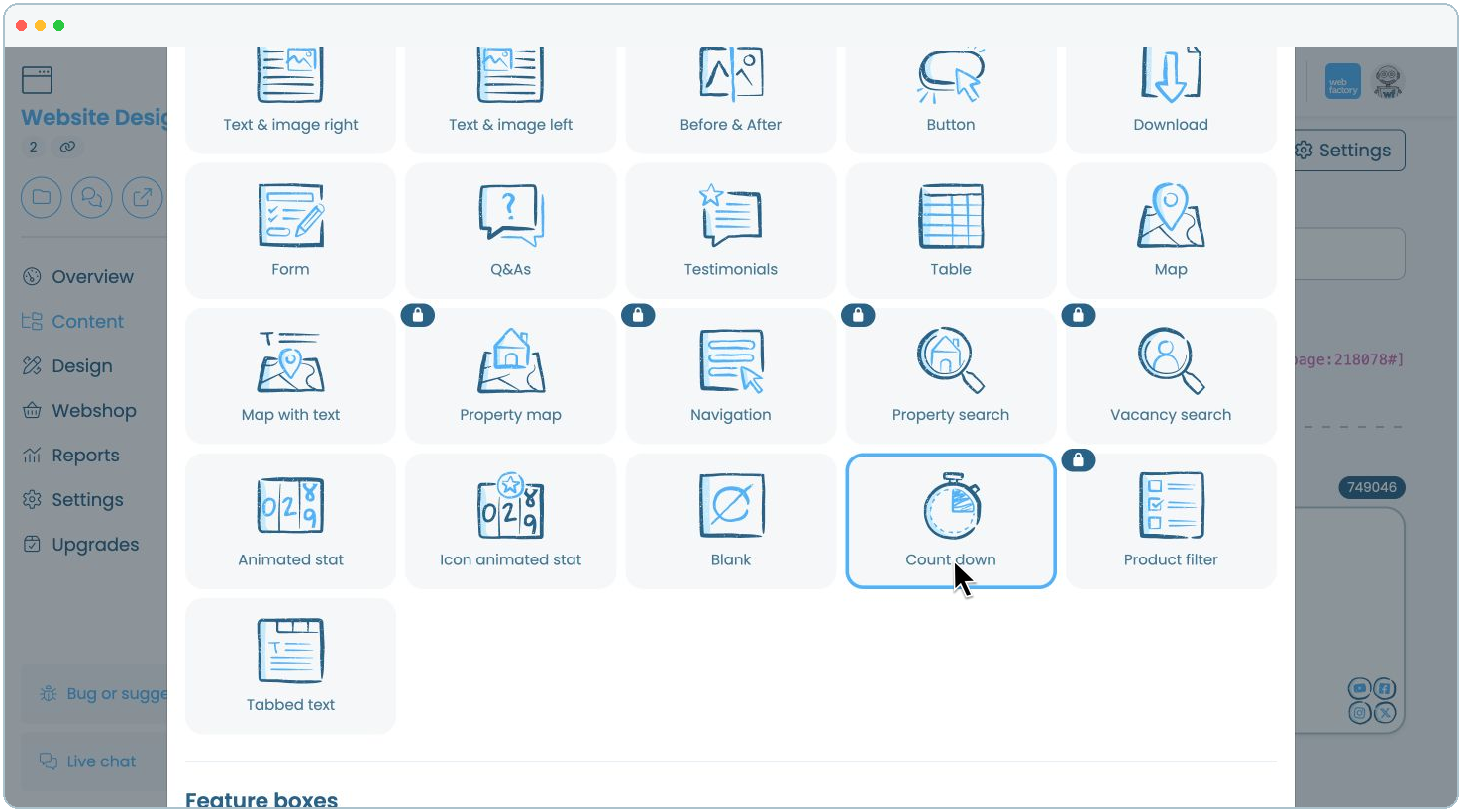
In this article, we'll guide you through adding a countdown to a website page and customising how it appears.
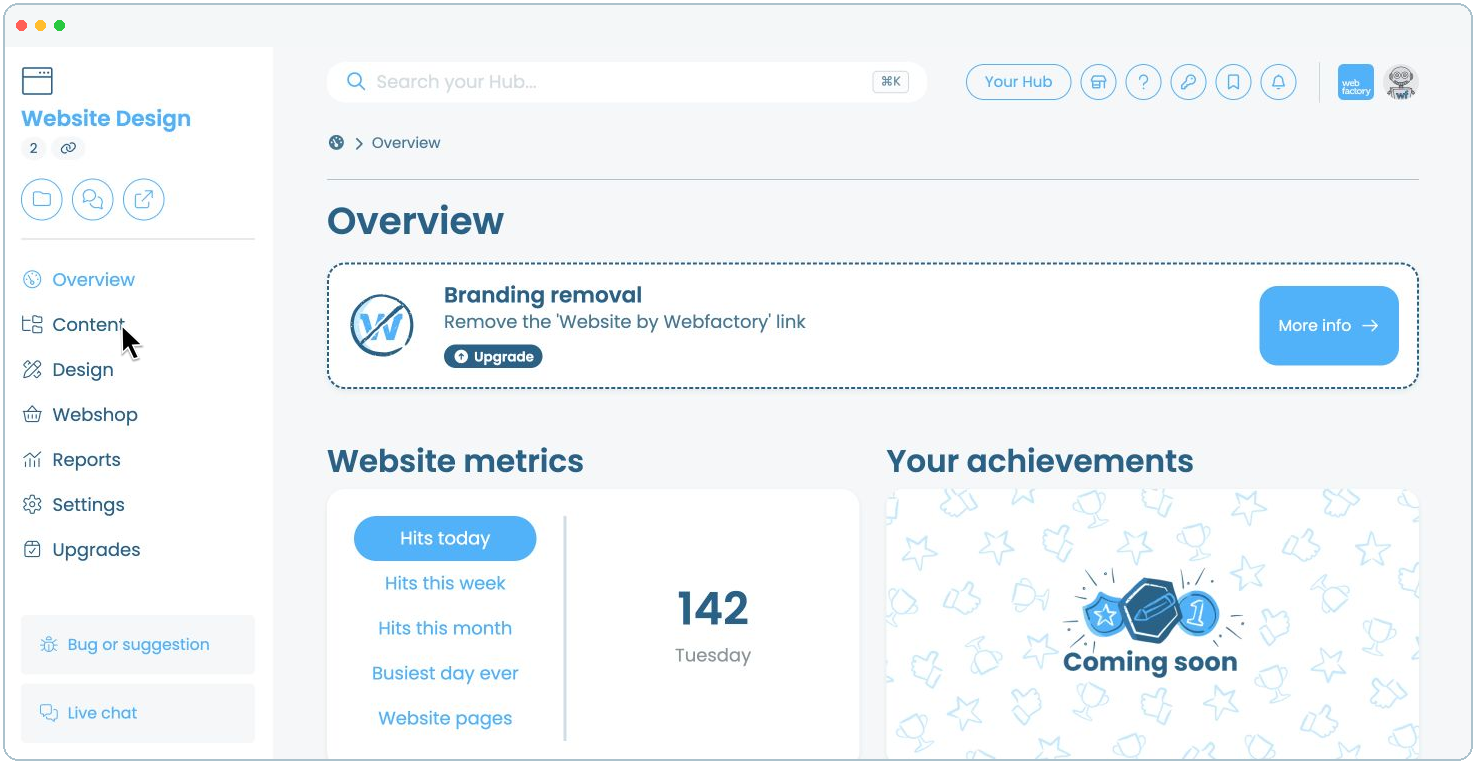
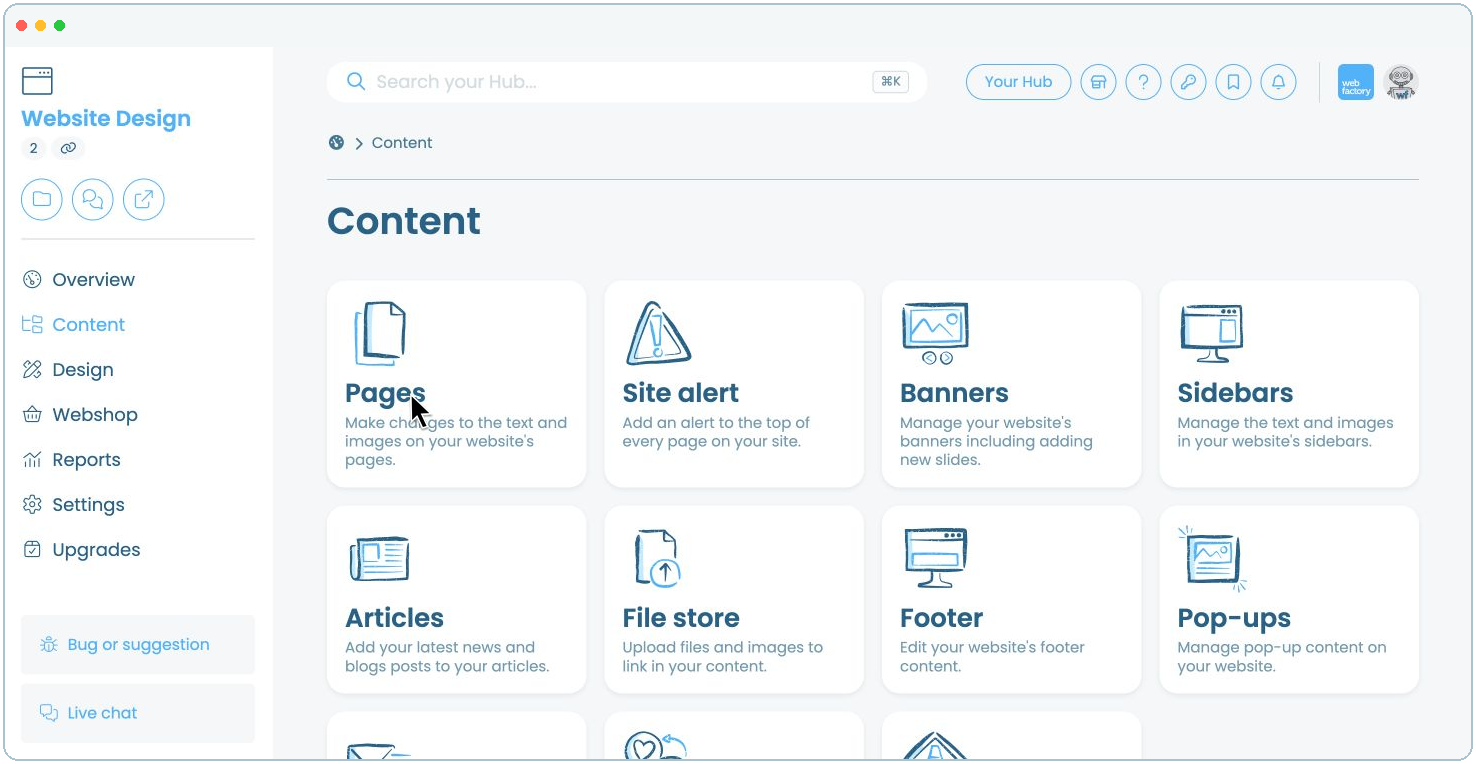
Step 3
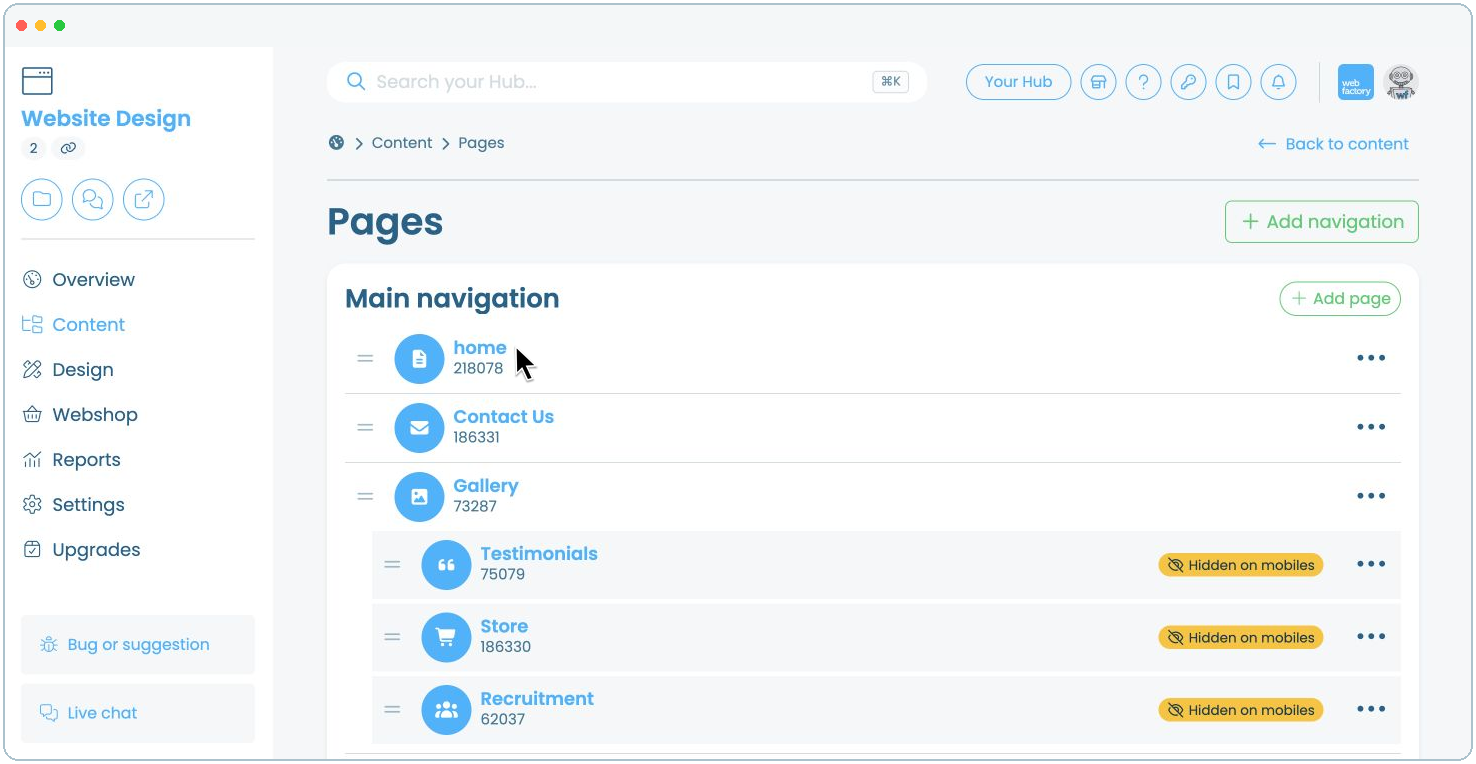
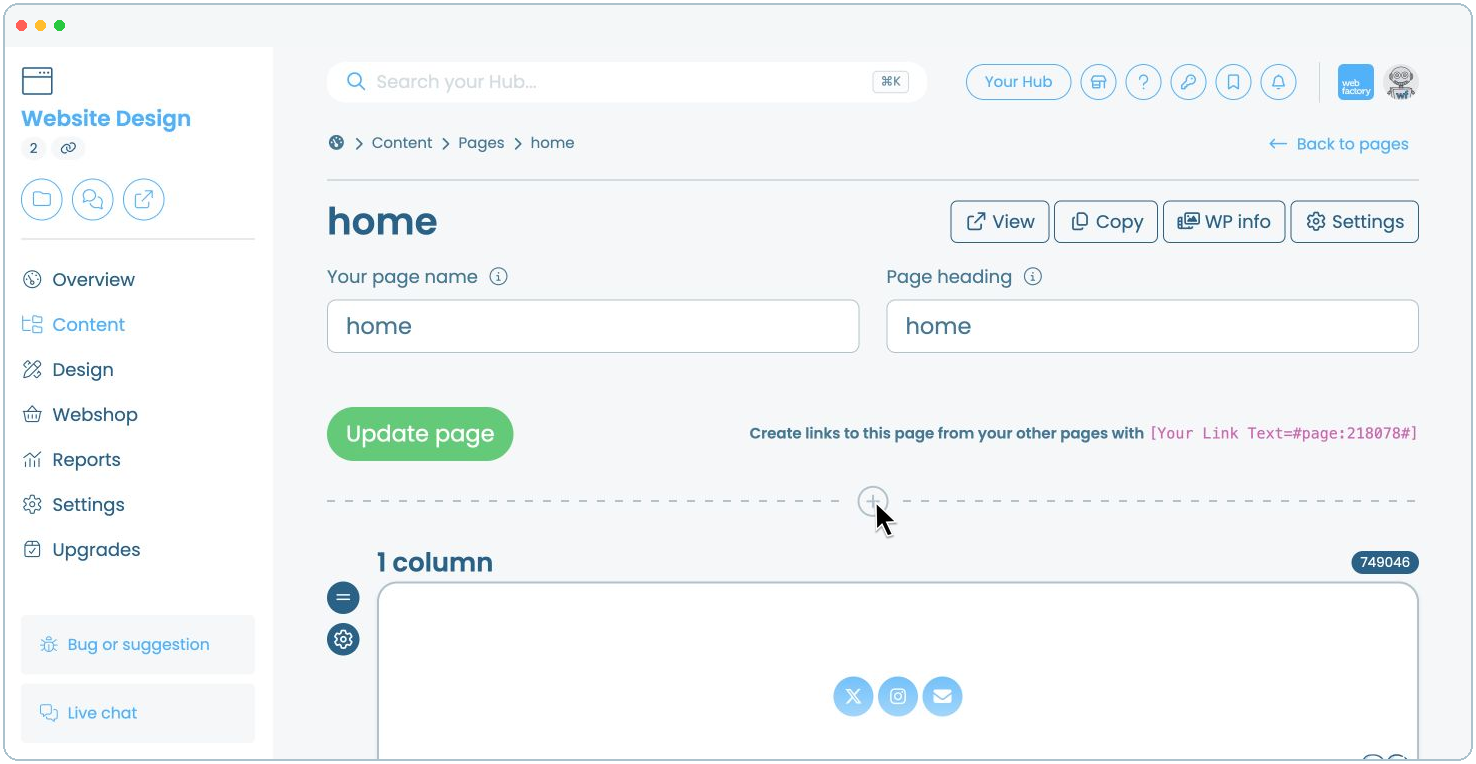
Click the name of the page where you want to add the countdown, for example, 'home'.
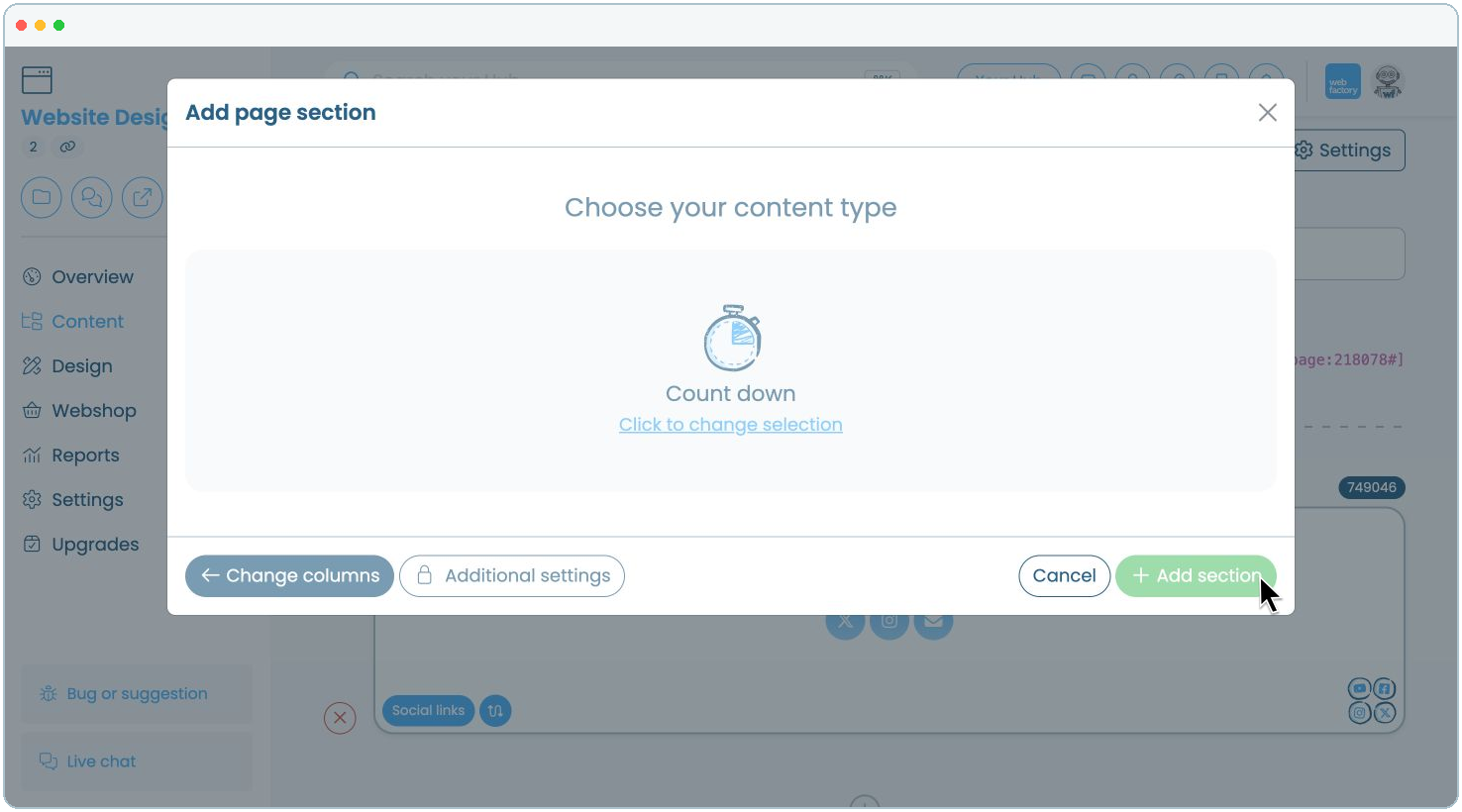
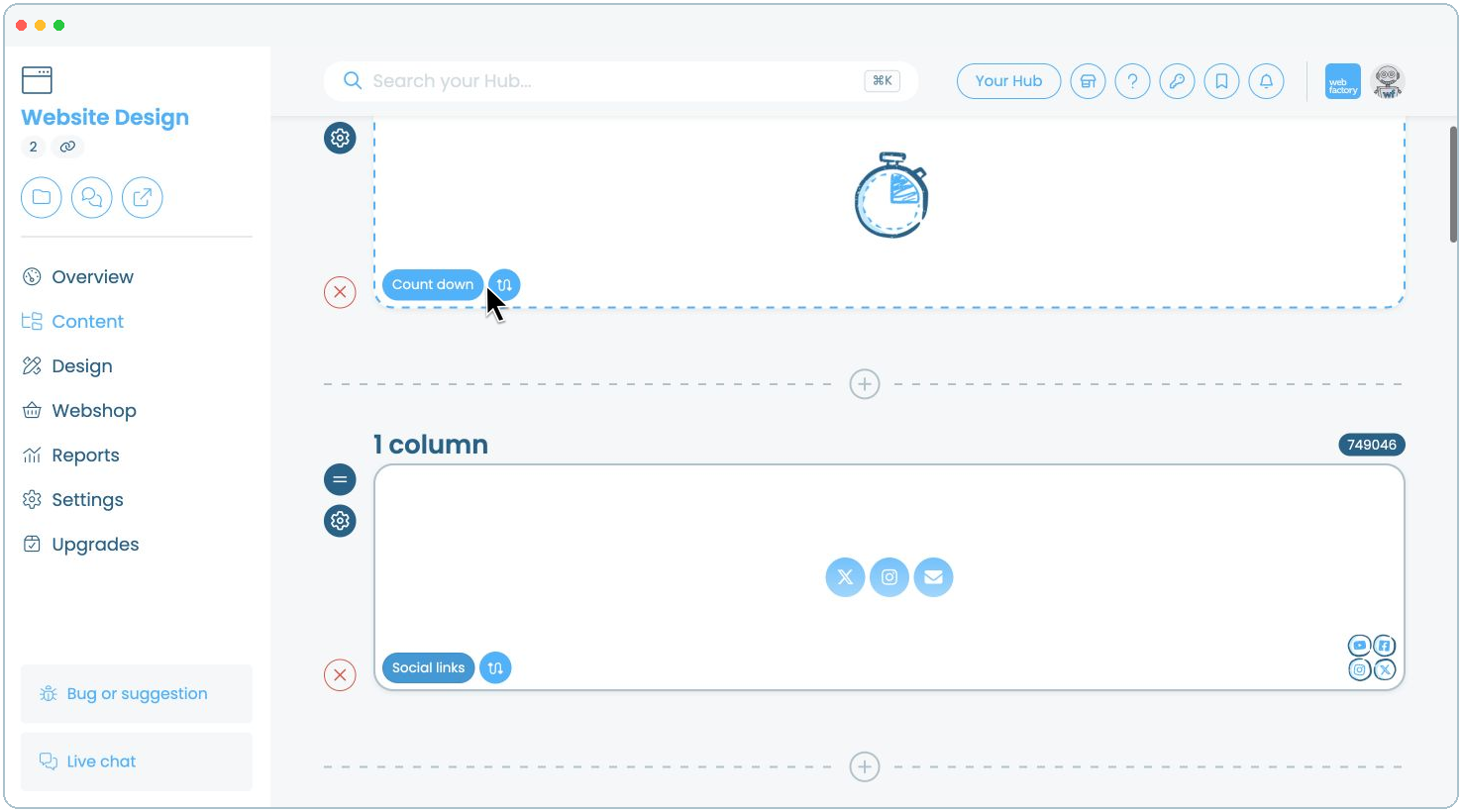
Step 9
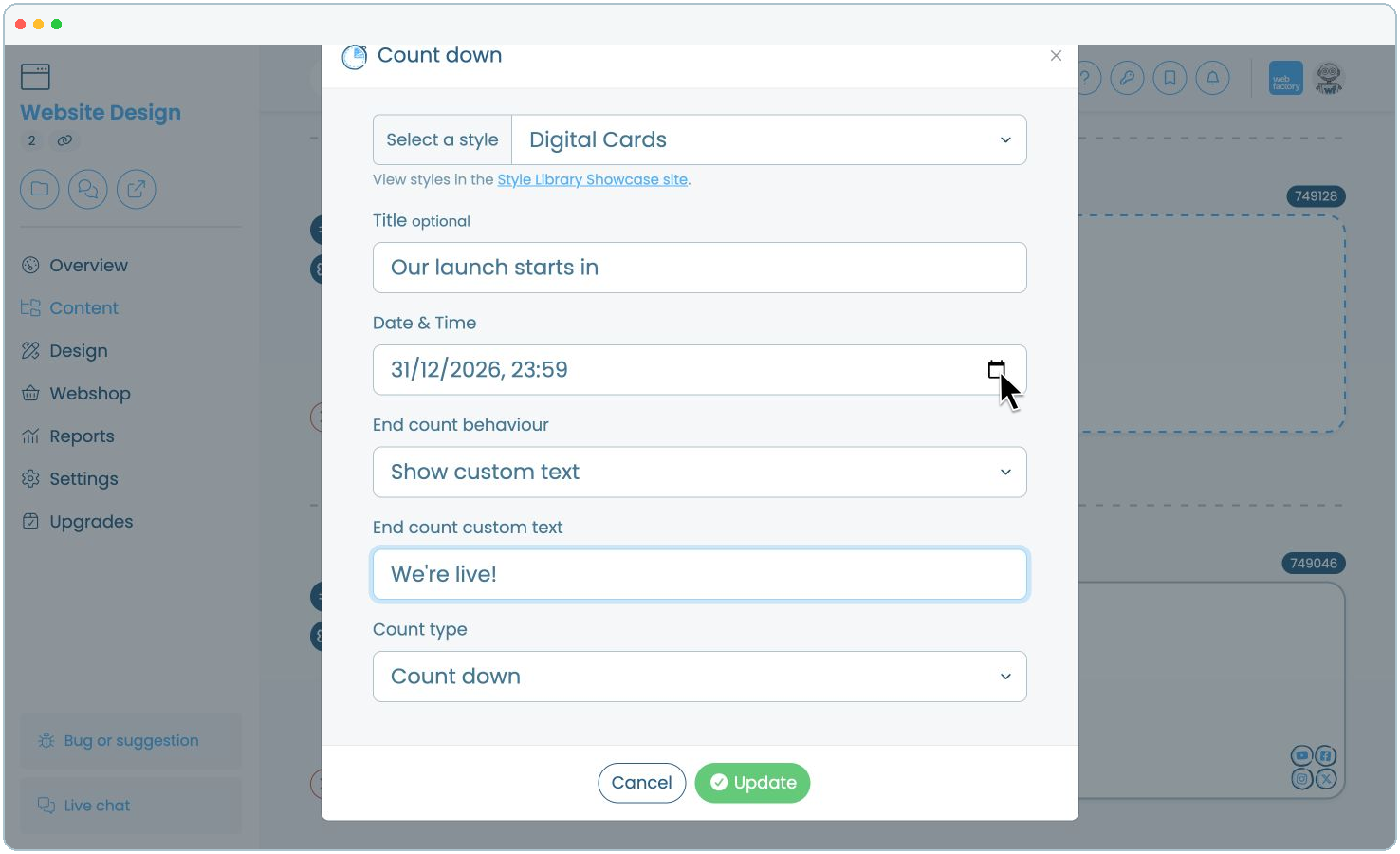
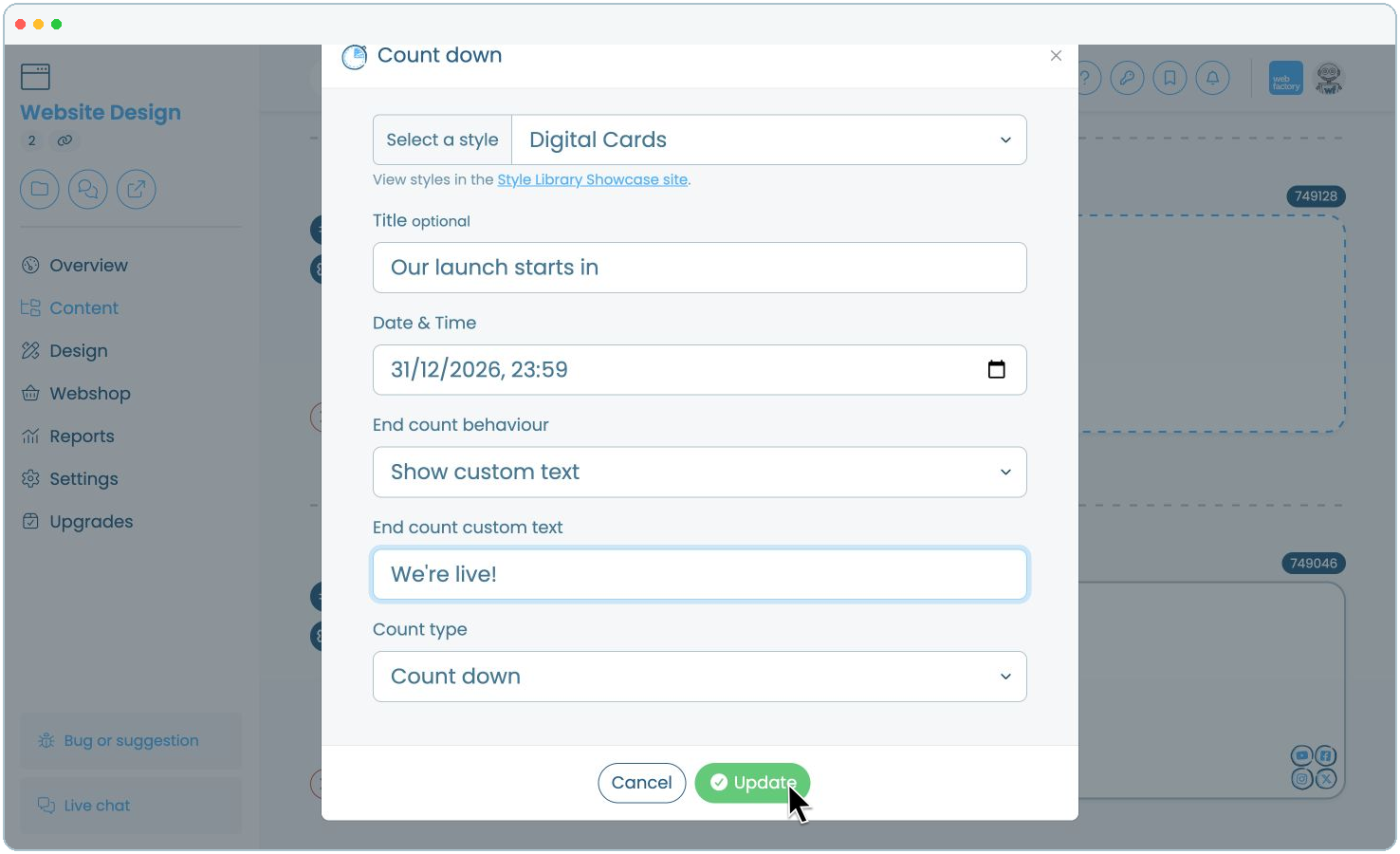
Choose a style and optional title, set the date and time, select the end behaviour, and check that 'Count down' is selected under 'Count type'.