Stripe: how to enable Apple Pay
In this article, we'll guide you through the steps of enabling Apple Pay with Stripe.
Step 1
If you've not done so already, create your Stripe account.
Step 2
Once you've set up your Stripe account, you'll need to connect your website. You can read how to do this in our how to connect your website to Stripe article.
Step 3
Now, log in to your Stripe Dashboard and click on the settings icon at the top of the page and then click on 'Settings'.
Step 4
Open the Payments section and then the Payment Methods tab.
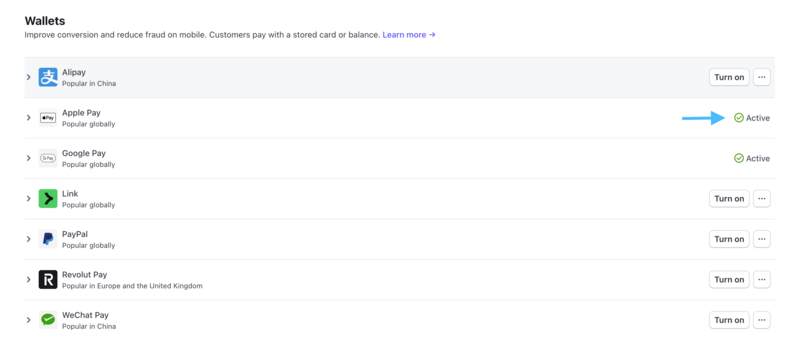
Upon checkout, your customers will now be able to complete payment with Apple Pay.
Stripe provides a support article for setting up Apple Pay within its system.