How to create and use Webshop tracking codes
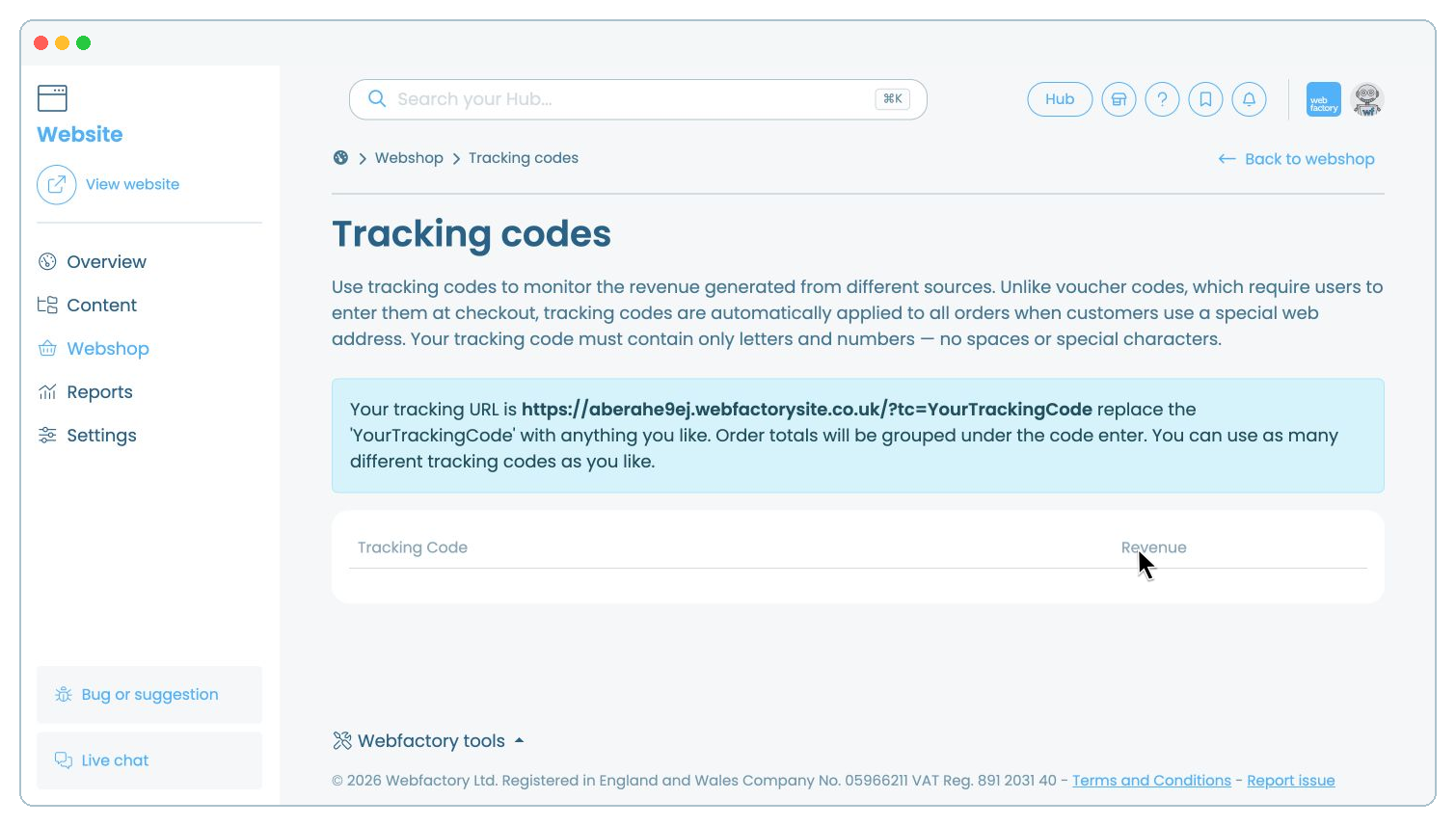
In this article, we'll guide you through creating and using tracking codes to measure the revenue generated by different links to your Webshop.
A Webshop tracking code is added to a special web address and is applied automatically when a customer visits your website through that link. It does not create a discount, and the customer does not need to enter anything at checkout.
Webshop tracking codes are different from third-party conversion scripts. To add code supplied by Google Ads, Google Analytics, Meta Ads or Microsoft Ads, see how to track Webshop order conversions.
Choose a short tracking code for the source or campaign you want to measure. Use letters and numbers only, with no spaces or special characters.
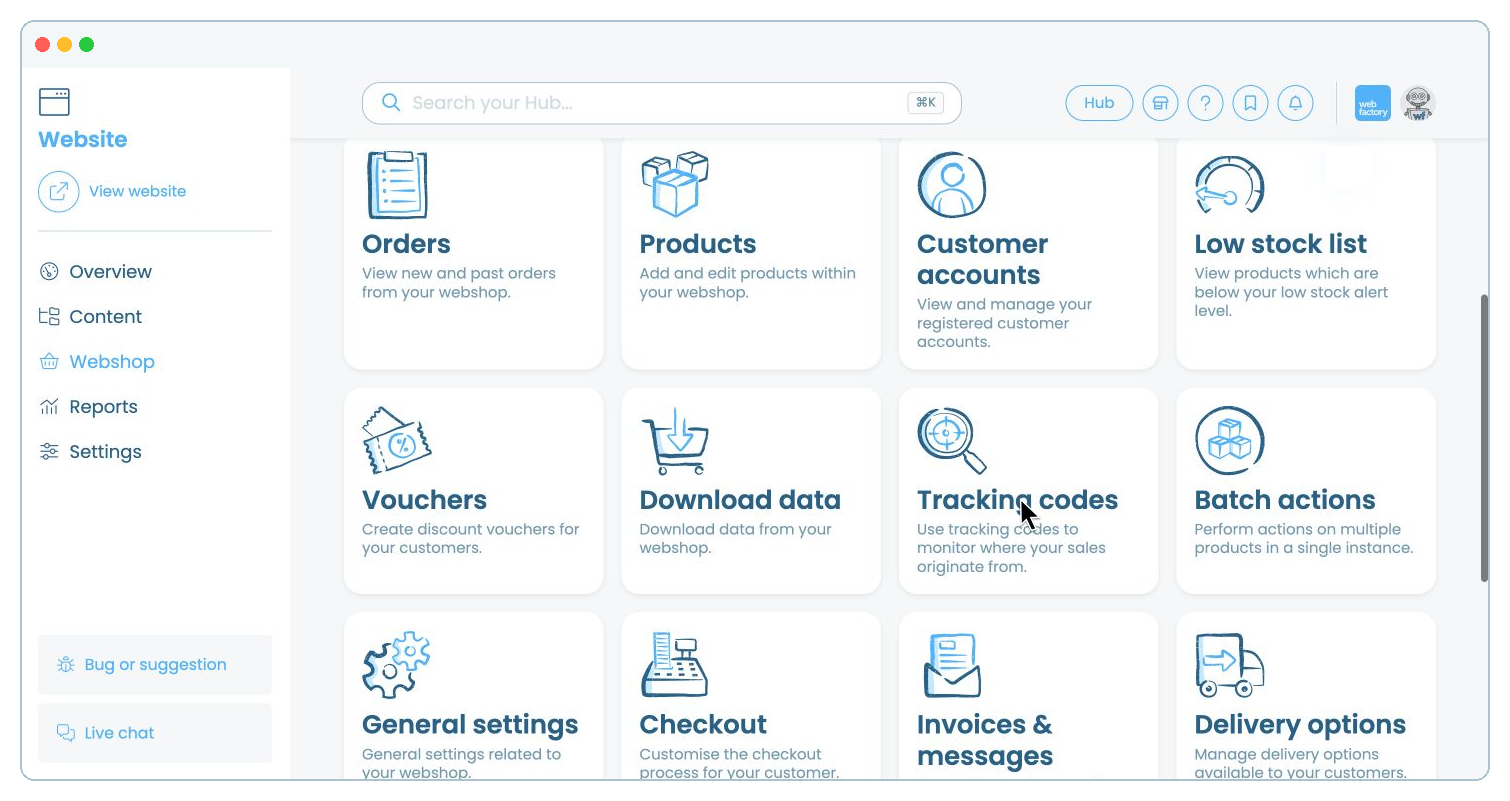
In the website editor, go to 'Webshop'.
Copy the tracking URL shown on the page and replace 'YourTrackingCode' with your chosen code. For example, a code named 'GUIDE25' will produce a URL ending in '?tc=GUIDE25'.
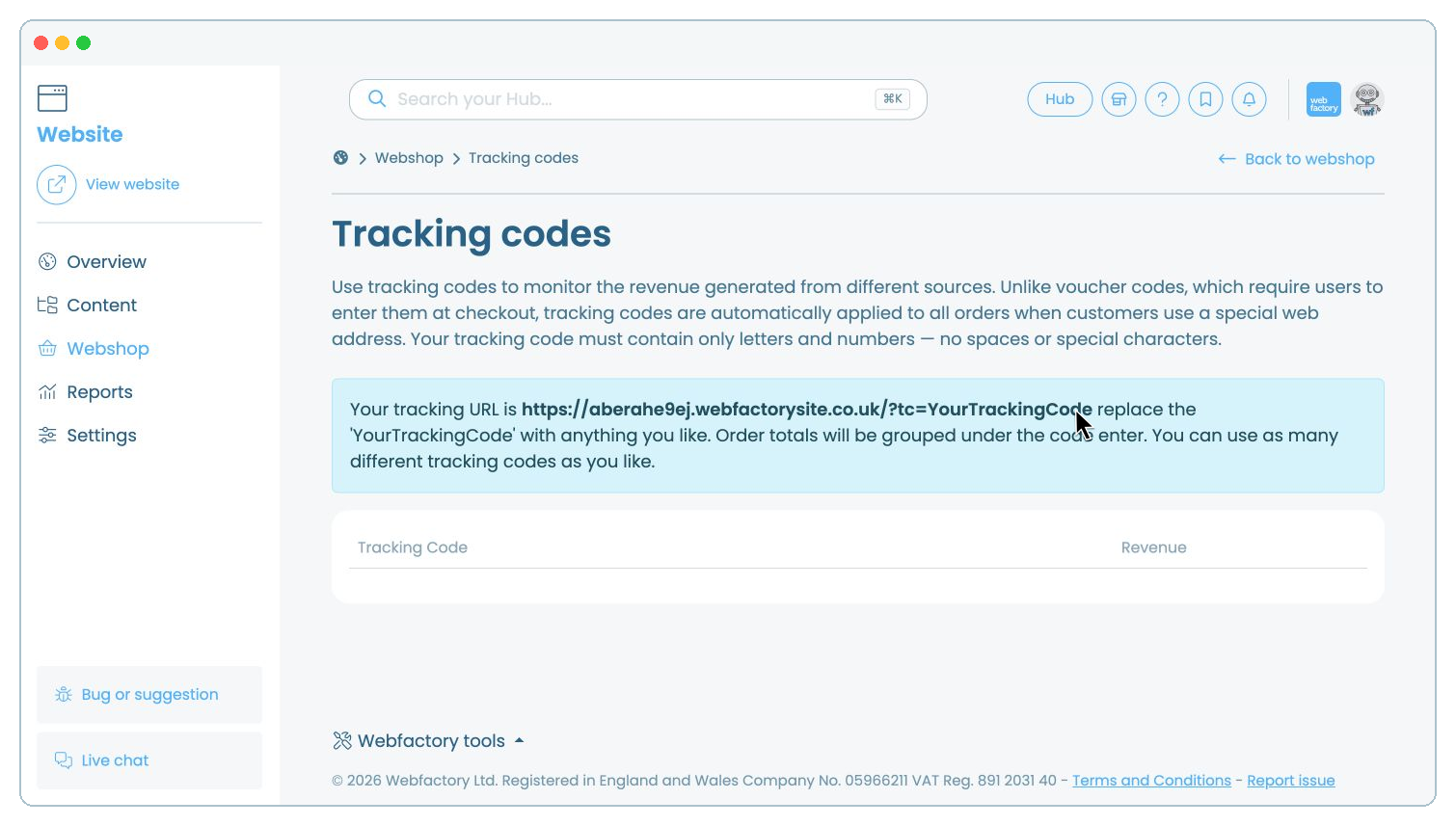
Share the completed tracking URL in the source you want to measure, such as an advert, email campaign or social media post. Orders placed after customers use this link are grouped under that tracking code.
After customers place orders through your tracking URLs, return to 'Tracking codes' to compare the revenue generated by each code.