How to update your robots.txt file
In this article, we'll explain what the robots.txt file is, what it is used for, and how to add your own crawler rules to your website.
What is a crawler?
A crawler (also known as a bot or spider) is an automated program that visits websites and reads their content.
Search engines such as Google and Bing use crawlers to discover and index websites, while some AI services use crawlers to understand website content.
What is robots.txt?
The robots.txt file provides instructions to search engines and other compliant crawlers about which areas of your website they may crawl.
For example, you might use it to:
- Reduce crawling of duplicate or filtered pages.
- Ask crawlers not to visit certain folders or sections.
- Provide different instructions for specific crawler services.
robots.txt is not a security feature or access-control tool. It does not stop people from accessing pages and does not guarantee that a page will be excluded from search engine results.
Where to find the setting
To manage your robots.txt rules:
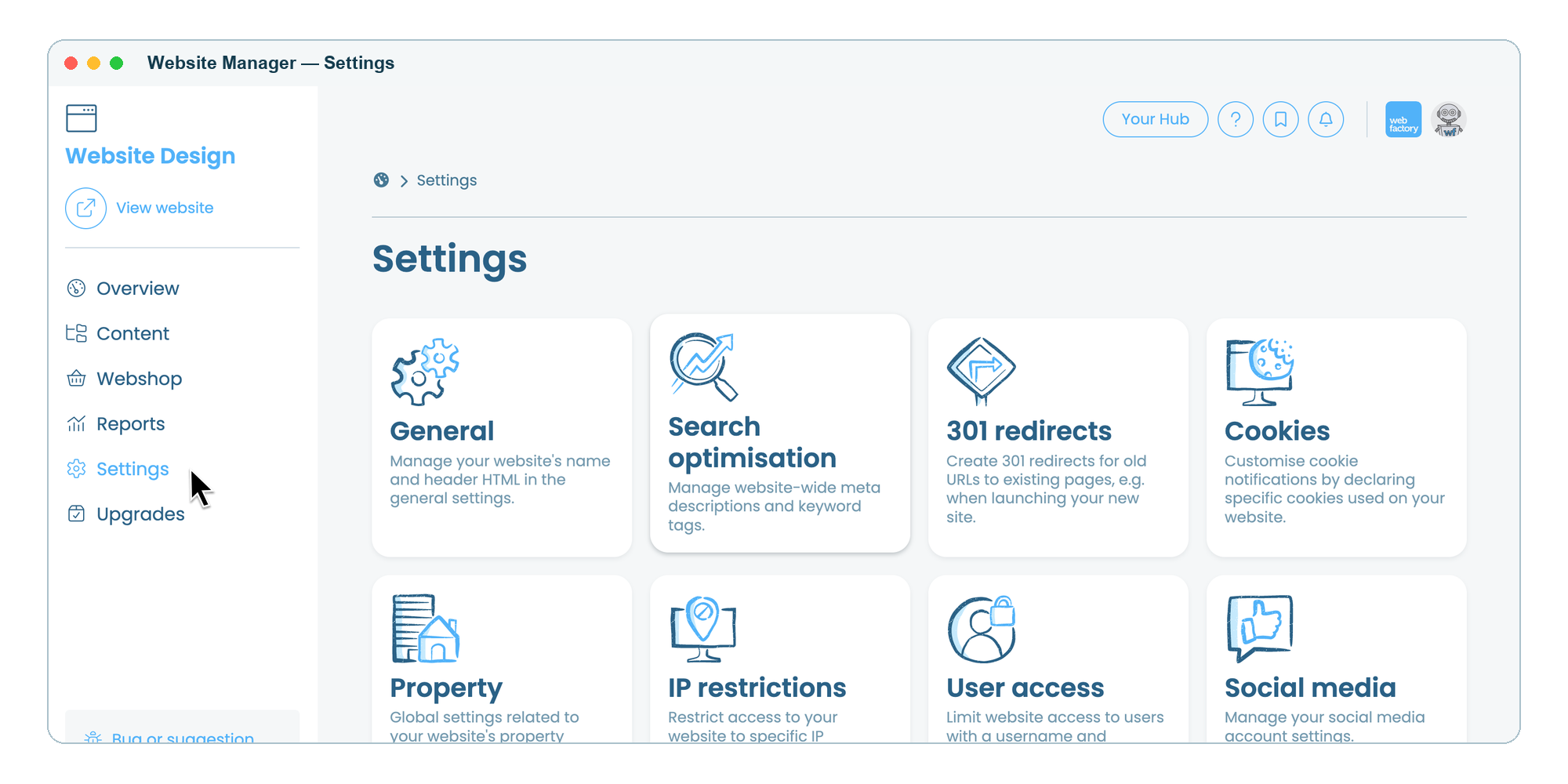
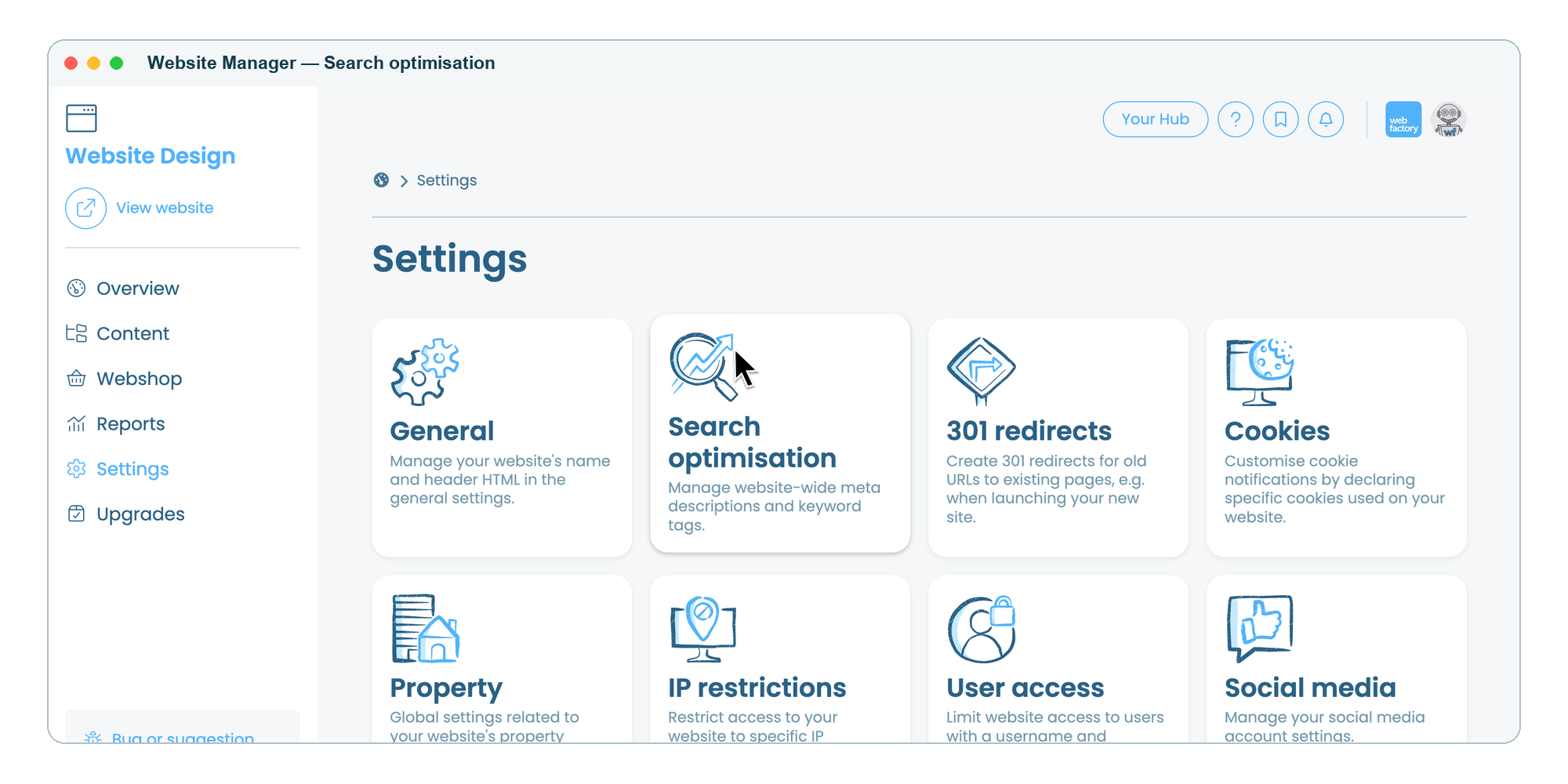
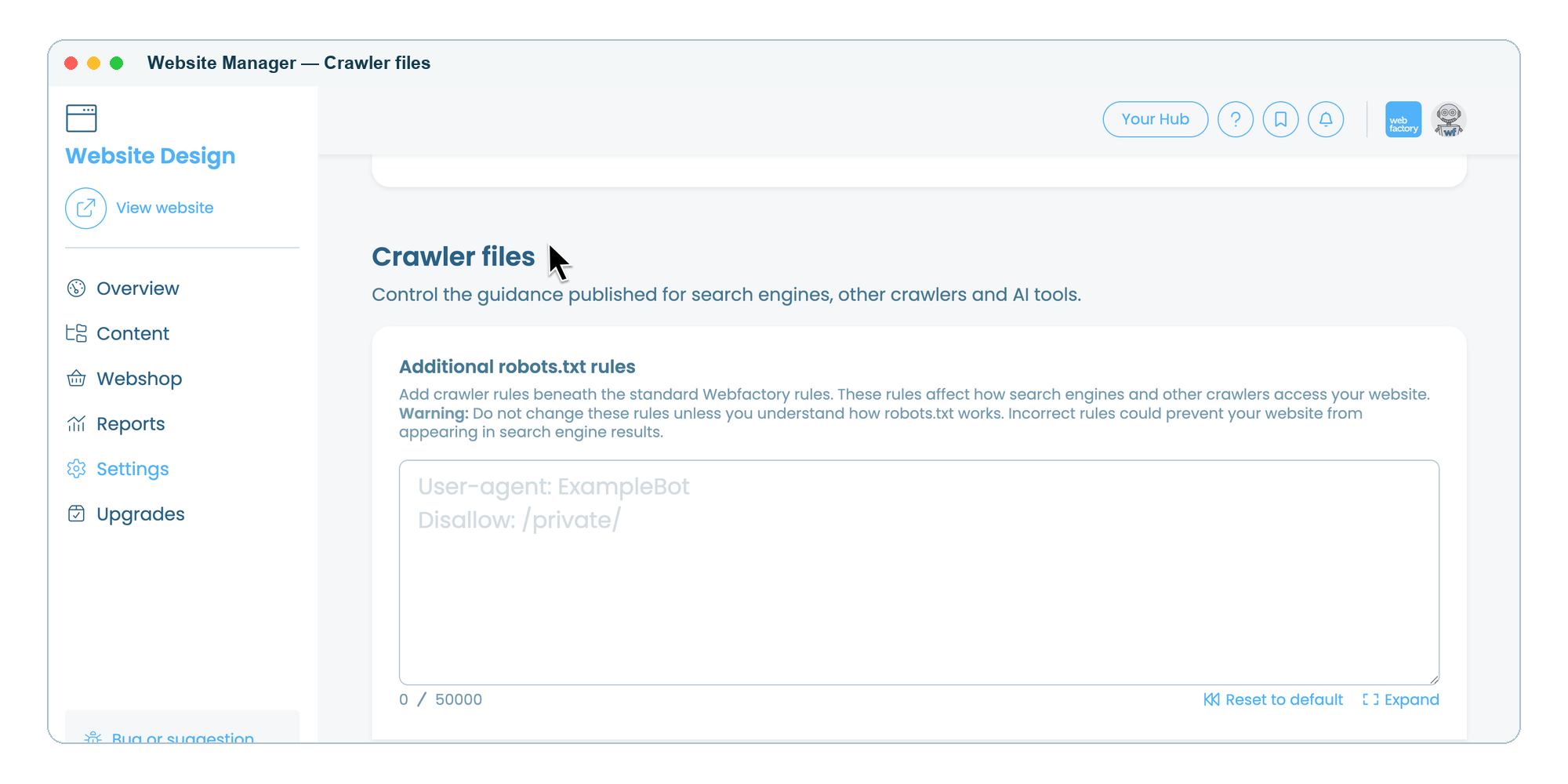
How to add additional robots.txt rules
Webfactory automatically publishes a standard robots.txt file for every website.
Any rules you add are placed beneath Webfactory's standard rules.
Within the 'Additional robots.txt rules' text box, enter the crawler instructions you would like to publish.
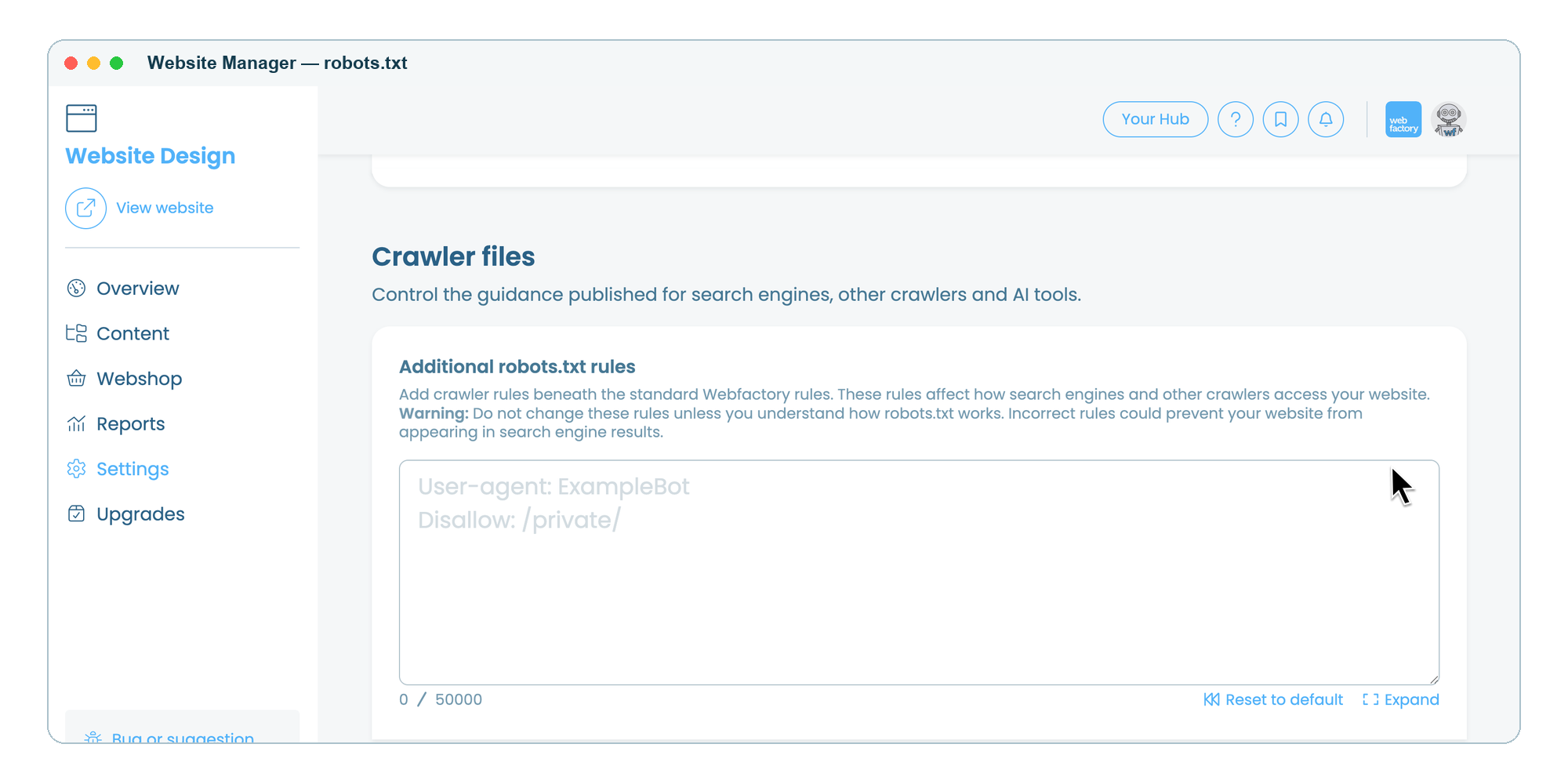
Click on the 'Update settings' button.
How to view your published robots.txt
Once you've saved your changes, you can view your robots.txt file by adding /robots.txt to the end of your domain in your web browser. For example: www.yourdomain.co.uk/robots.txt
Example rules
- Prevent all compliant crawlers from crawling a folder
- User-agent: *
- Disallow: /private/
- Prevent a specific crawler from crawling a folder
- User-agent: Googlebot
- Disallow: /archive/
- Allow everything (default behaviour)
- User-agent: *
- Disallow:
For more information about the robots.txt file and how it works, see Google's guide about robots.txt.
Example of a robots.txt file
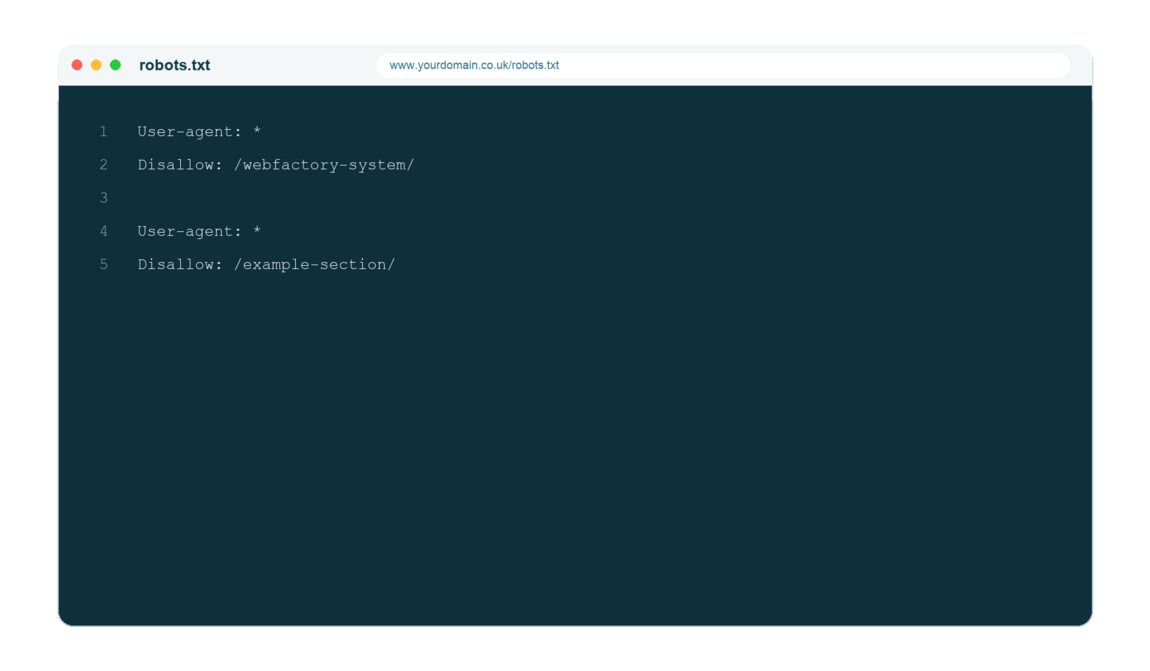
Incorrect rules could prevent search engines from crawling important pages, which may affect your website's visibility in search results.