How to update your llms.txt file
In this article, we'll explain what the llms.txt file is, what it is used for, and how to publish information that may help AI tools better understand your website.
What is a crawler?
A crawler (also known as a bot or spider) is an automated program that visits websites and reads their content.
Some AI services use crawlers to understand websites, while search engines use them to discover pages that can appear in search results.
What is llms.txt?
llms.txt is an optional file that contains a Markdown summary of your website, along with links to its most useful or authoritative content.
This can help participating AI services better understand what your website is about and identify your most important pages.
Support for llms.txt varies between AI services. Publishing a file does not guarantee that your website will be referenced, cited, or included by an AI tool.
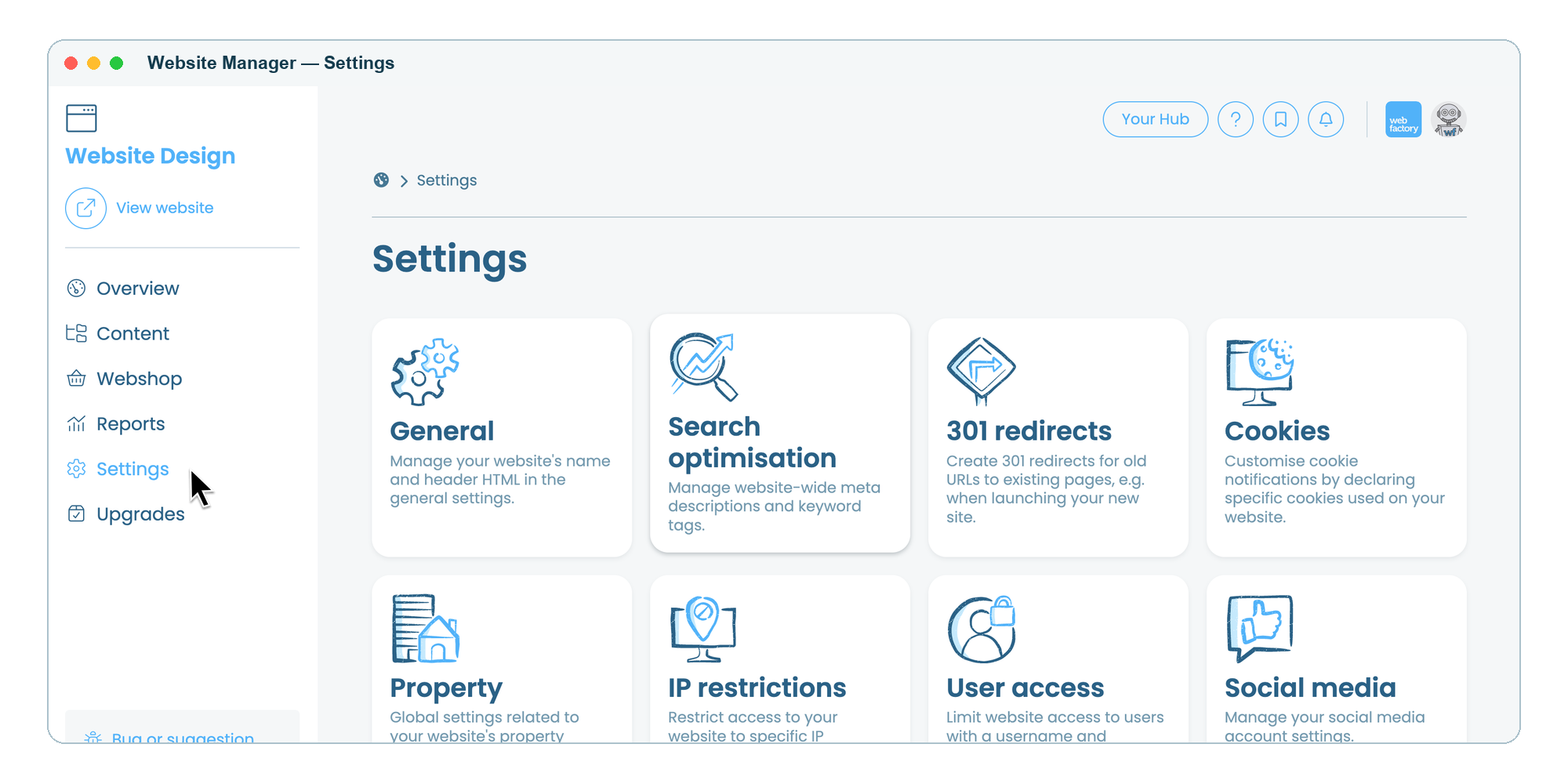
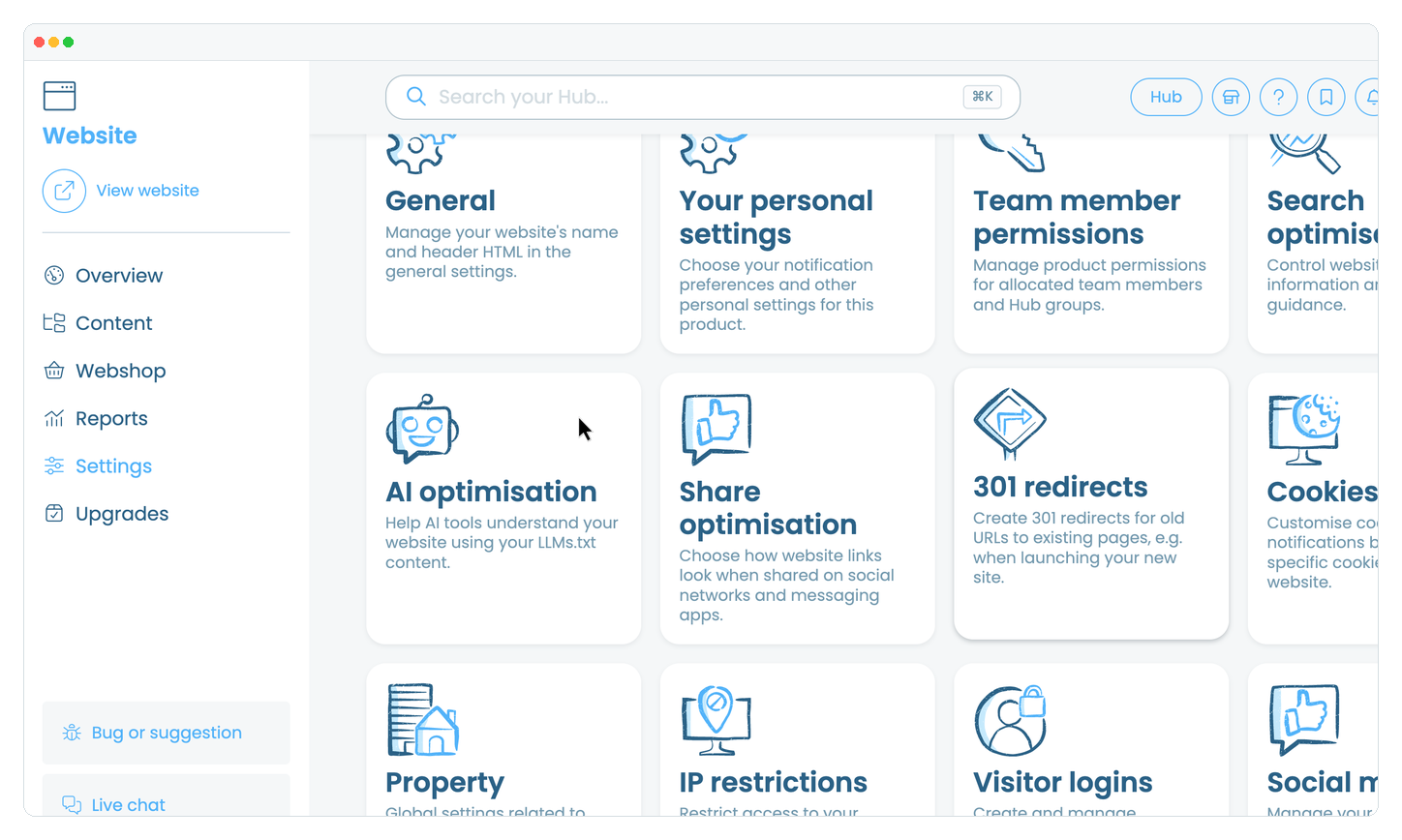
Where to find the setting
How to add llms.txt content
Under LLMs.txt content, enter your content using Markdown formatting (see example below).
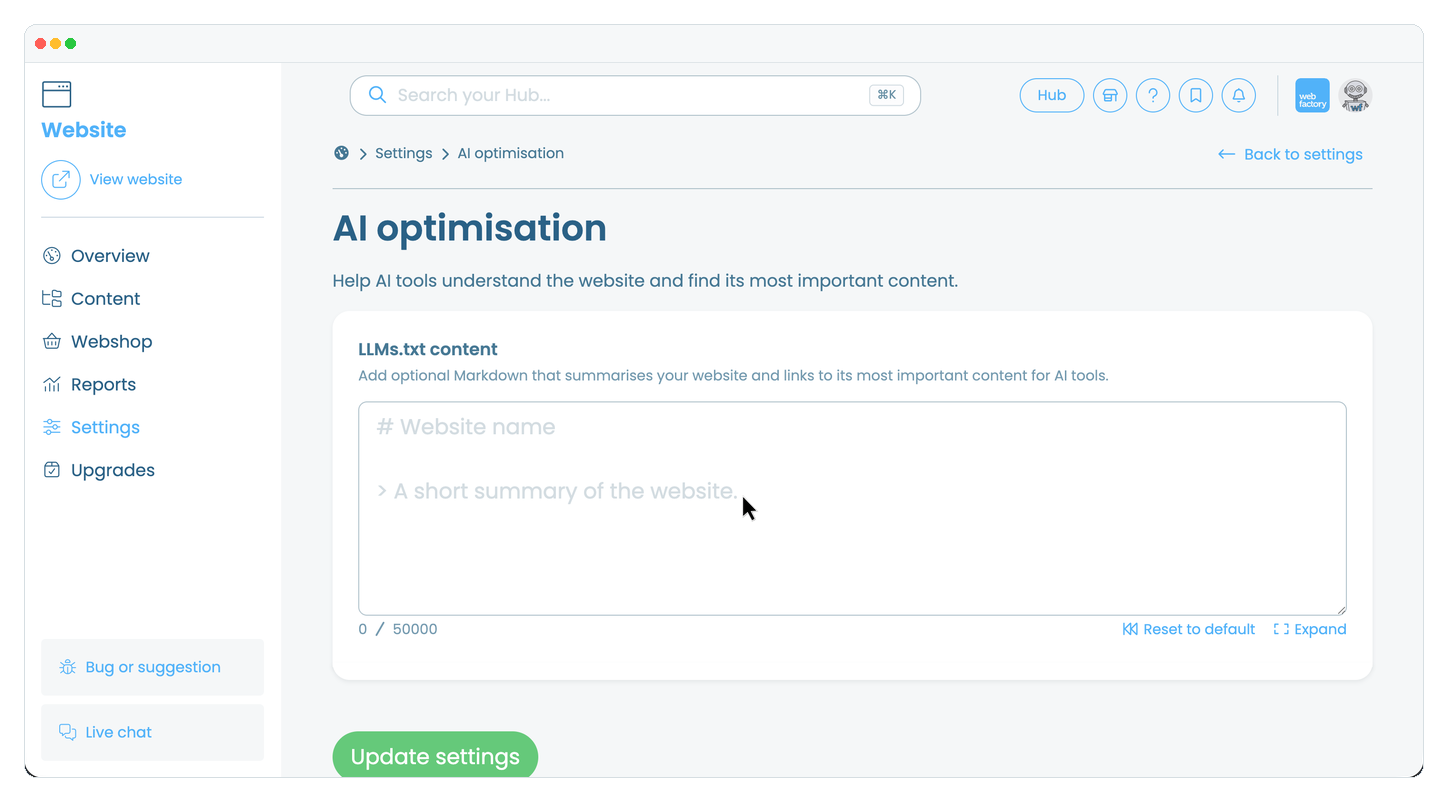
Review the content.
Click the 'Update settings' button.
Formatting your llms.txt
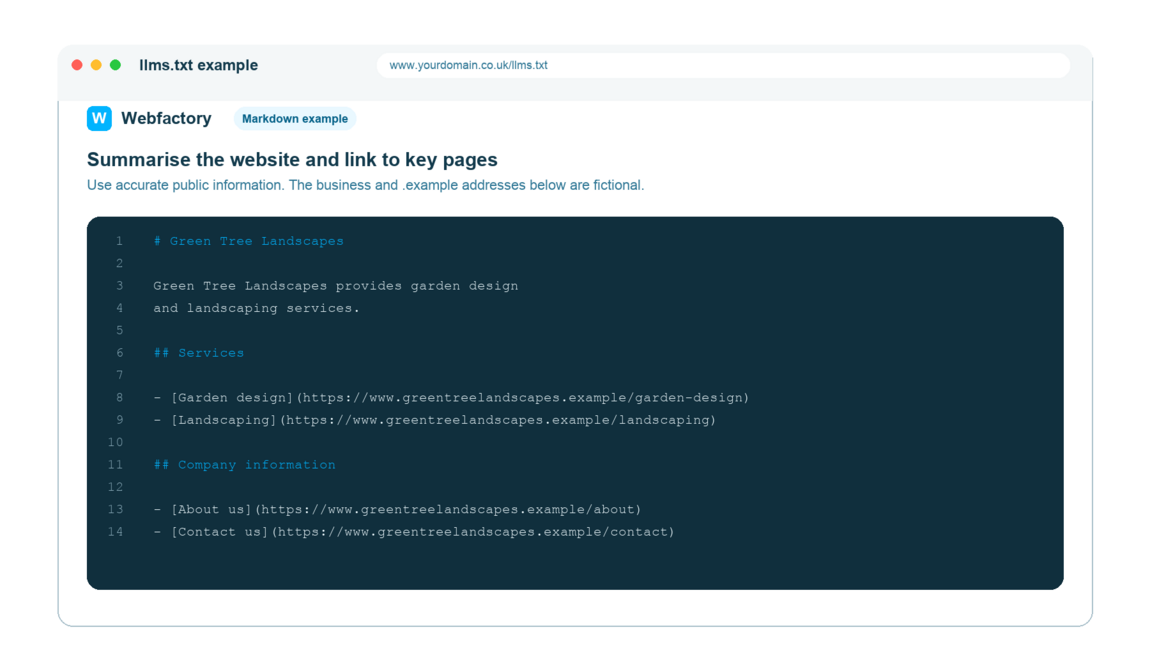
Format your file using Markdown, which allows you to create headings, lists and links using simple formatting. For example, use # for headings or - to list your pages.
A good llms.txt file should include:
- A short description of your website.
- What your business or organisation does.
- Links to your most important pages.
- Any key resources you would like AI tools to prioritise.
How to view your published llms.txt
Once saved, you can view the file by entering https://yourdomain.co.uk/llms.txt into your web browser.
For more information about the llms.txt file and how it works, see this guide about llms.txt.
Example of an llms.txt file