How to edit, reorder and remove your bookmarks
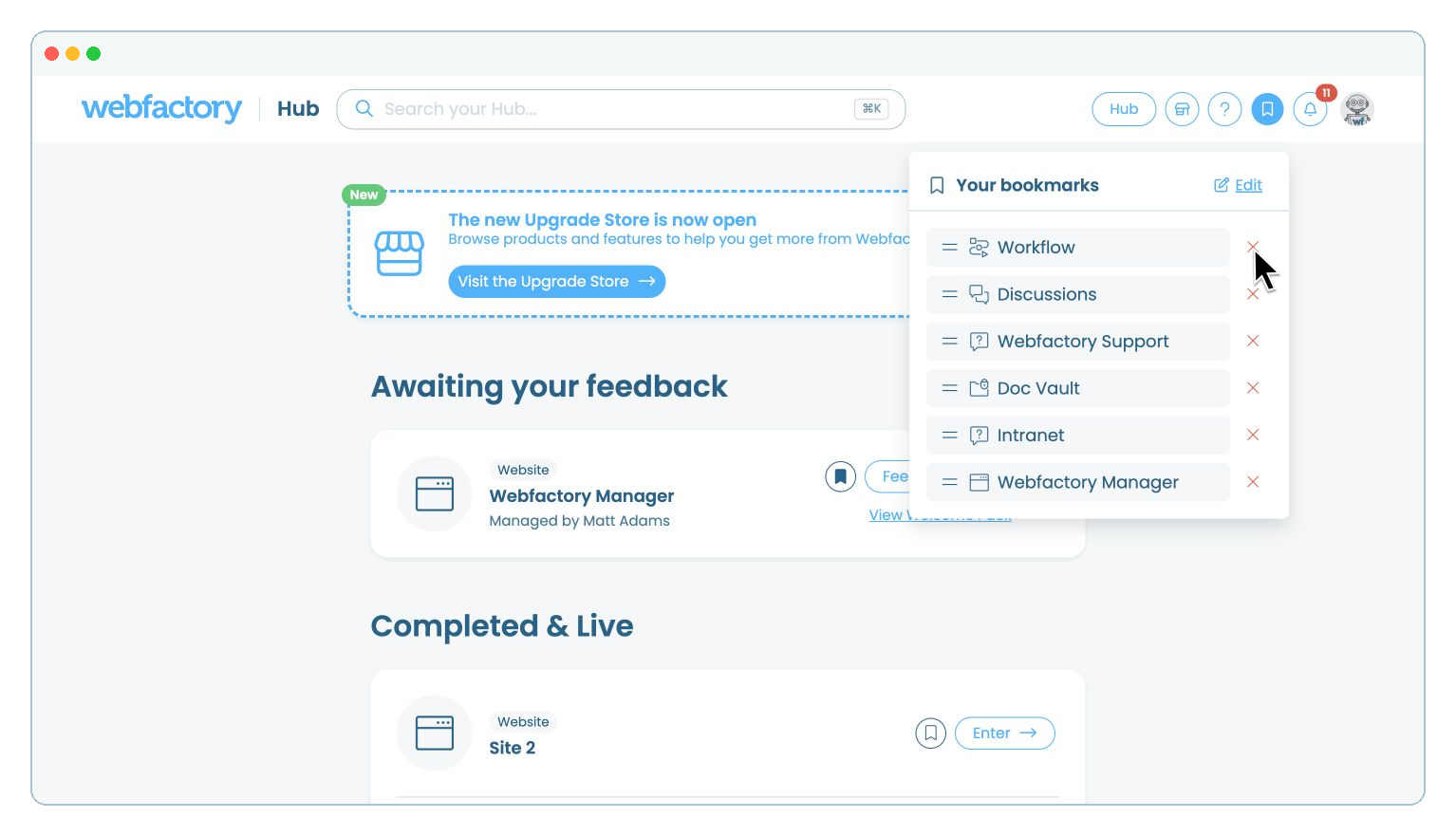
In this article, we'll guide you through editing your Hub bookmarks, changing their order and removing bookmarks you no longer need.
Step 1
Open bookmark editing
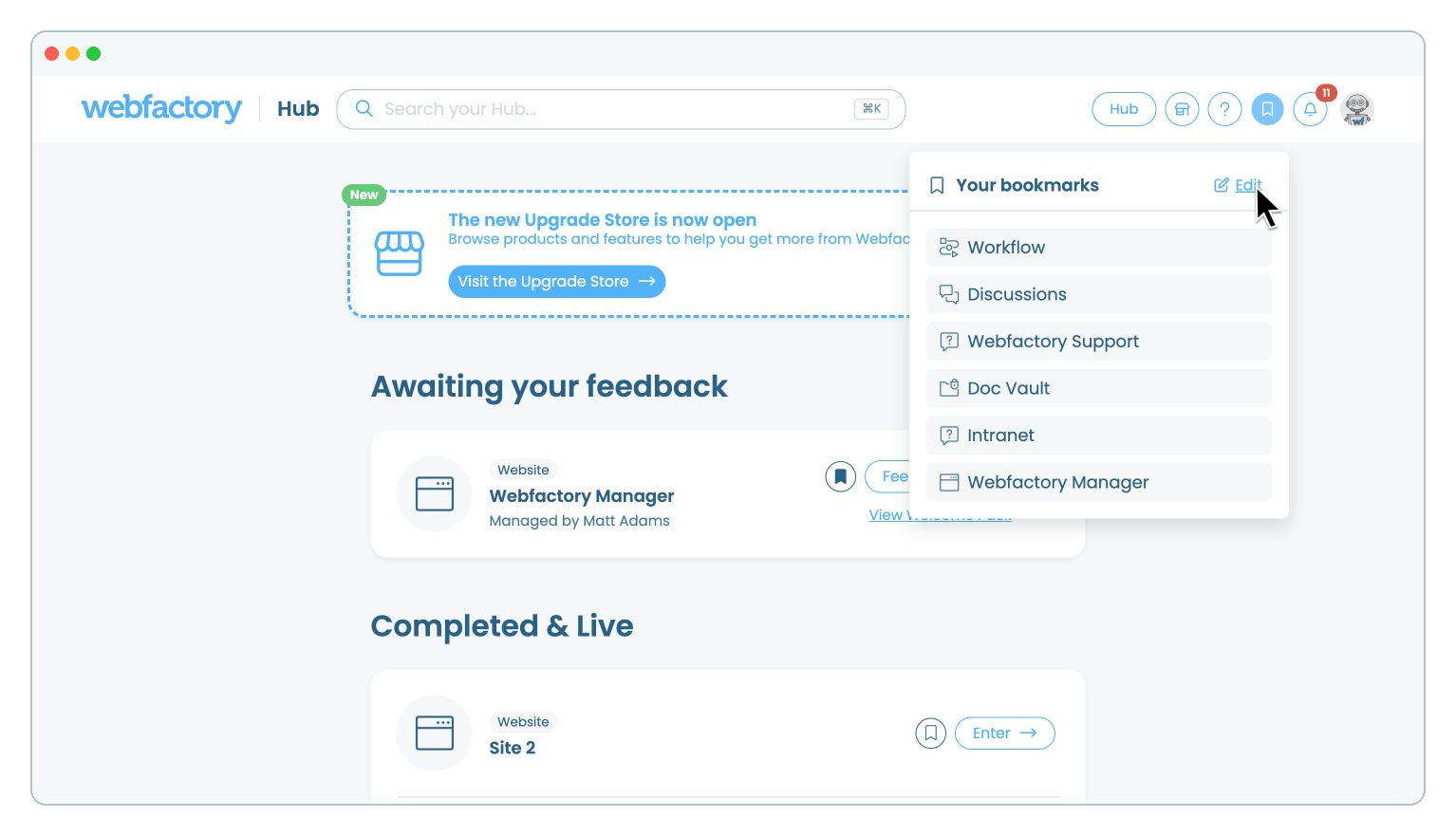
Select the icon in the top-right corner of the Hub, then select 'Edit' in the 'Your bookmarks' menu.
Step 2
Change the bookmark order
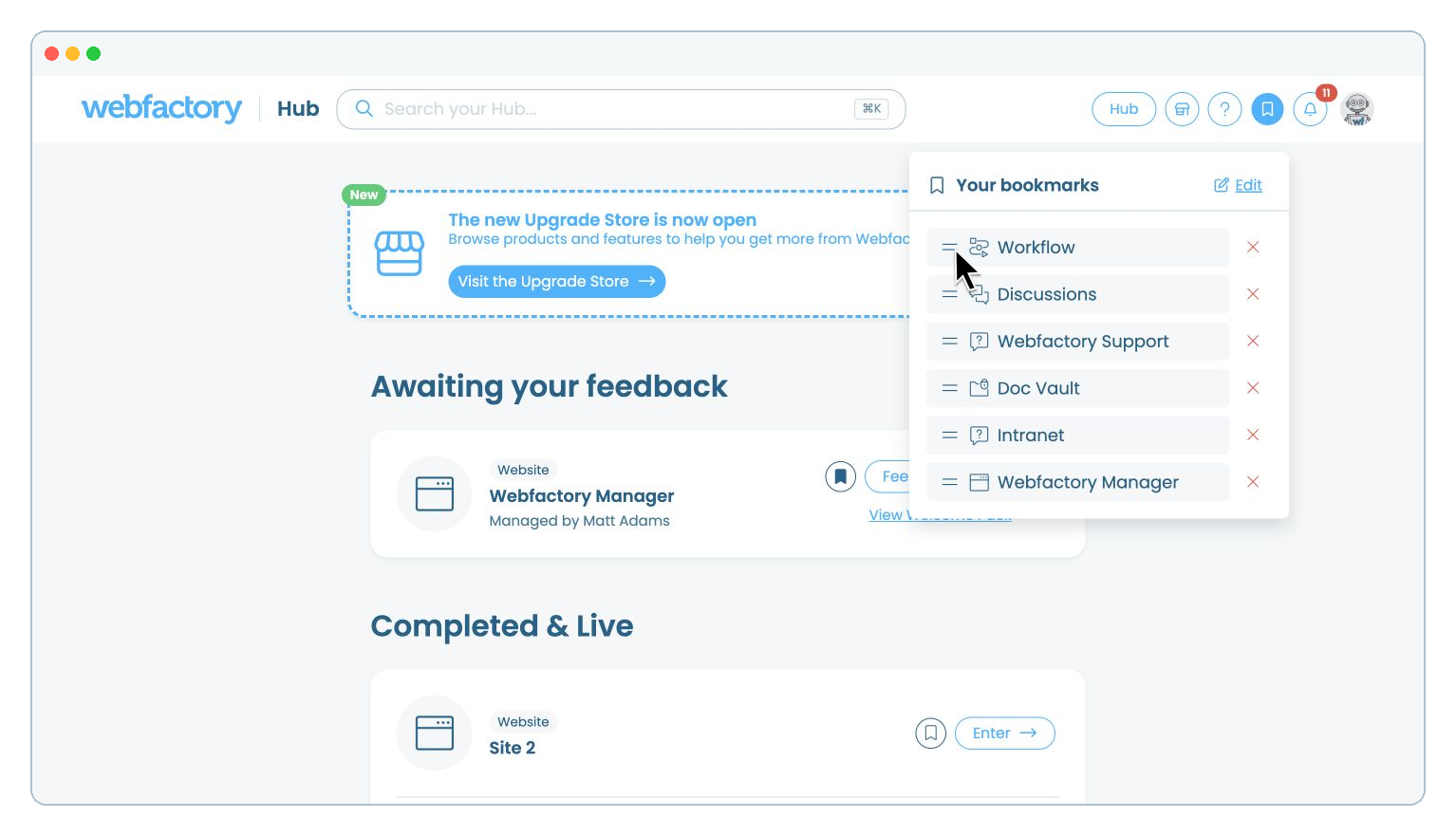
Drag a bookmark by its grip-lines handle and drop it in its new position. The new order is saved automatically.