How to access Webfactory Mail through Webmail
This guide explains how to access your Webfactory Mail account through Webmail.
Webmail offers an easy way to access your email account from any web browser, without the need to set up an email client.
Please note that the specific steps may vary slightly depending on the web browser you're using. If you encounter any difficulties during the process, please contact our support team.
Navigate to the Webmail login page
In your browser's address bar, enter https://webmail.webfactory.co.uk, then press 'Enter' or 'Return' on your keyboard. This will open the Webfactory Mail login page.
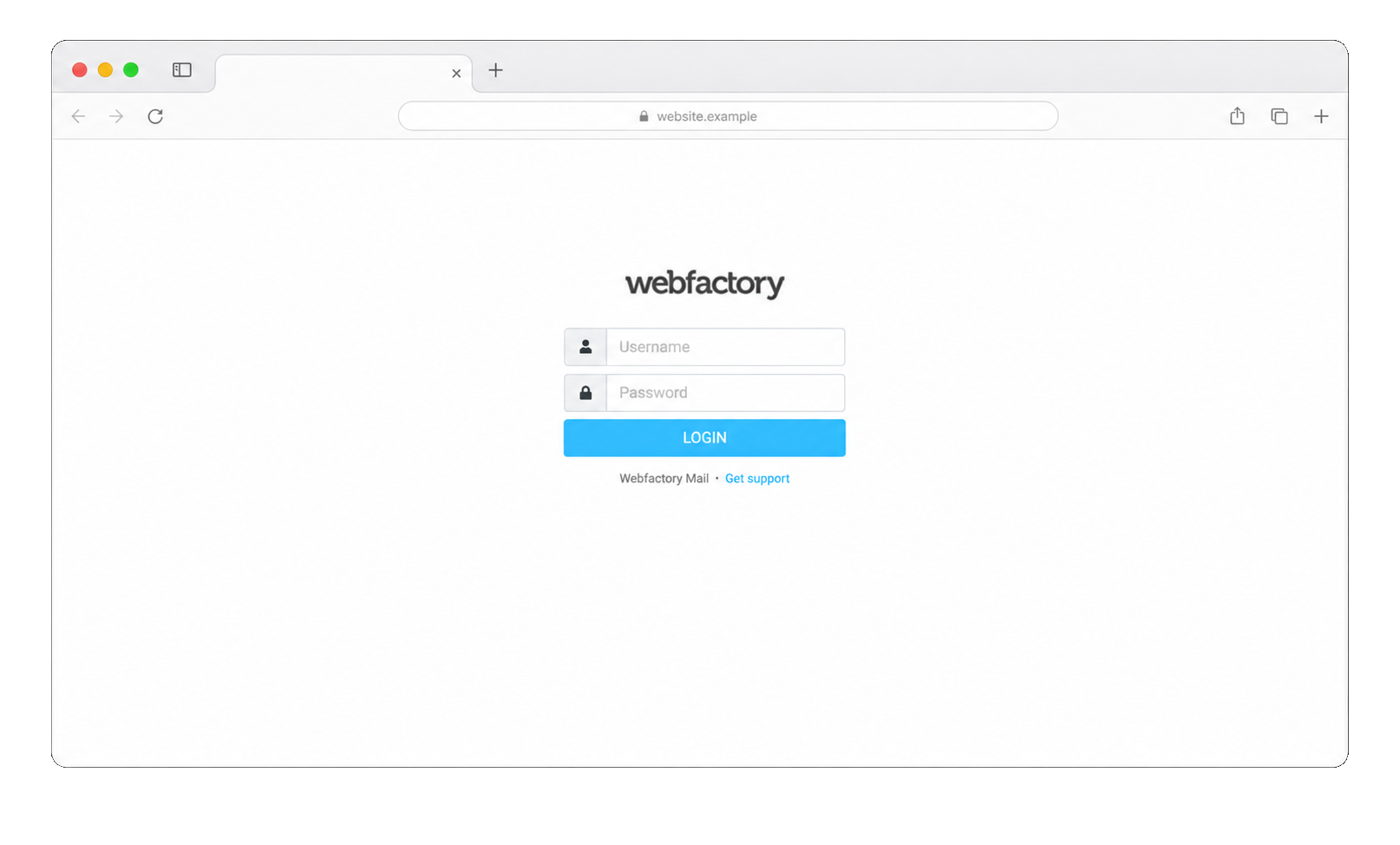
Enter your login information
On the login page, you will see two fields where you need to enter your details:
- Username: enter your full email address. This serves as your username.
- Password: enter the password associated with your email account.
Sign in to your account
- After entering your username and password, click on the 'Login' or 'Sign In' button.
- Once signed in, you will be directed to your inbox where you can view your emails, send new messages, and perform other email-related tasks.
Log out of your account
When you're done checking your email, remember to sign out of your account, especially if you're using a public or shared computer. To do this, locate and click on the 'Logout' button, typically found in the top-right corner of the Webmail interface.
With these simple steps, you can easily access your Webfactory Mail account from any browser.
Remember to always keep your password secure and confidential. Regularly changing it is also recommended for security reasons.